

Import what you already send
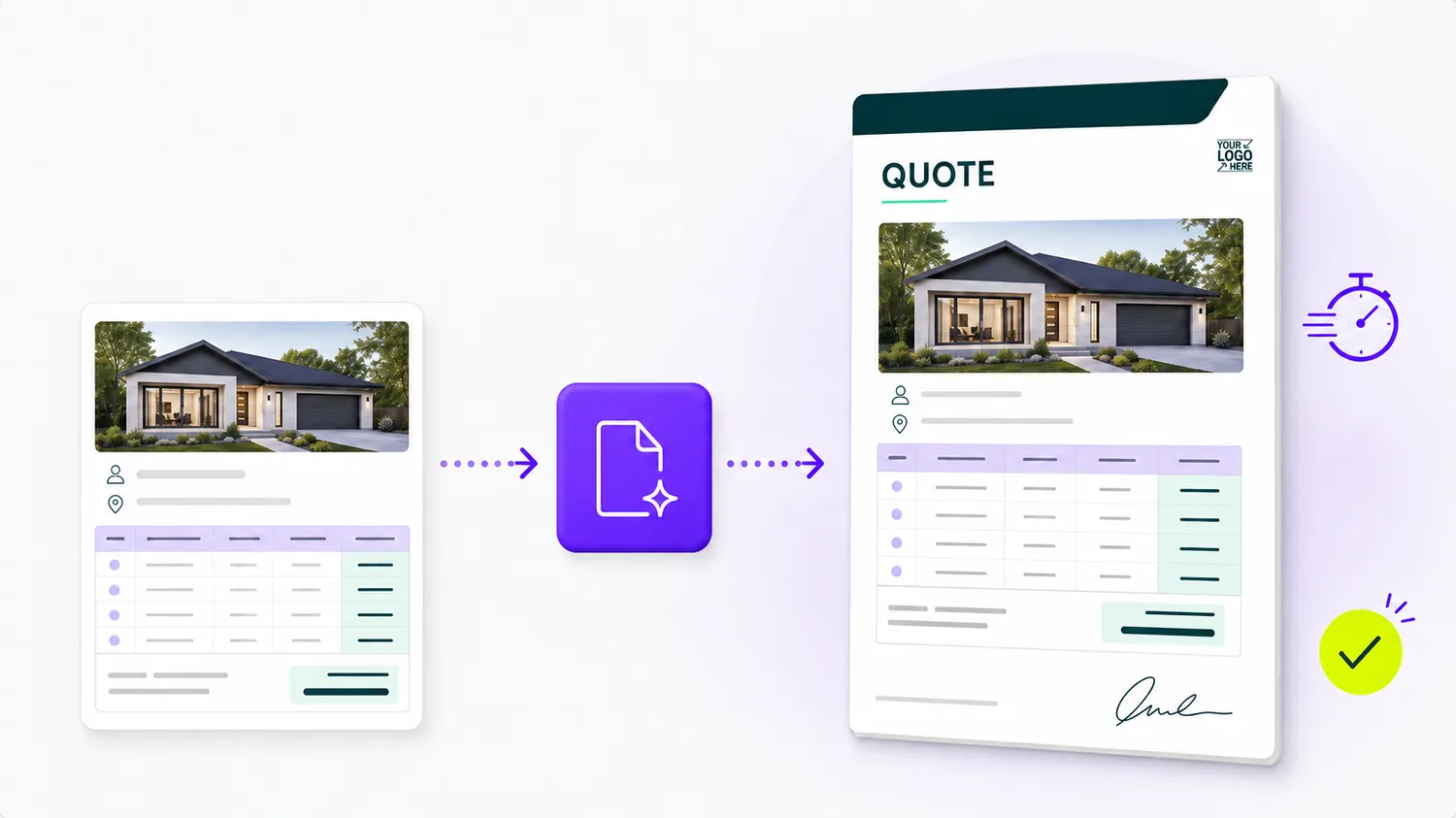
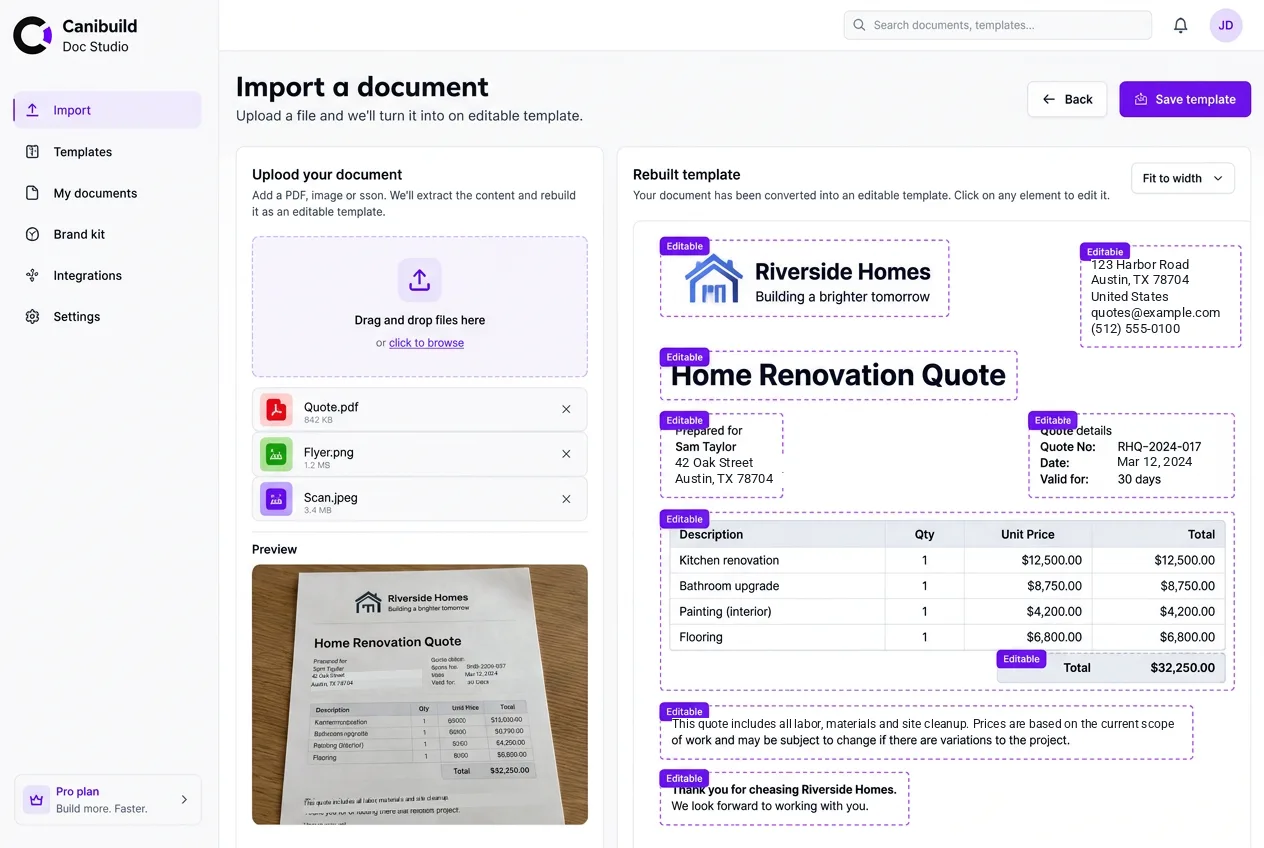
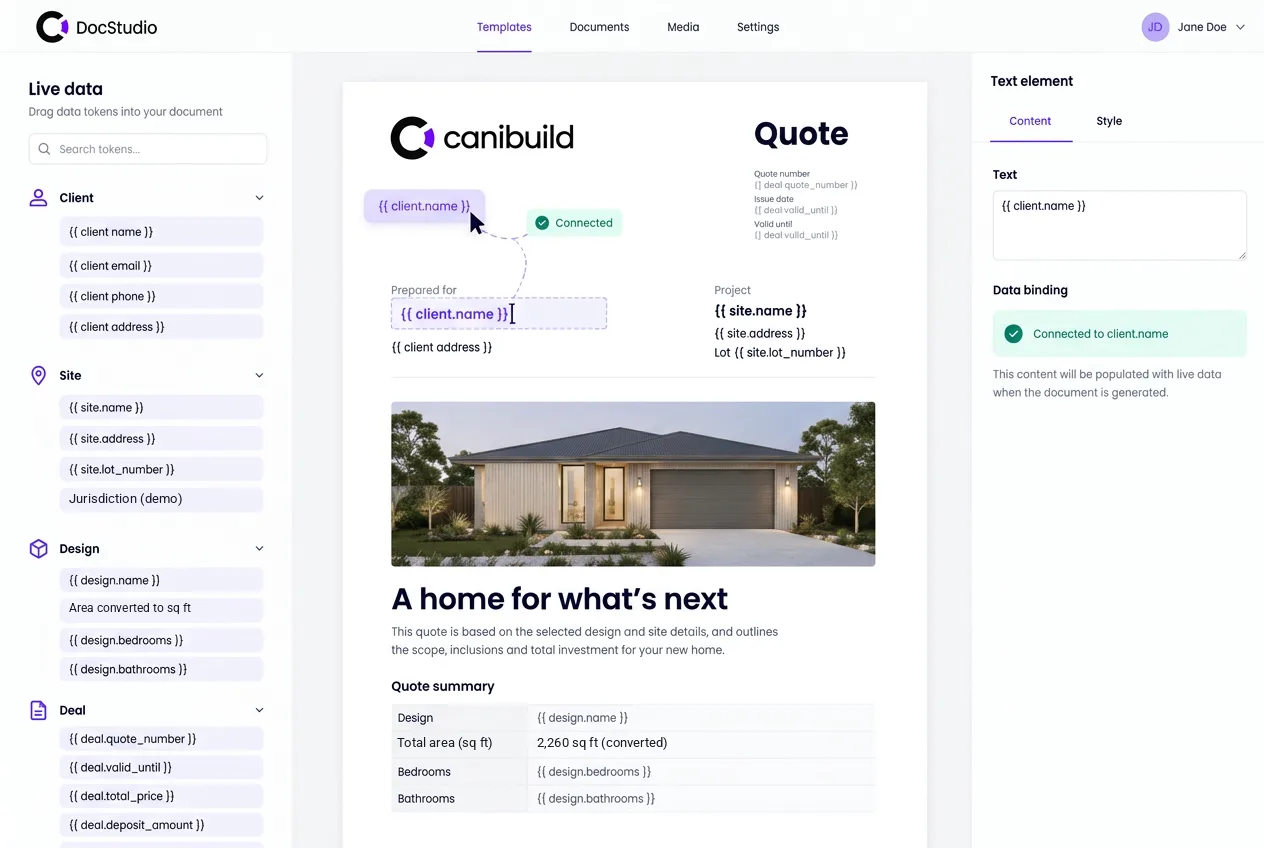
Drop a PDF into the chat and it's rebuilt as an editable template.
New · DocStudio
Build reusable branded templates once, then let DocStudio generate accurate, client-ready documents from live project data instantly.
5 Million+ Site Assessments Completed across the US, AU, NZ, and CA































Why DocStudio
Your brand already lives in last year's flyer and the brochure your designer made. Bring it in, or describe what you need. Both land in the same editor, with live project fields and an assistant ready for the next change.
Drop a PDF into the chat and it's rebuilt as an editable template.
Names, prices and addresses are suggested as live fields. You confirm what links.
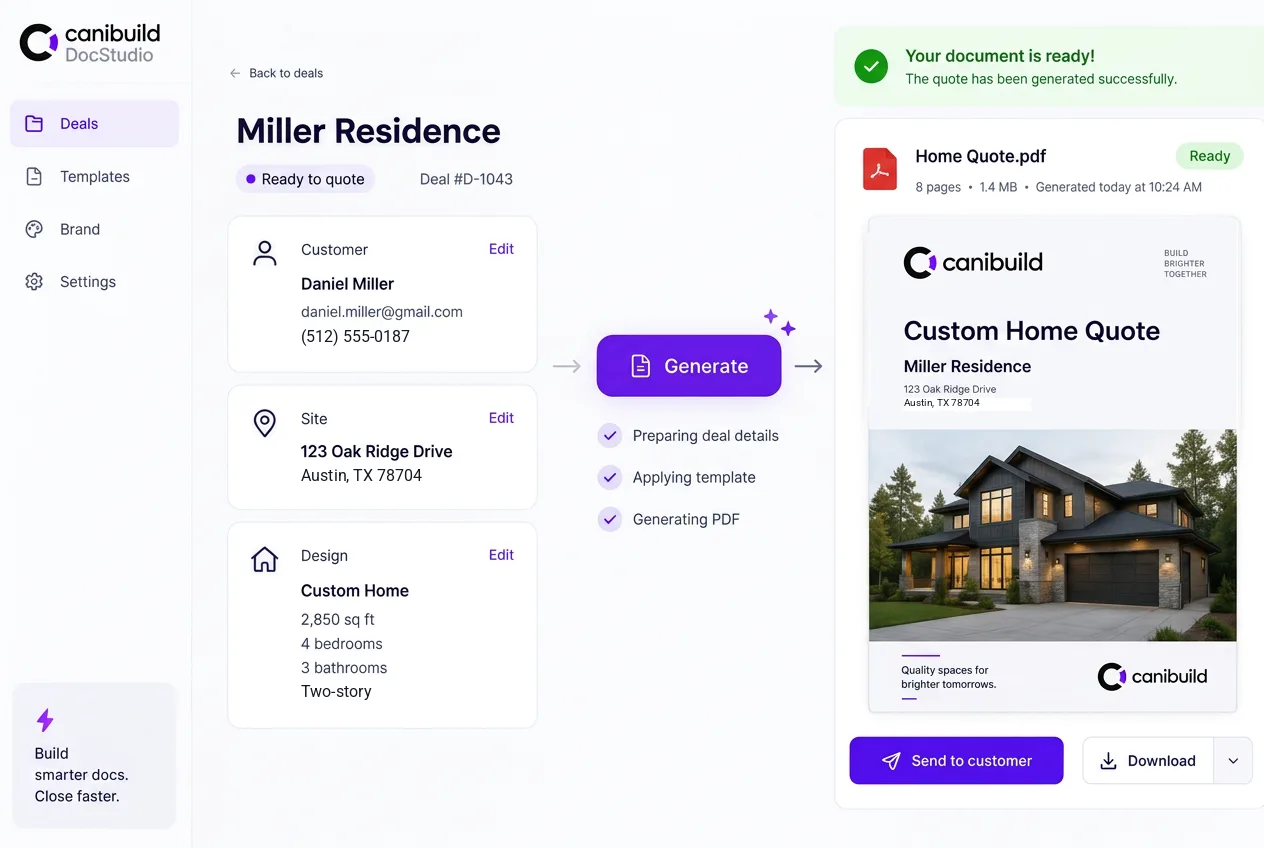
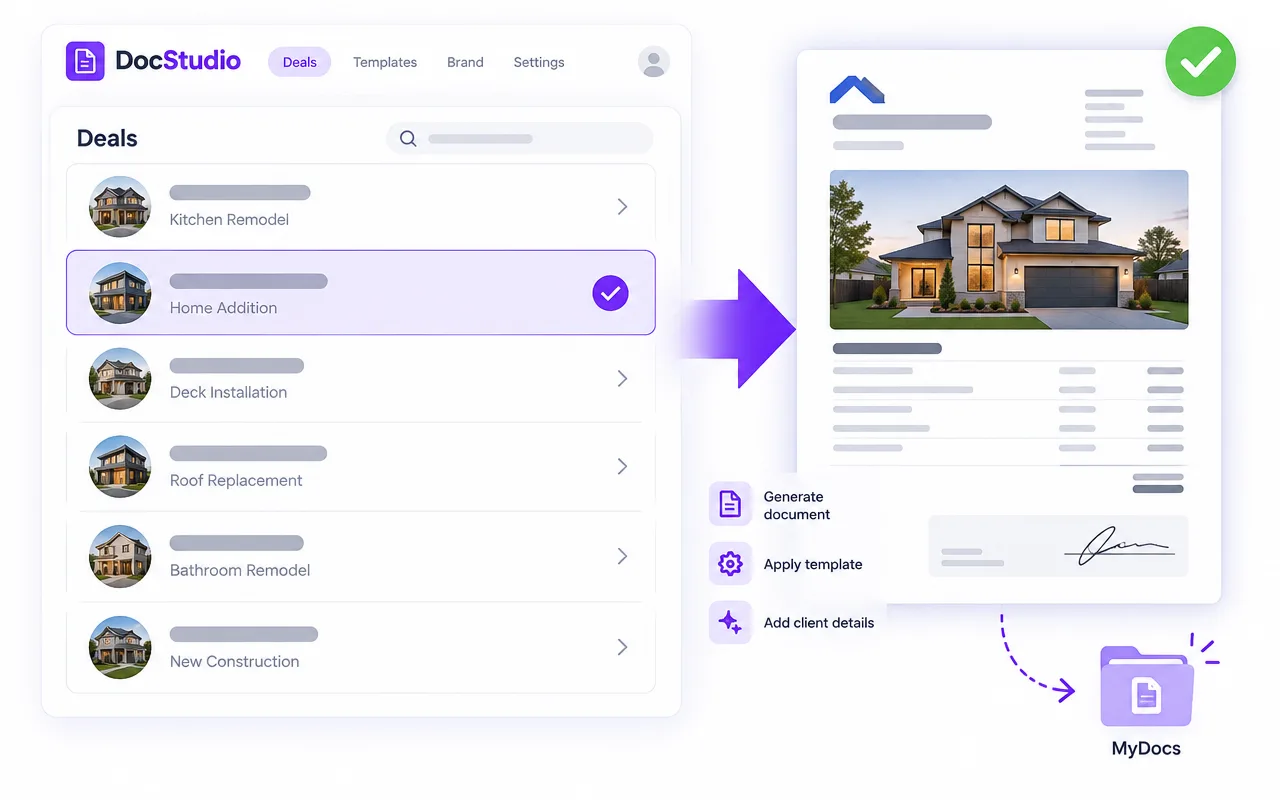
Pick a project and get a branded PDF in seconds.
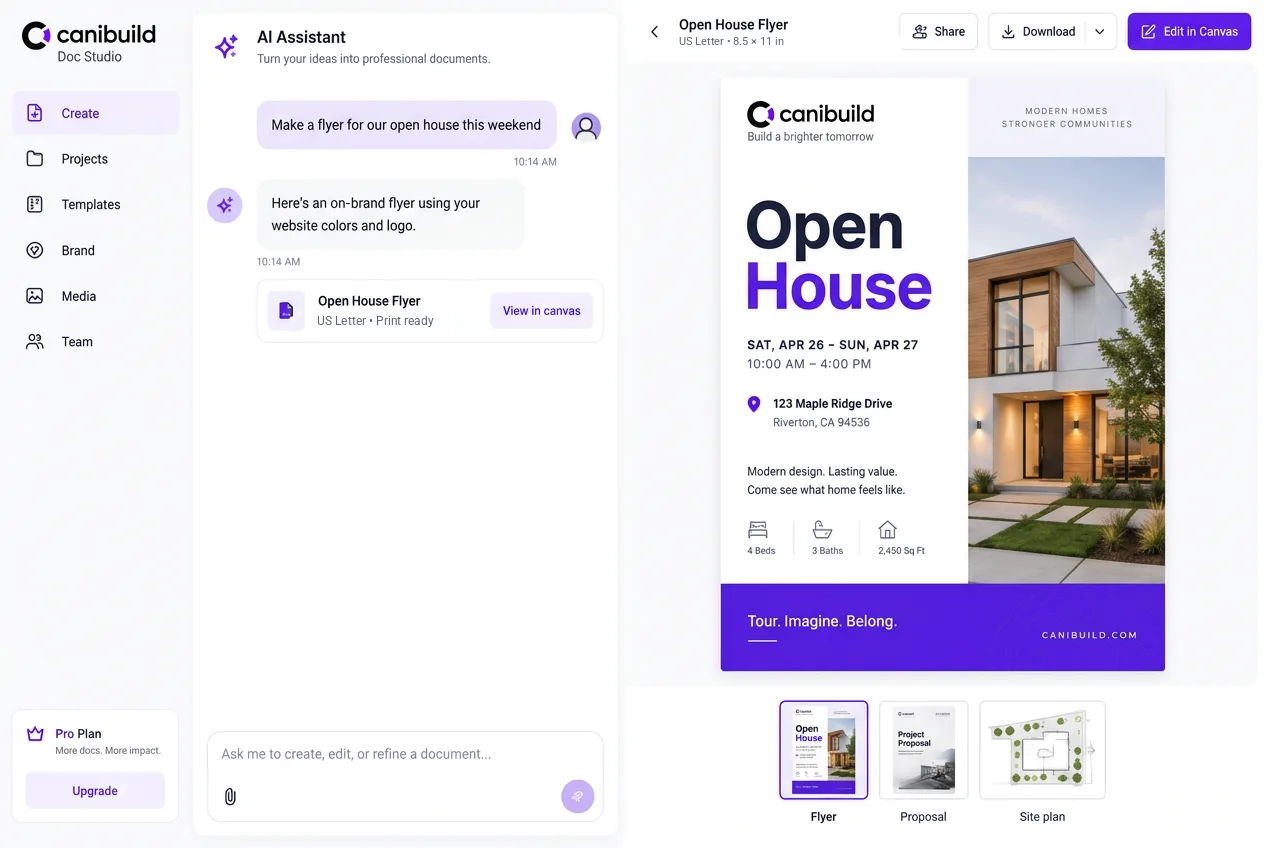
Type or say what you want and the assistant designs it.
How it works
Drop the quote or brochure you already send into the chat, or tell the assistant what you want. Paste your website address and it designs with your logo, colours and fonts.
PDF in chat · PDF, PNG, JPEG or scan via Import
Up to 20 pages in one go
Live fields fill in on every quote
Preview against a real project, generate a polished PDF in one click, and change anything by asking the assistant. Totals always come from the quote itself, never the template.
Type it or say it
Quote, Proposal, Flyer, Brochure, Site plan, Report
Two experiences
One template for the whole team. Every publish goes through you.
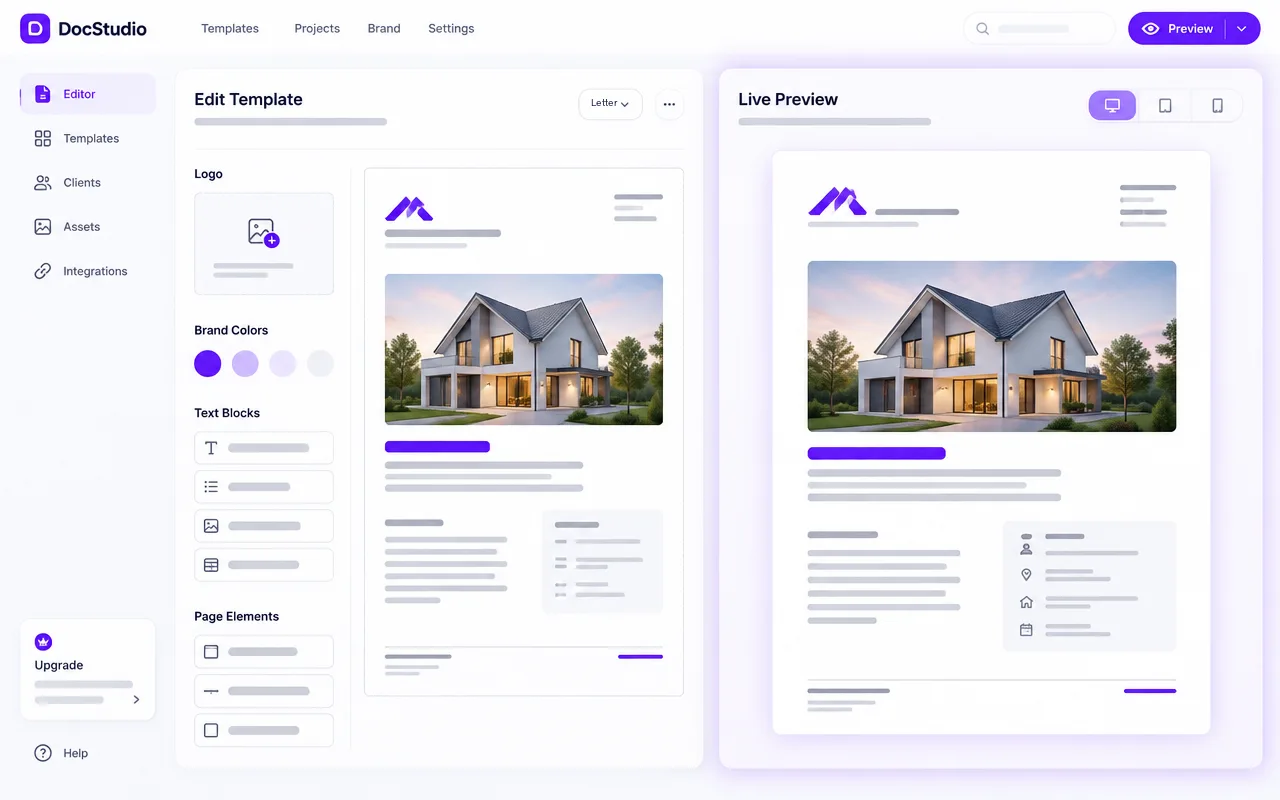
One click from any project. Your own templates, no waiting.
Chat assistant
Type, speak or drop in a PDF. The assistant picks up your brand, makes the change,
and checks the page. You keep it or undo it.
Typed or spoken, in plain English.
Every change is listed. Click one to jump to it on the page.
It renders the affected pages, looks for overlaps and overflow, and fixes them.
Keep it, or undo the whole turn in one click.
Features
Drop in a PDF. Your brand comes with it.
Quotes, flyers, proposals and more, designed from a sentence.
Paste your URL. Logo, colours and fonts carry through.
Client, site, price and more, filled in from the project.
Put the planning assessment inside the proposal.
Rules show or hide content by building type, team or storeys.
Common Questions
DocStudio is Canibuild's document builder. You design branded templates once, and DocStudio fills them with live client, site and design data to produce client-ready PDFs, like quotes and flyers, in about 60 seconds.
You can create client-ready PDFs such as flyers and quotes today, and site plans through the Site Plan integration. Support is expanding to compliance reports and more document types, so your whole sales pack can come from one place.
No. DocStudio is self-service. Admins create and edit templates with your logo, colours, messaging and layout, with no engineering support needed. Once a template is saved, anyone on your team can use it.
Templates are connected to live data from each project, including client details, site and parcel information, setbacks and the selected design. When you generate a document, DocStudio pulls the latest data, so nothing is retyped and every figure matches the project.
Every document is built from the same approved template. Your logos, colours, fonts and messaging stay consistent no matter who on the team generates the document. That means no outdated versions and no off-brand quotes reaching clients.
Every generated document is saved automatically to MyDocs. You can find, re-download or resend it at any time, and the same templates work across every project and team member.