This article will show you how to easily update all of your billing information. This includes your name, email, company names & mailing address.
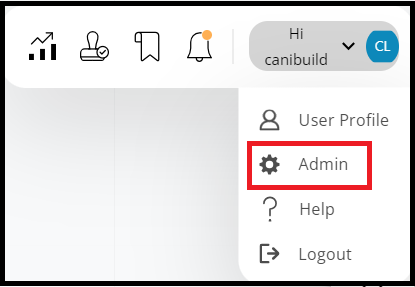
- To access the Admin section Click on your name on the top right of the screen.
- Select Admin from the options.
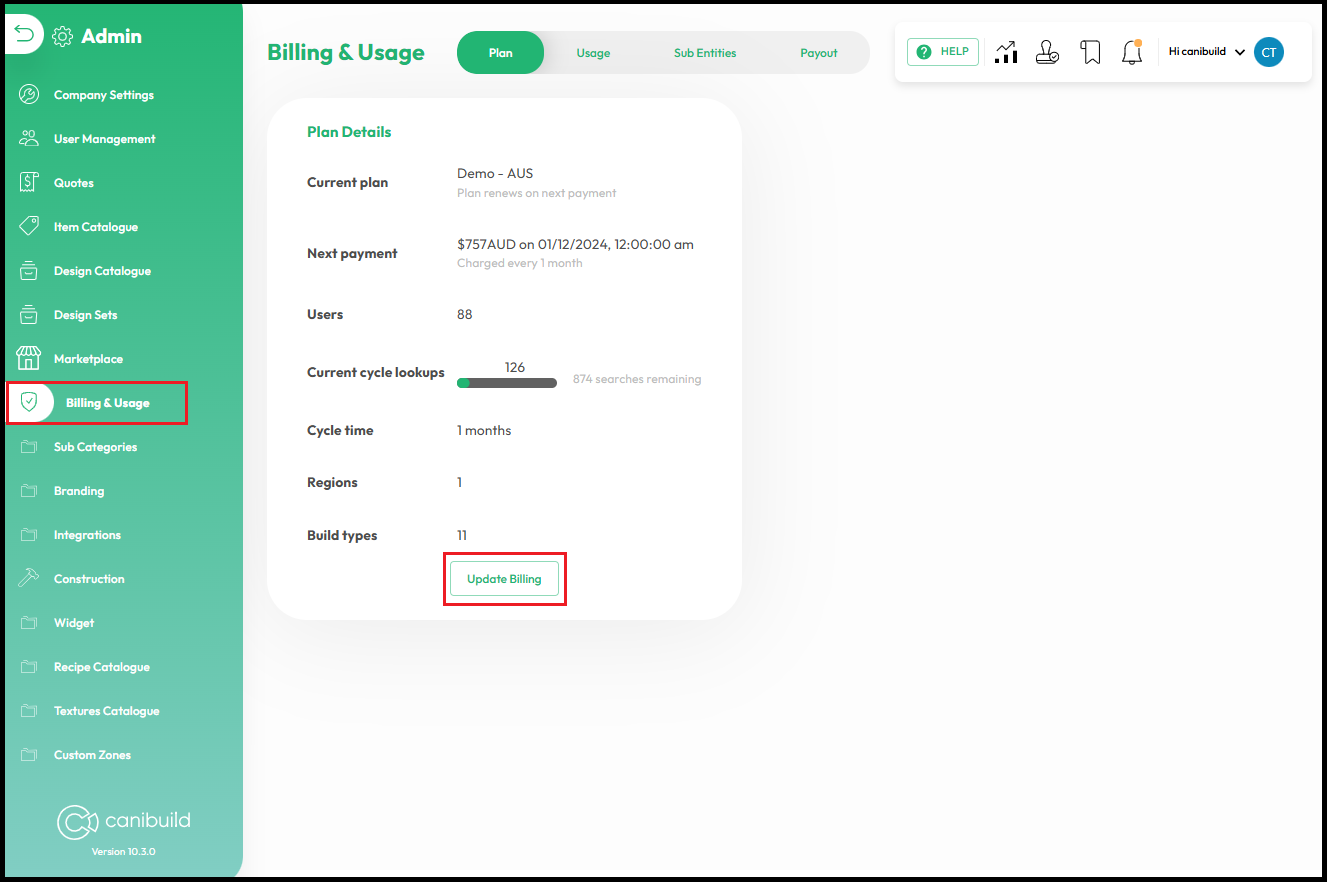
- Click Billing & Usage.
- Select Update Billing.
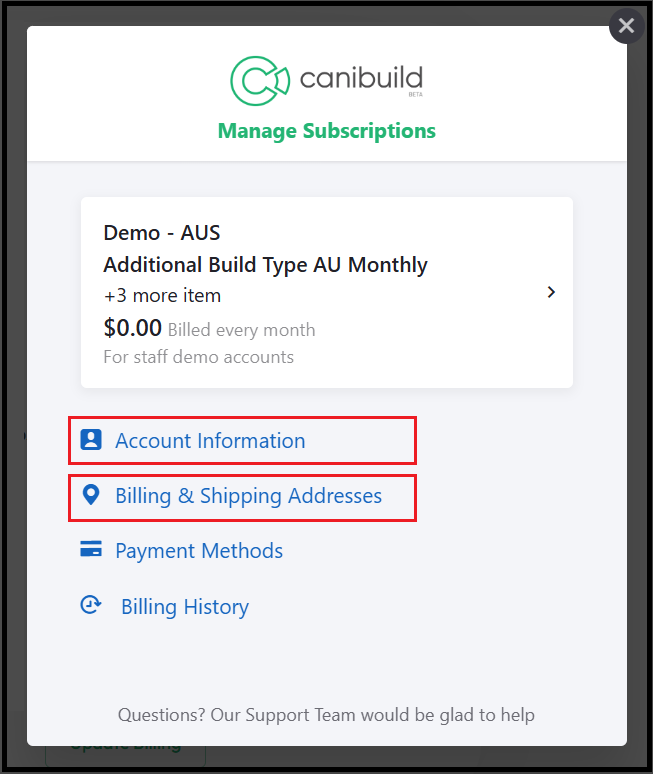
- Select Account Information.
OR
- Select Billing & Shipping Addresses.
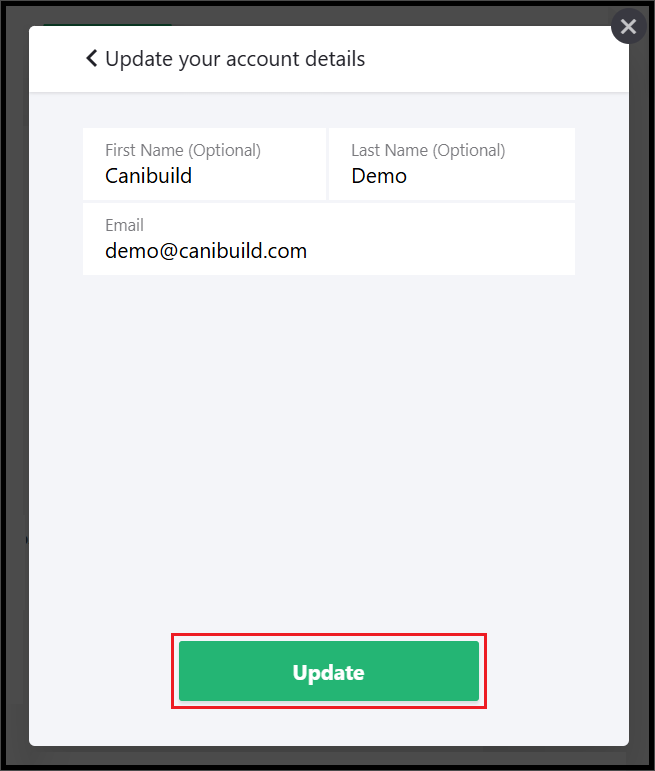
- Update Account Information.
- Click Update.
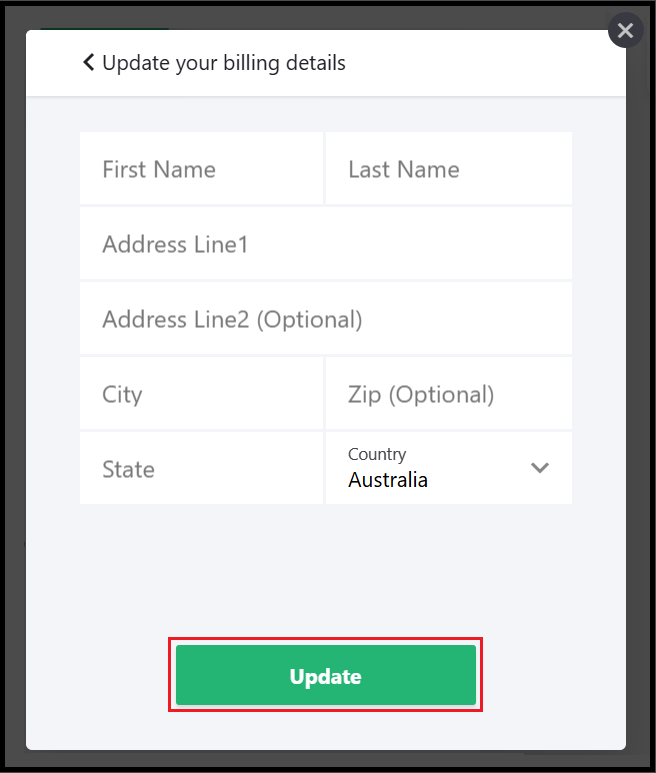
- Update Billing Details.
- Click Update.