
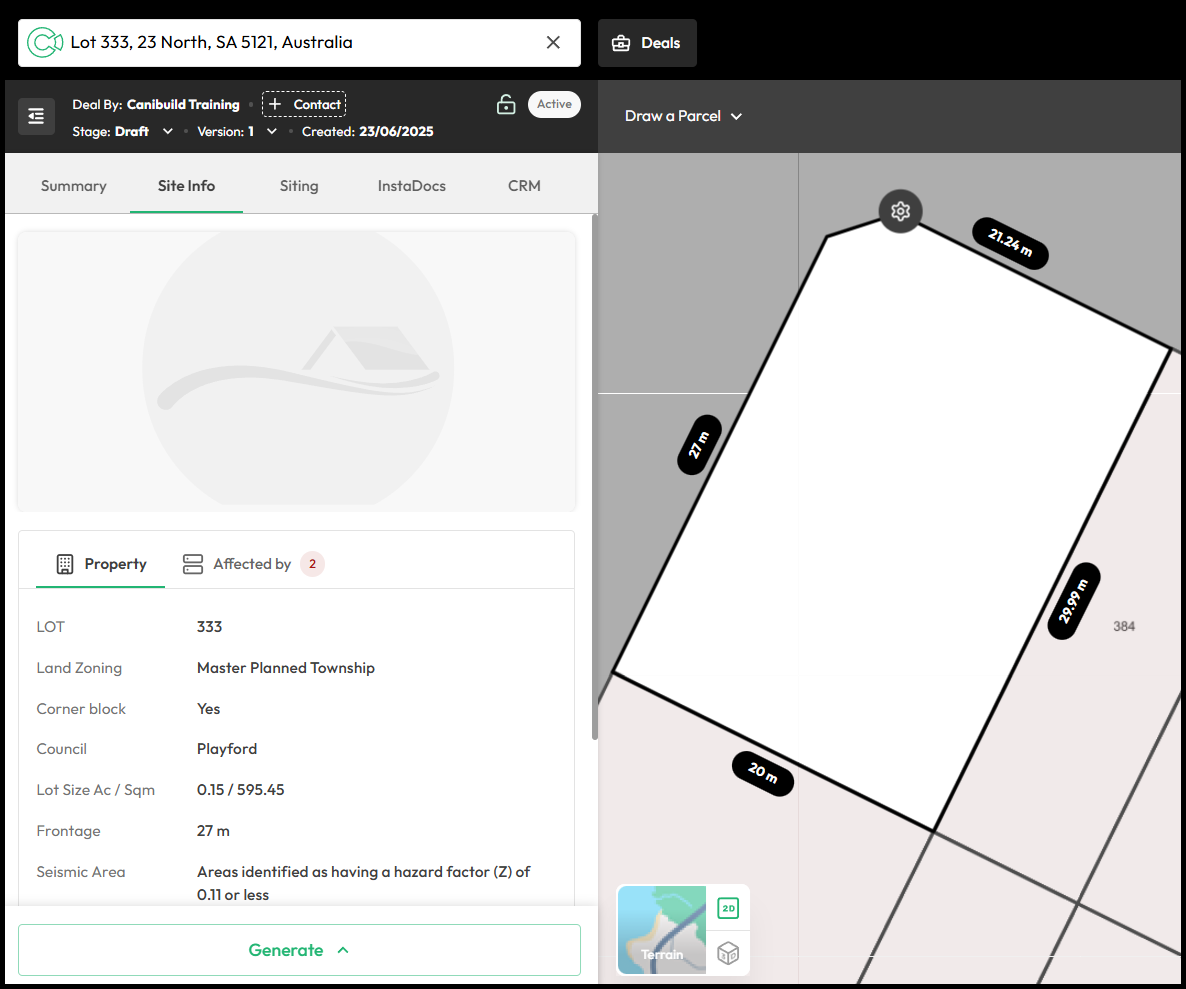
- Search the property that needs the address edited.
-
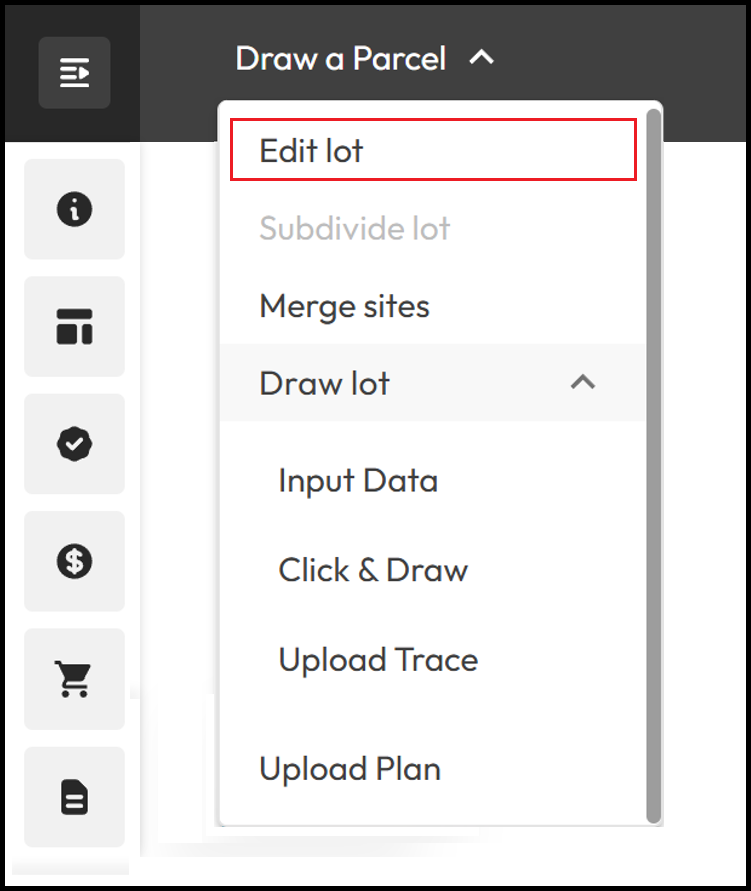
Click Draw a Parcel.
-
Select Edit Lot.
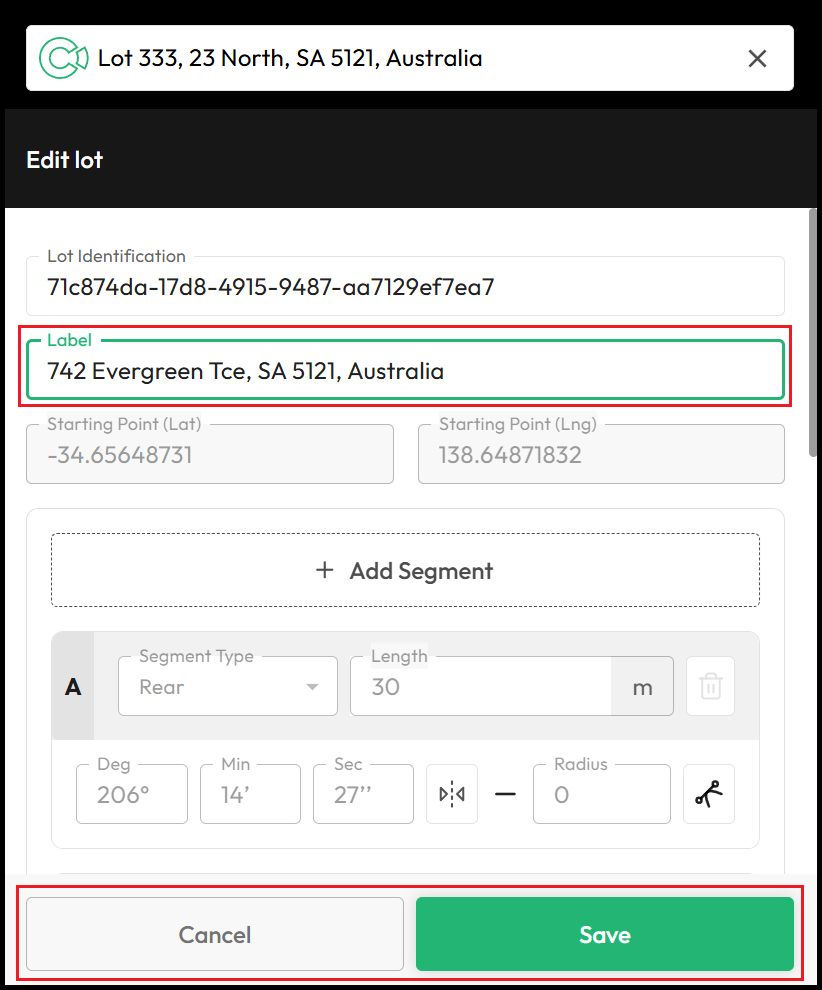
- Edit the Address Label.
- Click Save to confirm the changes.
- Click Cancel to reset.
This article will guide you through the steps to update the property address if it does not match the information listed on official documents.
Click Draw a Parcel.
Select Edit Lot.
Was this article helpful?
Our support team replies within one business day. Chat with us using the bubble in the corner, or send a ticket.