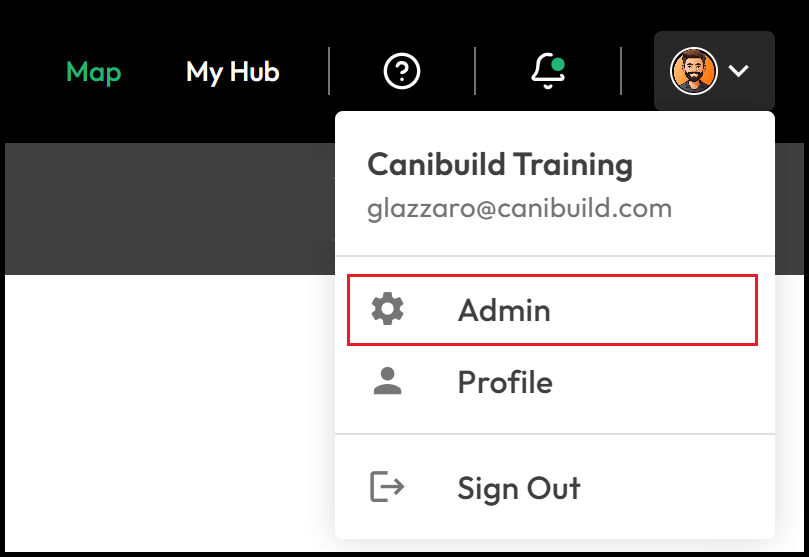
- To access the Admin section Click on your initials on the top right corner of the screen.
- Select Admin from the dropdown menu.
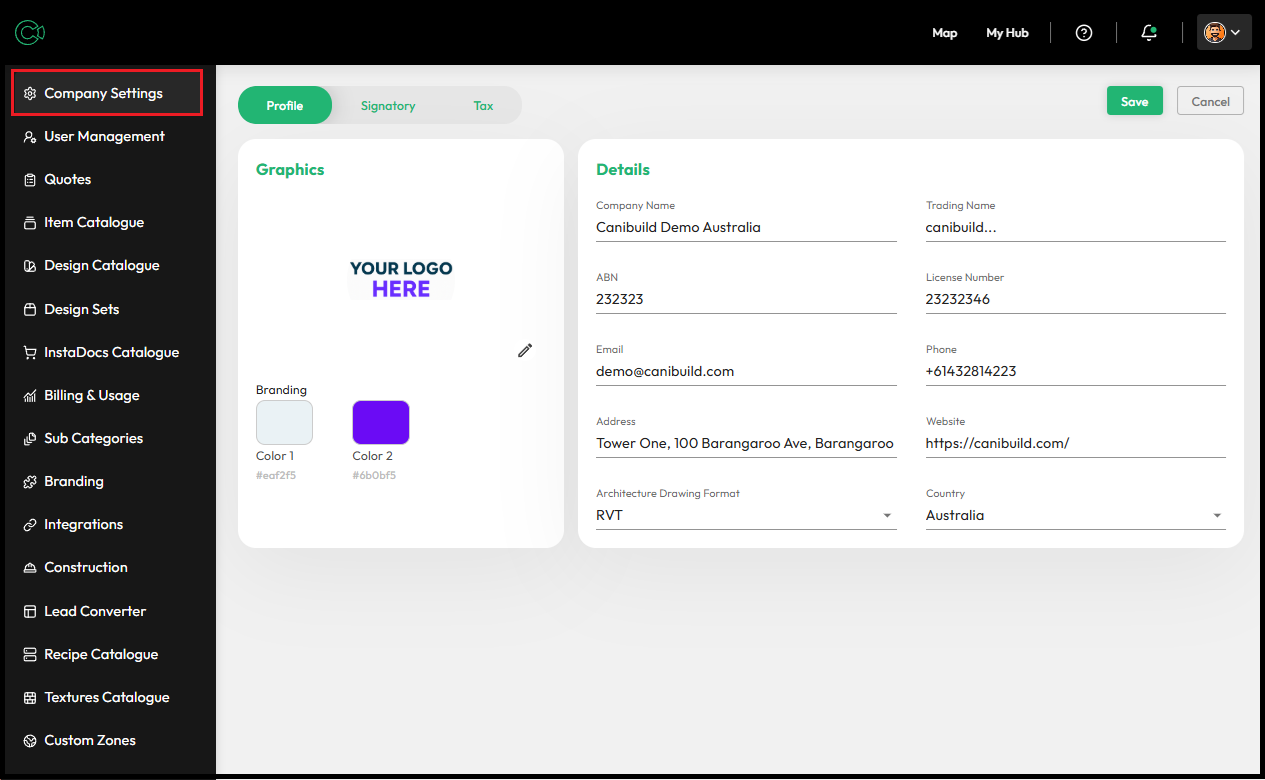
- Click Company Settings.
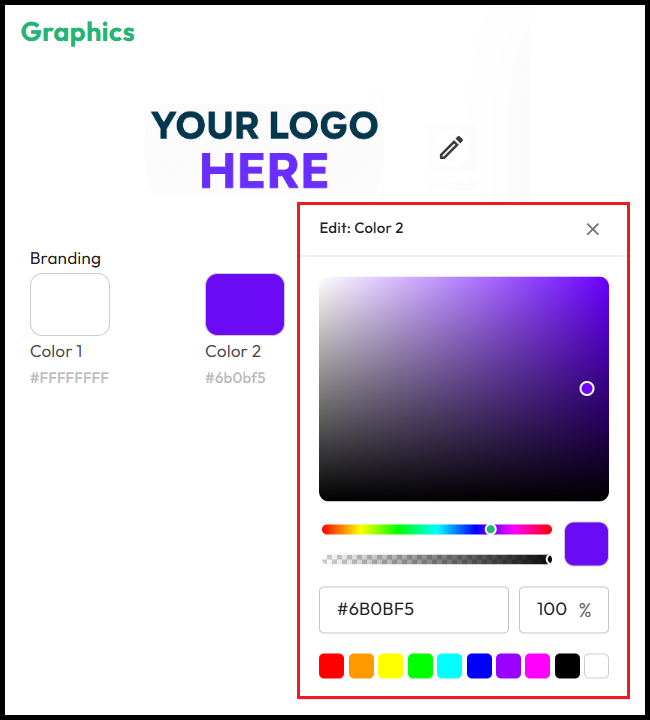
- Click on the Pencil icon in the Graphics panel to add a logo.
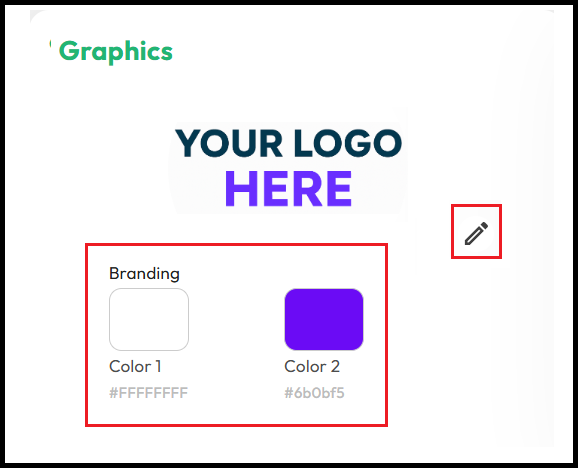
- Click on the box above Color 1 or Color 2 to customise your branding colours.
- Enter a Hexidecimal colour code.
- Select a colour from the colour bar then pick a shade from the above square.
- Select from one of the preset options that is the closest match.
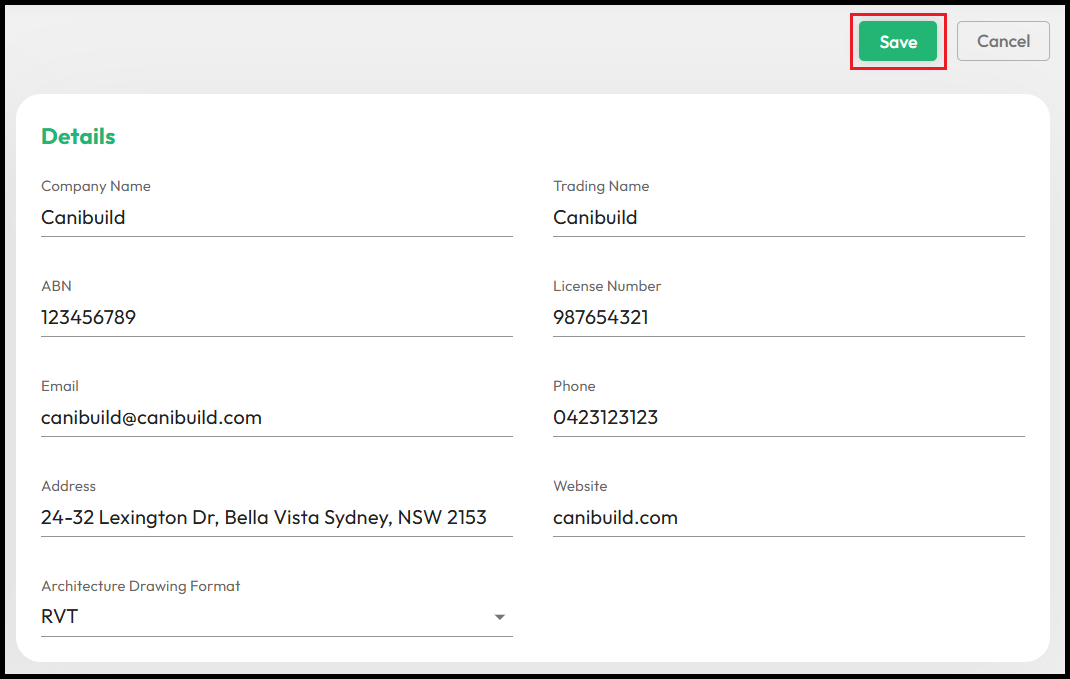
- Click inside any text box to update your company name, business number, licence number, or contact details.
- Click the Green Save button at the top right to save your changes.