Help Center

How to Access Billing History & Invoices

This article will show you how to easily access all of your billing history from canibuild. This includes all monthly subscription invoices as well as any documents ordered from Marketplace.

FAQs & TroubleshootingUpdated 17 February 20261 min read
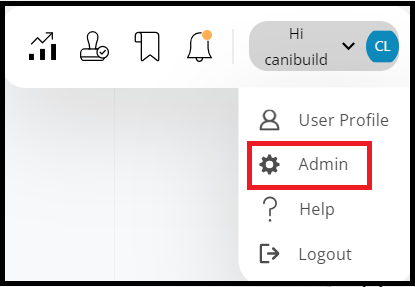
  • To access the Admin section Click on your name on the top right of the screen.
  • Select Admin from the options. 

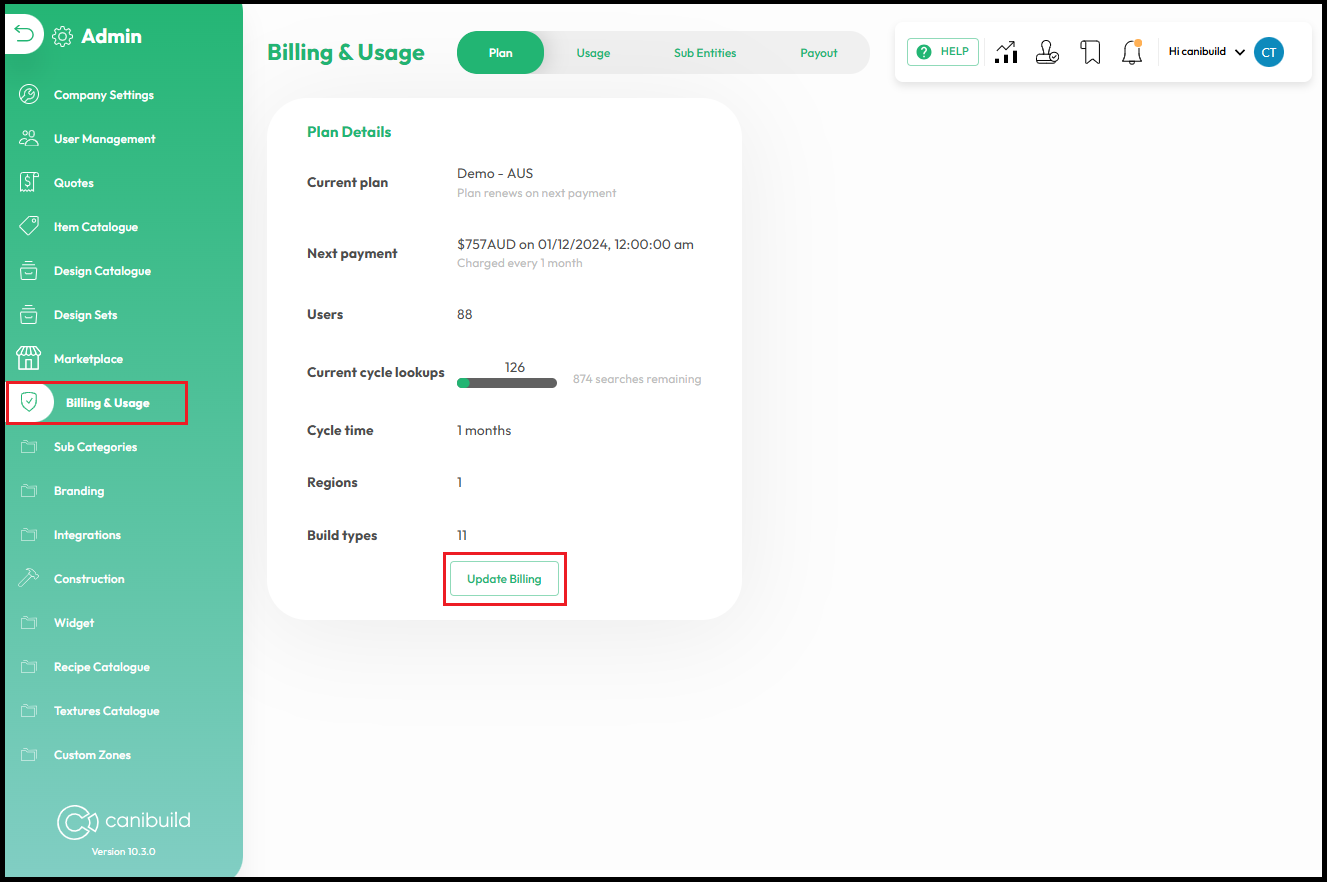
  • Click Billing & Usage.
  • Select Update Billing.

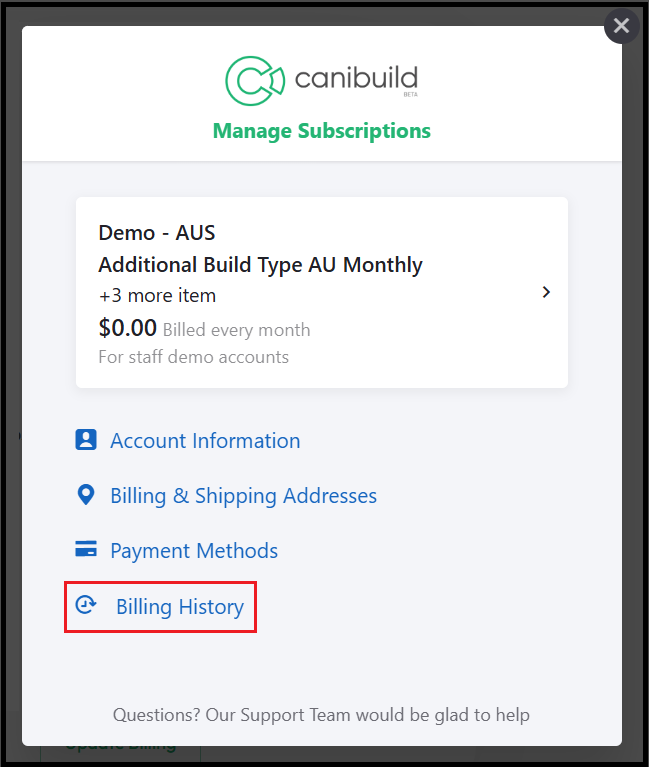
  • Select Billing History.

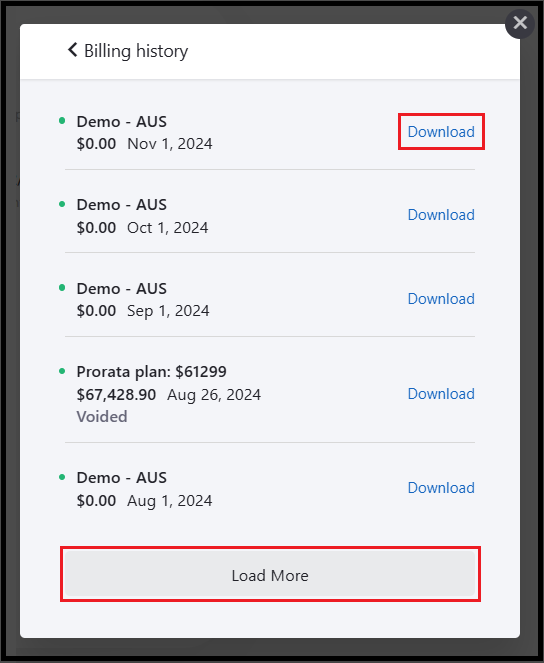
  • Select Load More to view the full billing history**.**
  • Click Download to view an Invoice**.**
Still need help?

Our support team replies within one business day. Chat with us using the bubble in the corner, or send a ticket.