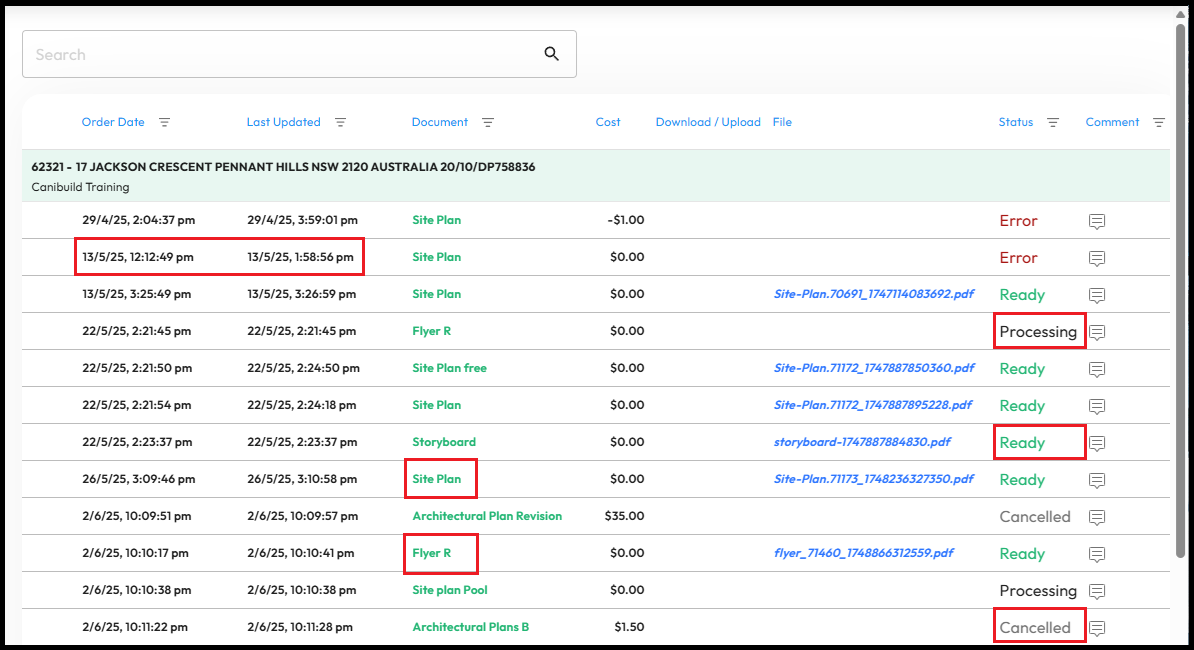
This article will show you how to navigate MyHub to access all orders from InstaDocs as well as all Site Plans, Flyers, Proposals & Storyboards.
Accessing MyHub
- Click MyHub at the top right of the screen.

-
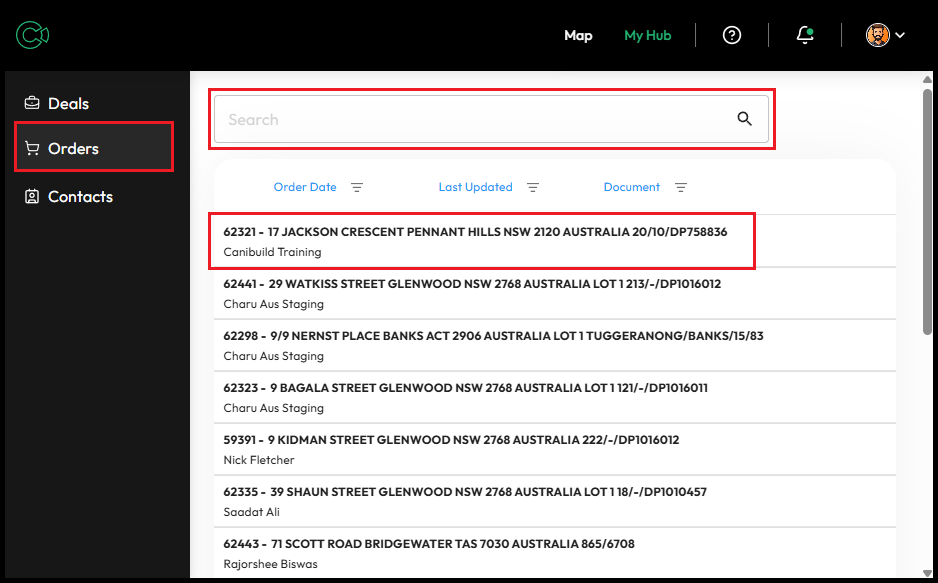
Click the Orders tab on the left.
-
Search for an address.
-
Click the address to view its associated documents.
-
Click the blue link next to a document to download it.
-
All documents remain stored under their respective address.
-
Check the status, price, and date of each document.