
Help Center

How to Rotate a Design

This article provides a step-by-step guide on how to access & use the rotate function to adjust your design on the site.

FAQs & TroubleshootingUpdated 17 February 20261 min read

This article provides a step-by-step guide on how to access & use the rotate function to adjust your design on the site.

  • Left click on a design to access the Rotate icon.
  • Click Snap to square the design to the boundary.
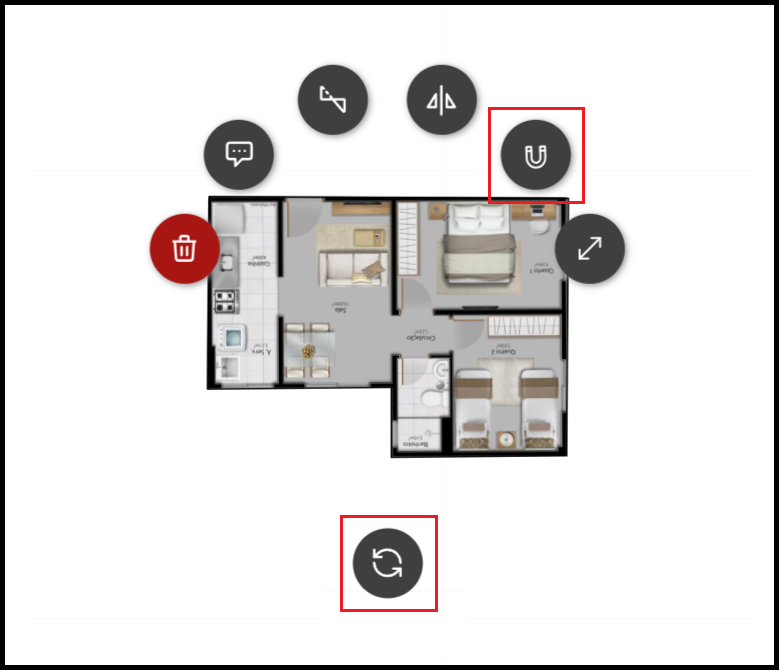
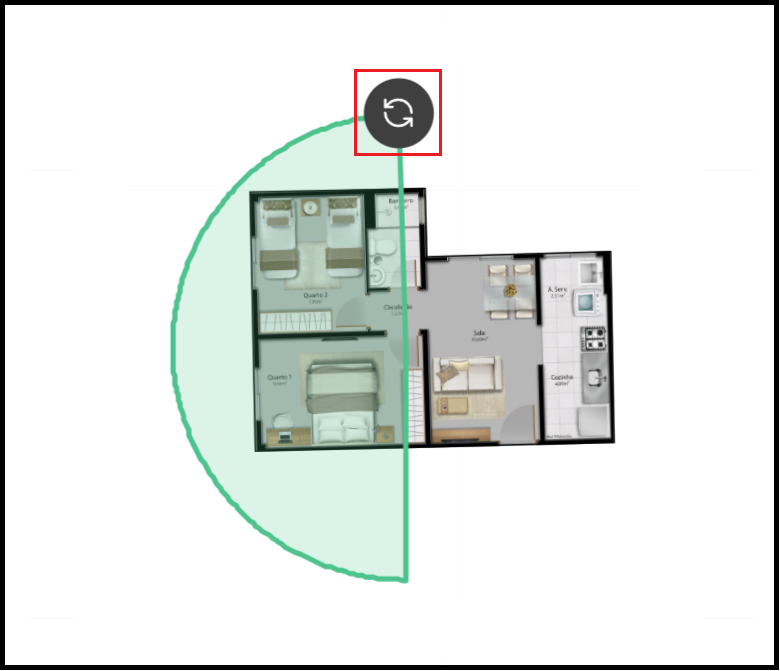
  • Left click & hold on the Rotate button.
  • Move your mouse to adjust the rotation.
Still need help?

Our support team replies within one business day. Chat with us using the bubble in the corner, or send a ticket.