
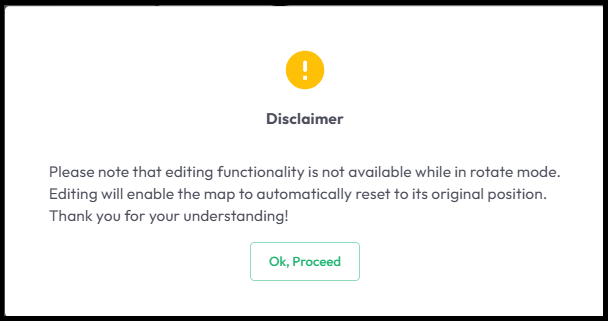
- Click Rotate Map.
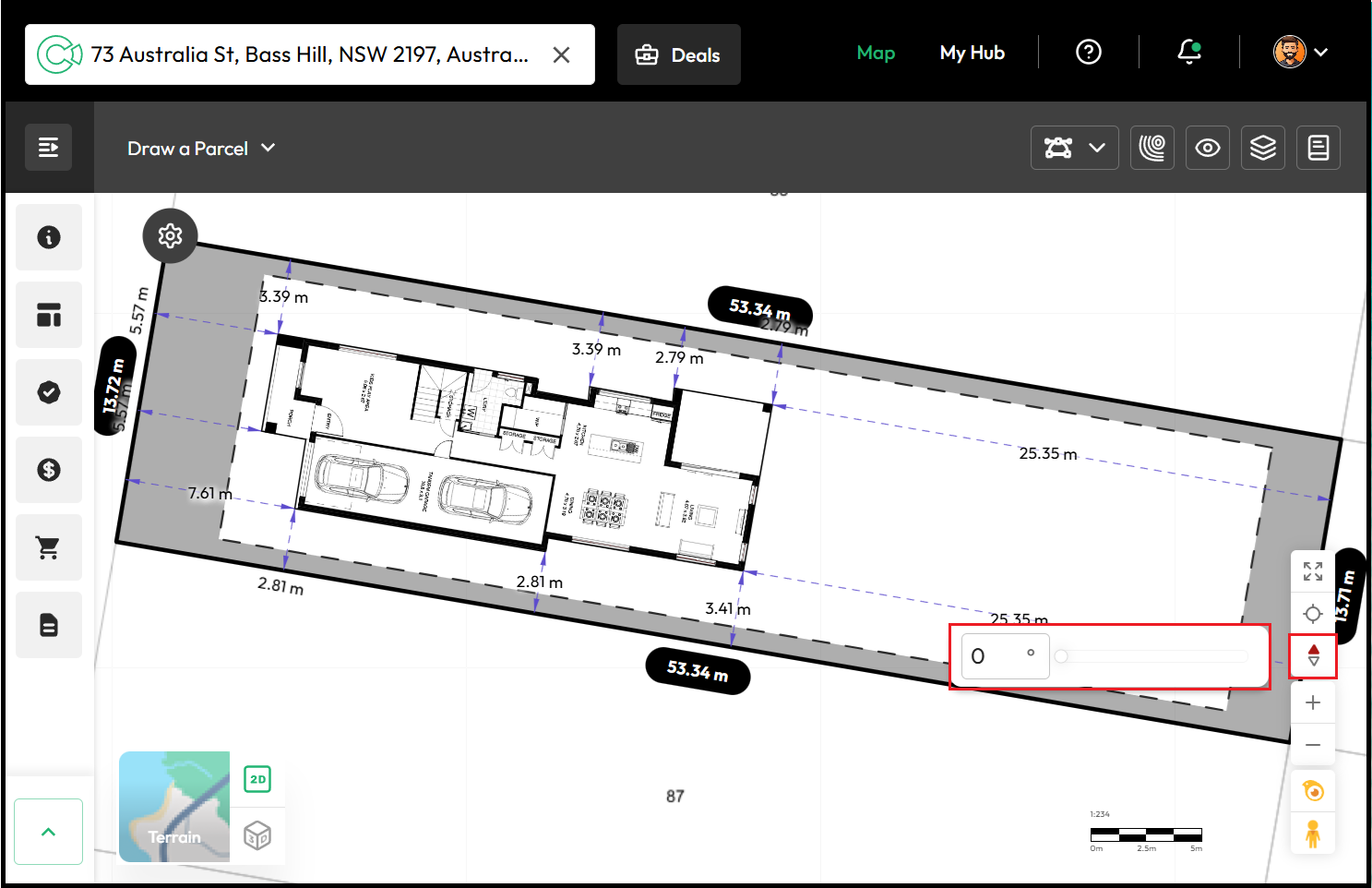
-
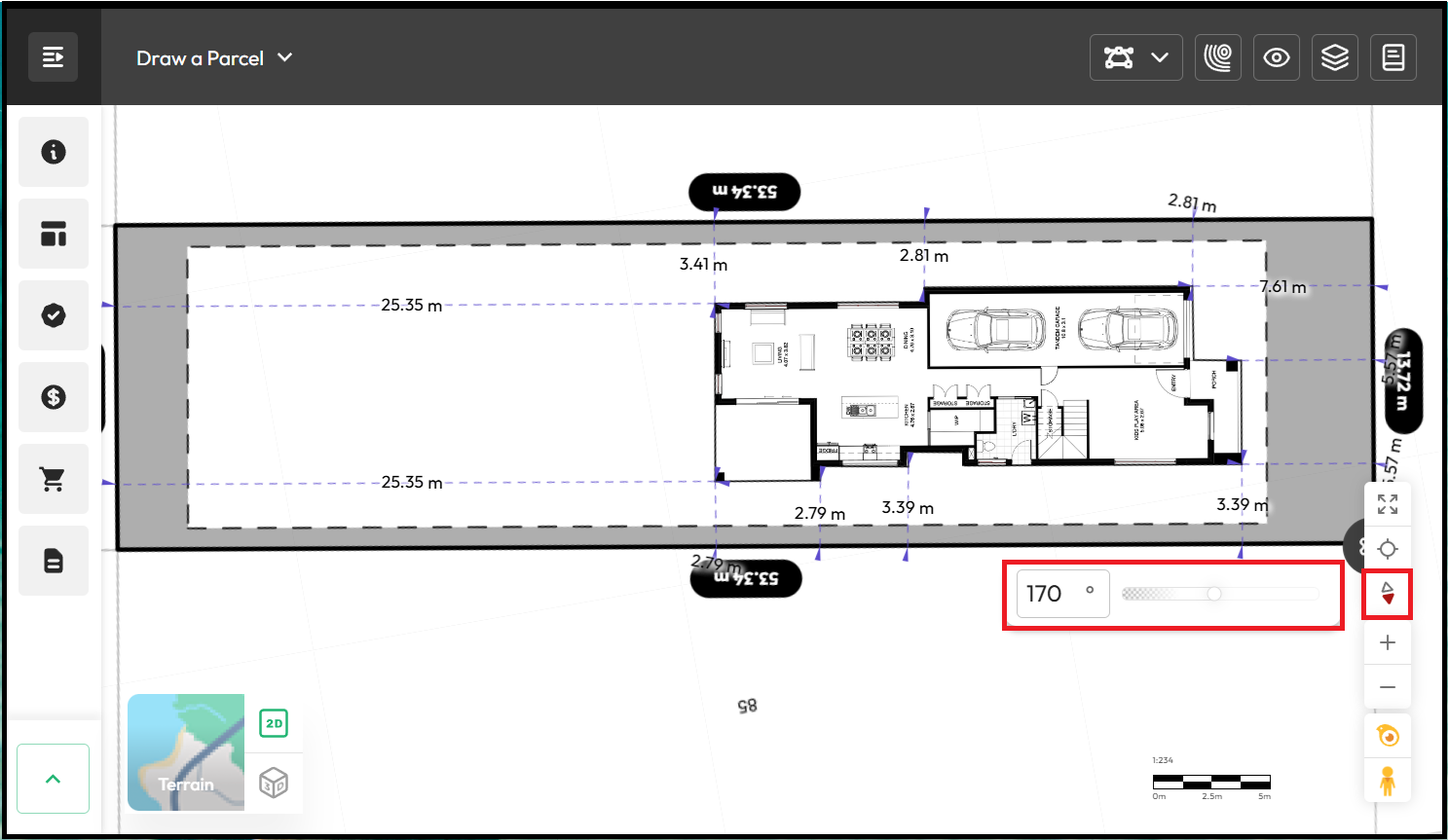
Drag the Sidebar to rotate.
-
Enter a specific Degree of rotation.
This article provides a step-by-step guide on how to use the Rotate Map function to adjust the parcel’s orientation for the site plan.
Drag the Sidebar to rotate.
Enter a specific Degree of rotation.
Was this article helpful?
Our support team replies within one business day. Chat with us using the bubble in the corner, or send a ticket.