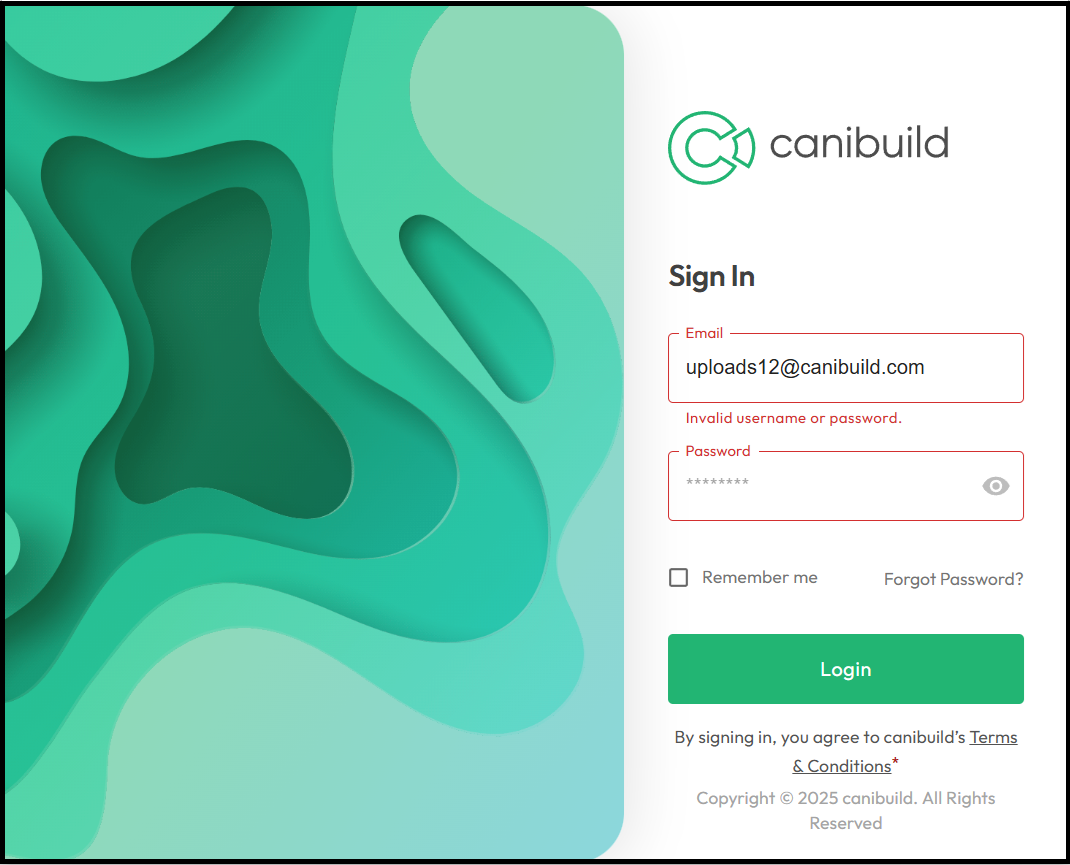
- Double-check the spelling of your email & password.
OR
- Have your manager or our support team add your email.
- Have your manager check if the email is active.
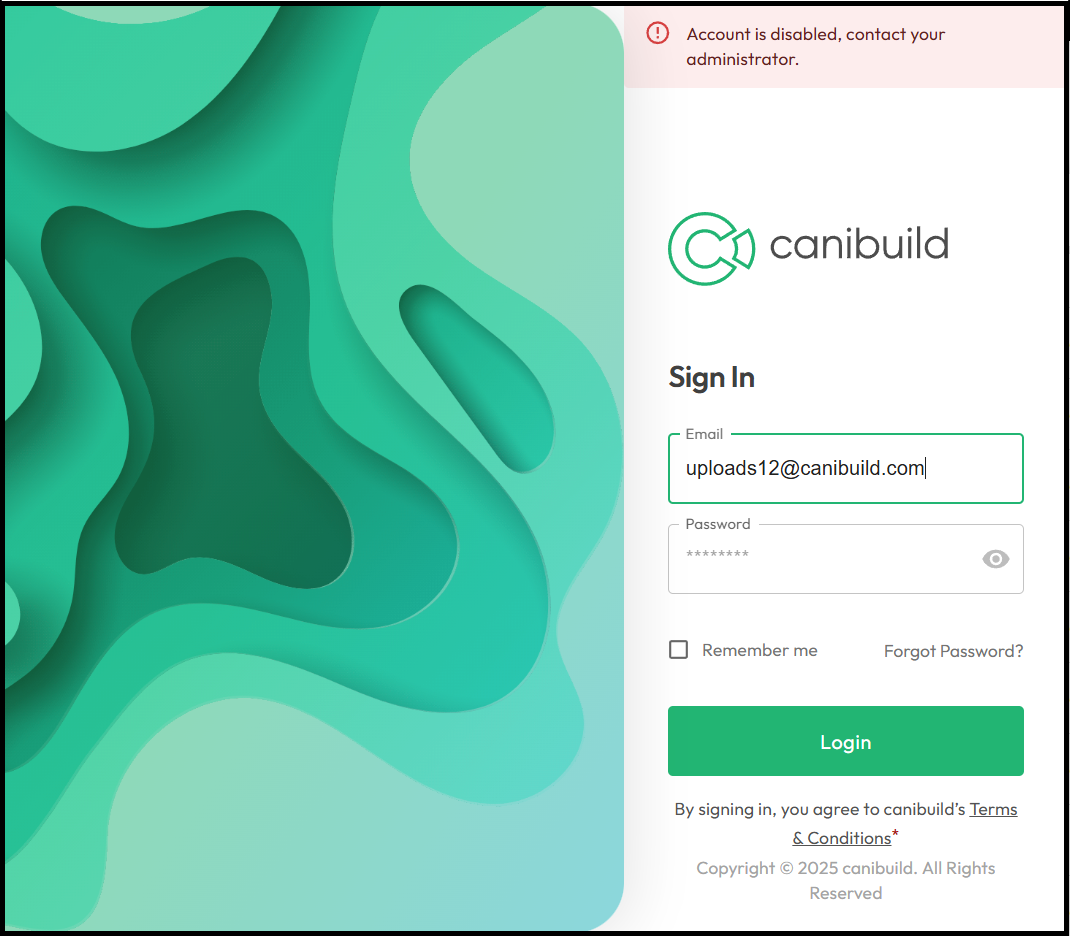
-
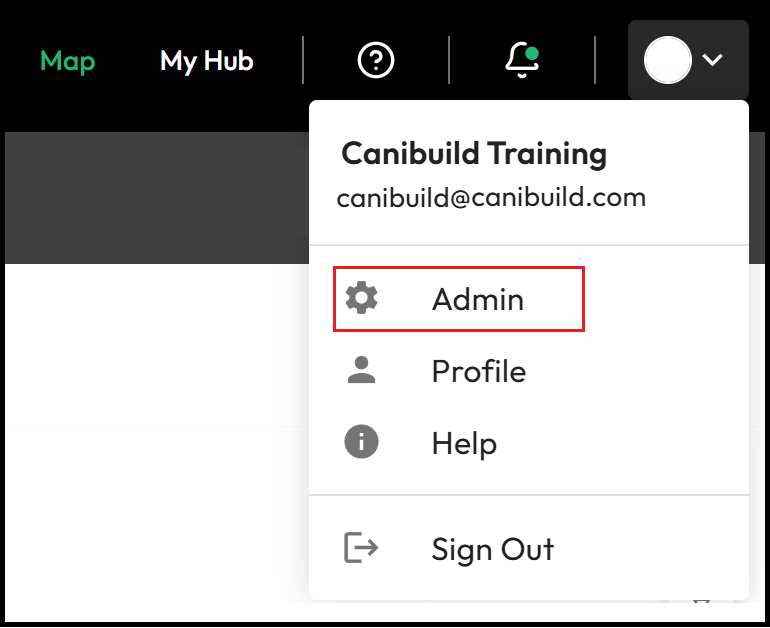
Click your Initials in the top right corner of the screen.
-
Select Admin from the dropdown.
- Select User Management.
- Toggle Active Users Only.
-
Use the Search Bar to find the user.
-
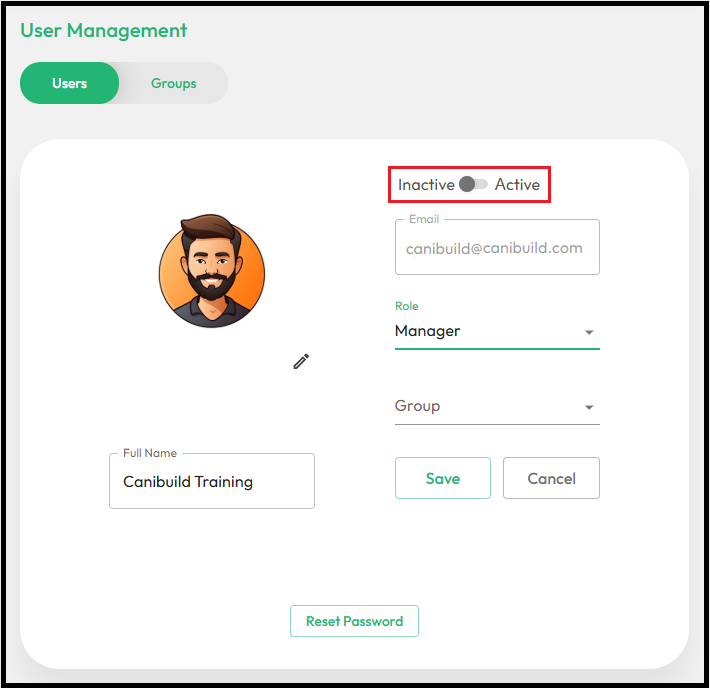
Click Edit.
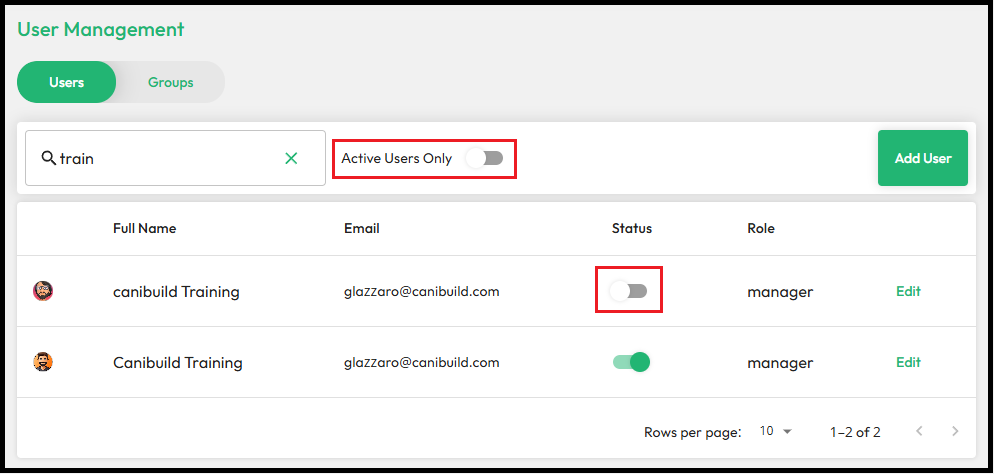
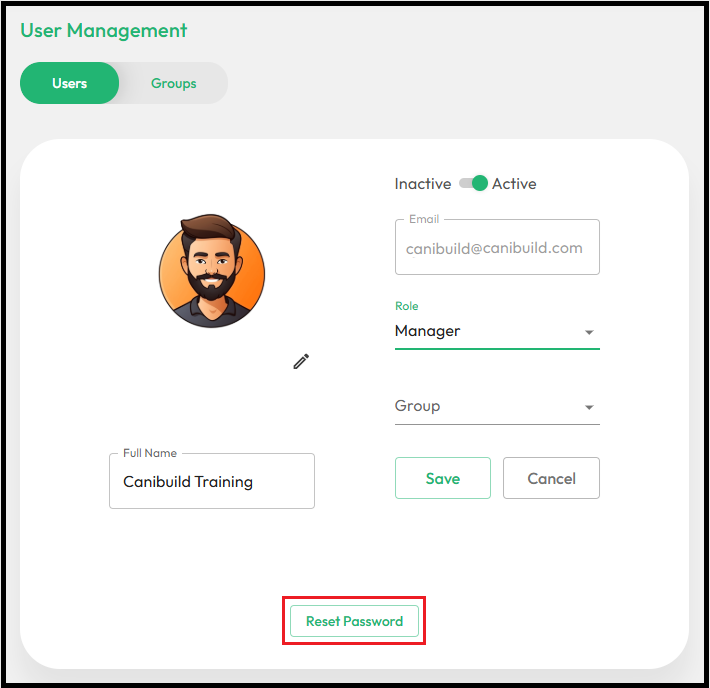
- Toggle to Activate.
OR
-
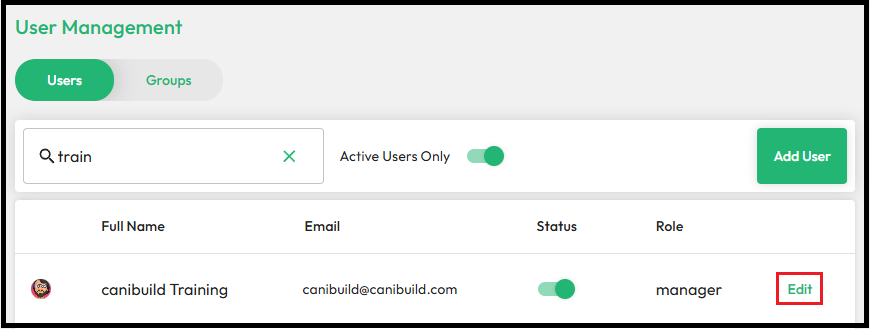
Use the Search Bar to find the user.
-
Click Edit.
- Click Reset Password.