Help Center

How to View Property Information

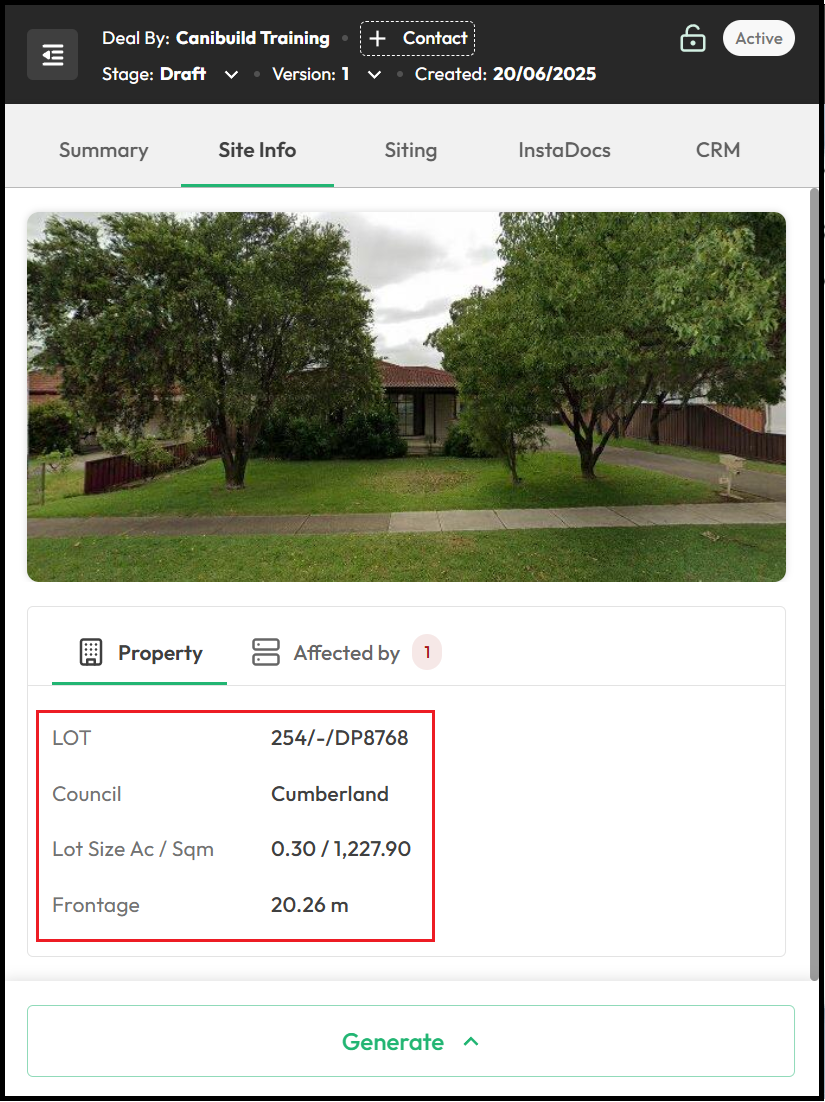
This article will cover how to access each property’s Site Information, including basic property details such as land zoning, lot size & overlays that may affect the site.

SiteCheckUpdated 17 February 20261 min read

This article will cover how to access each property’s Site Information, including basic property details such as land zoning, lot size & overlays that may affect the site.

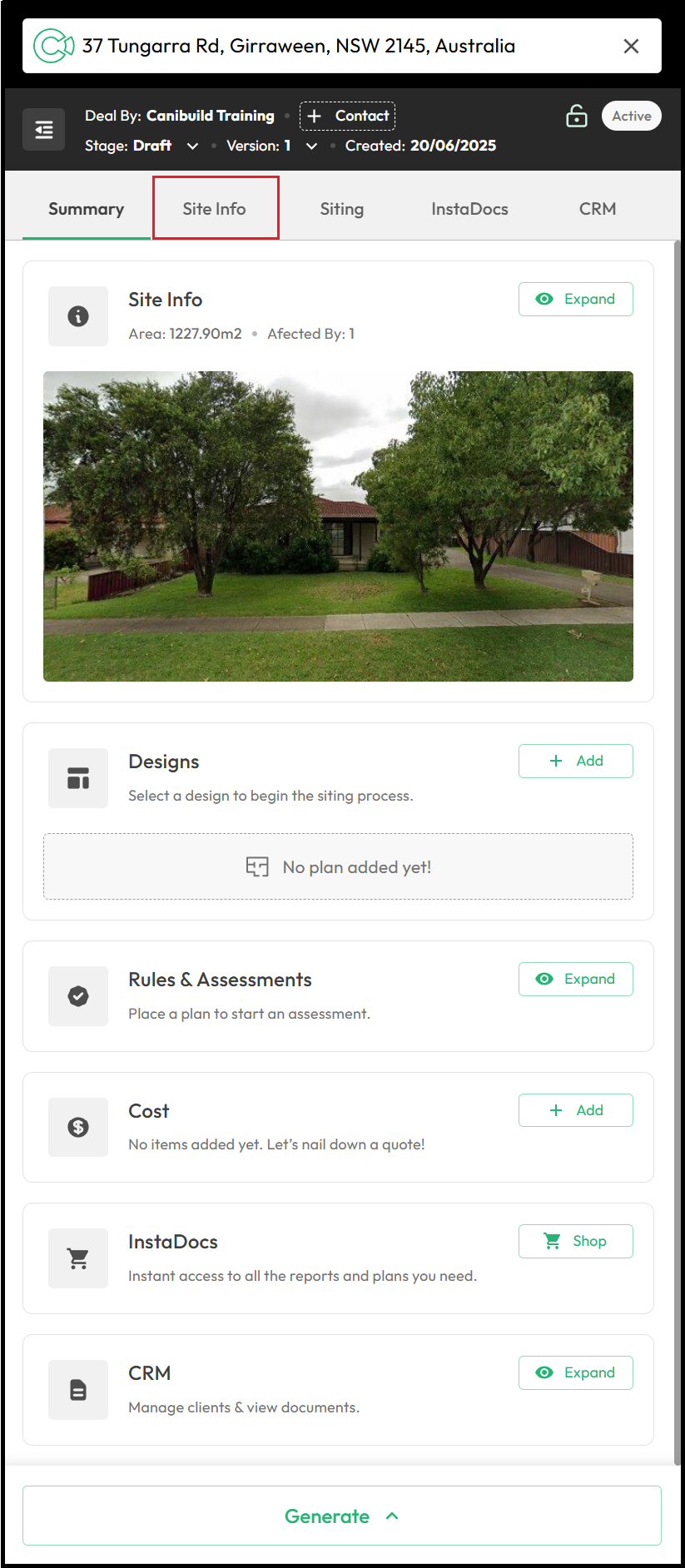
  • Click Site Info on the left panel.

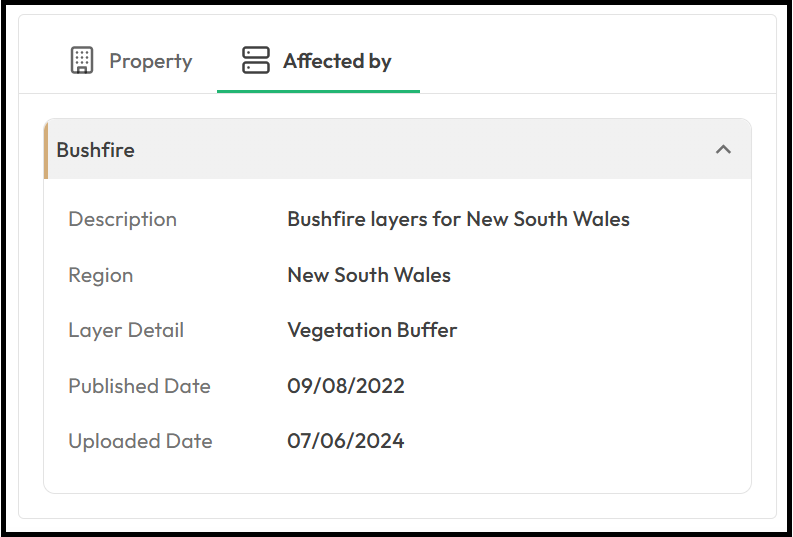
  • Click Affected By to access the list of overlays affecting the site.
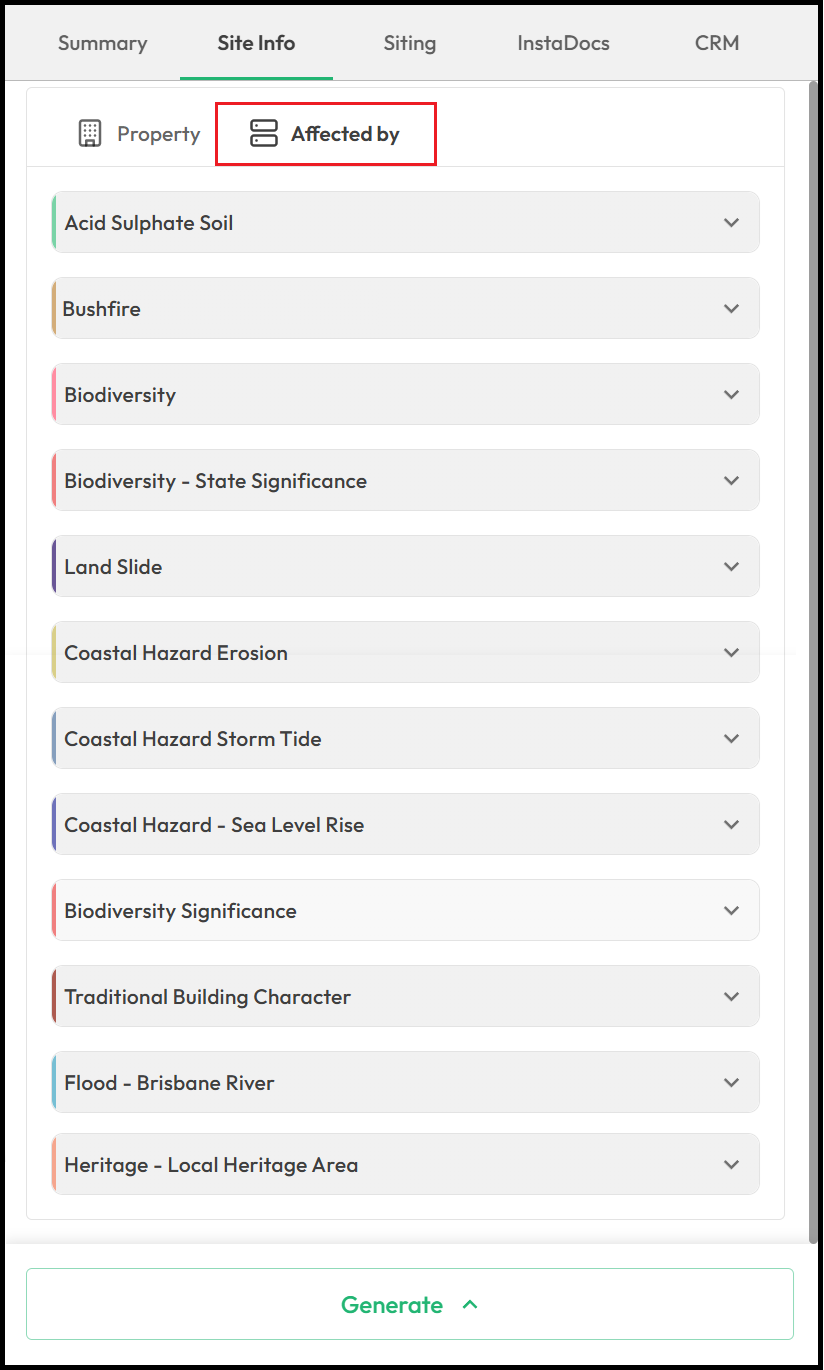
  • Select an Overlay.

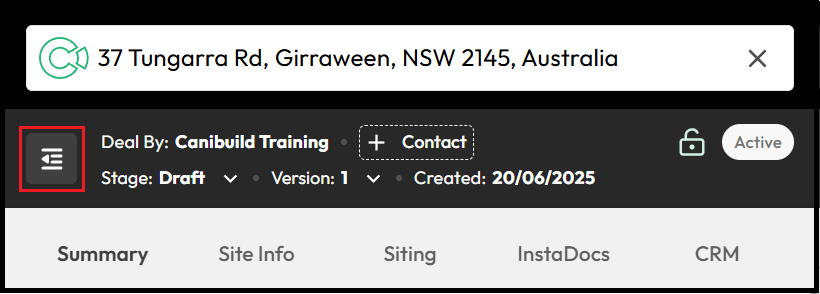
  • Click the Hide Menu icon to minimise the left panel.
Still need help?

Our support team replies within one business day. Chat with us using the bubble in the corner, or send a ticket.