
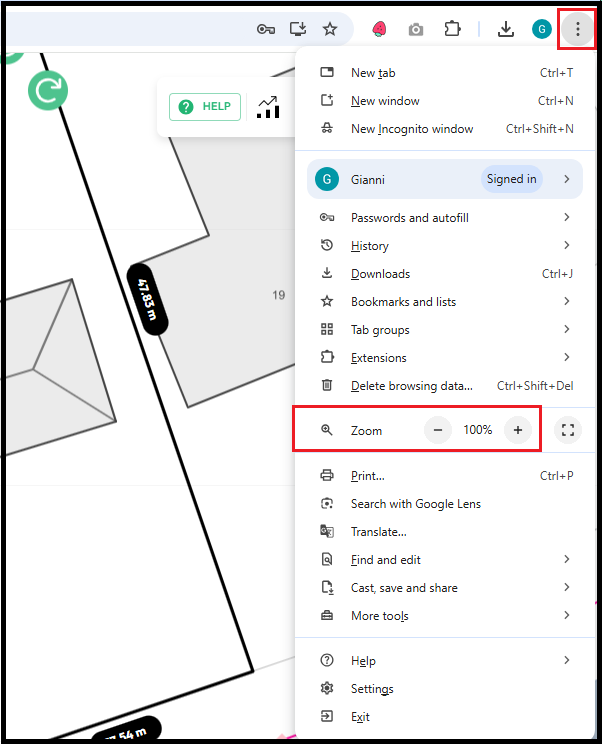
- Click on the three-dotted icon on the top right corner of your internet browser.
- Find the Zoom option.
- Click the Minus ’-’ option & reduce to as necessary.
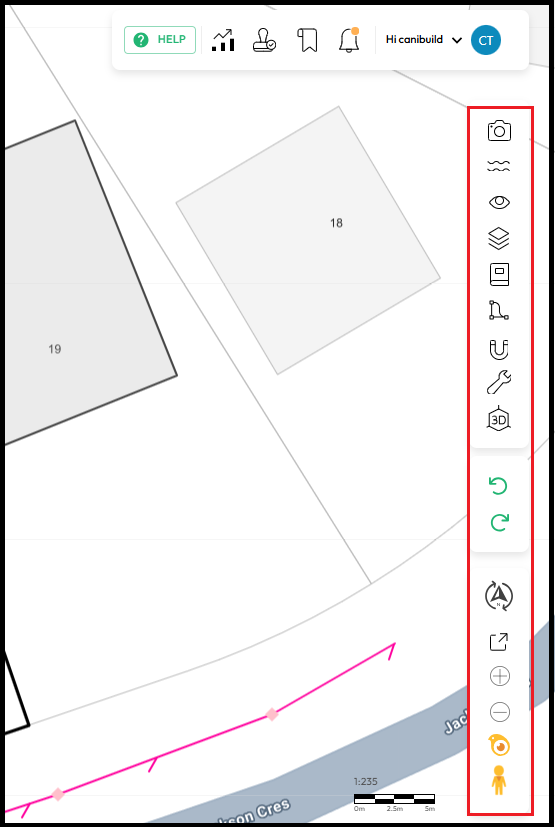
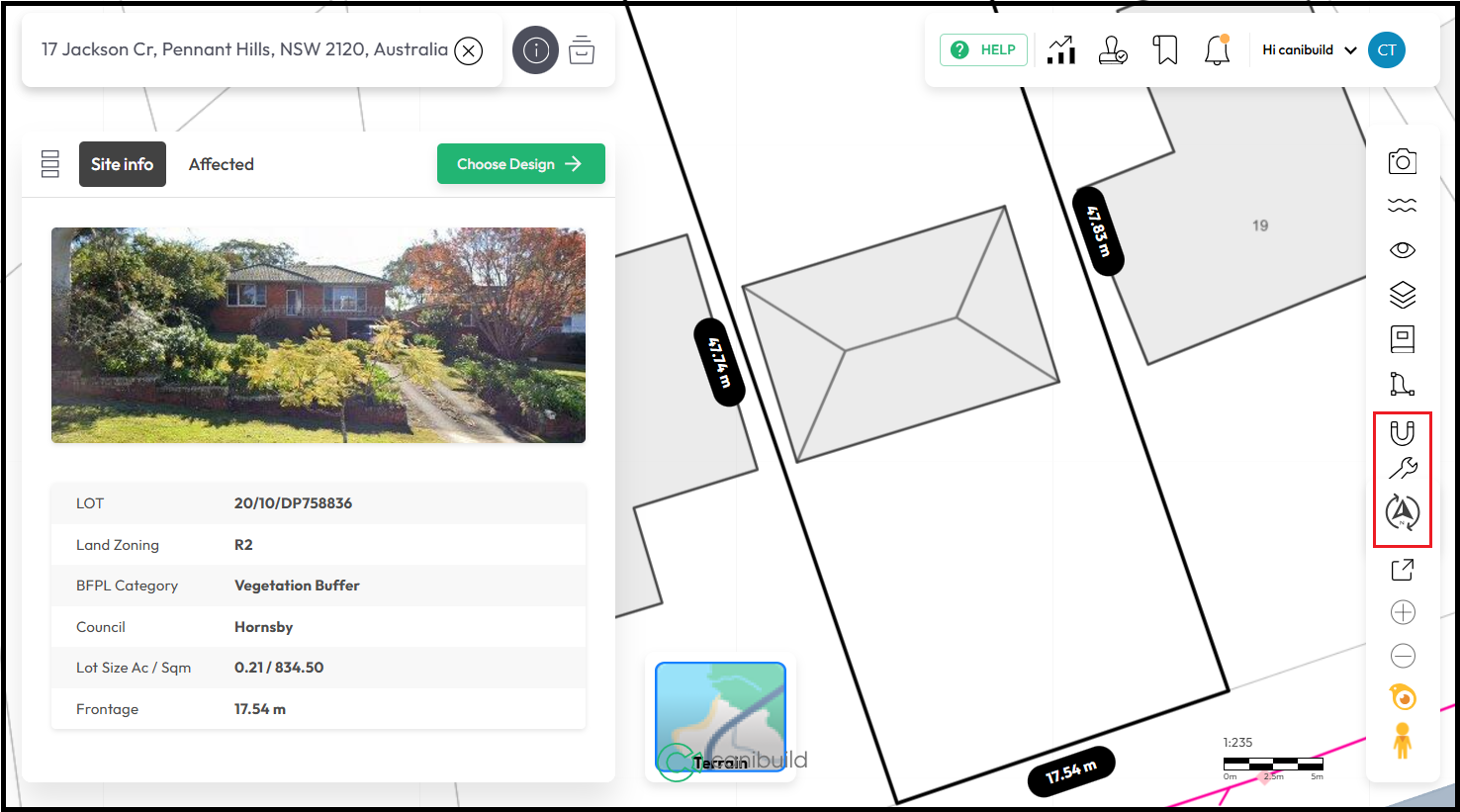
This article will cover the steps to be followed to be able to view the full menu on the right hand side of the screen and access all the tools/icons if they are not visible.
Was this article helpful?
Our support team replies within one business day. Chat with us using the bubble in the corner, or send a ticket.