This article will explain what your access limitations are & how you can get them changed.
To change your access, have your Manager or Team Leader:
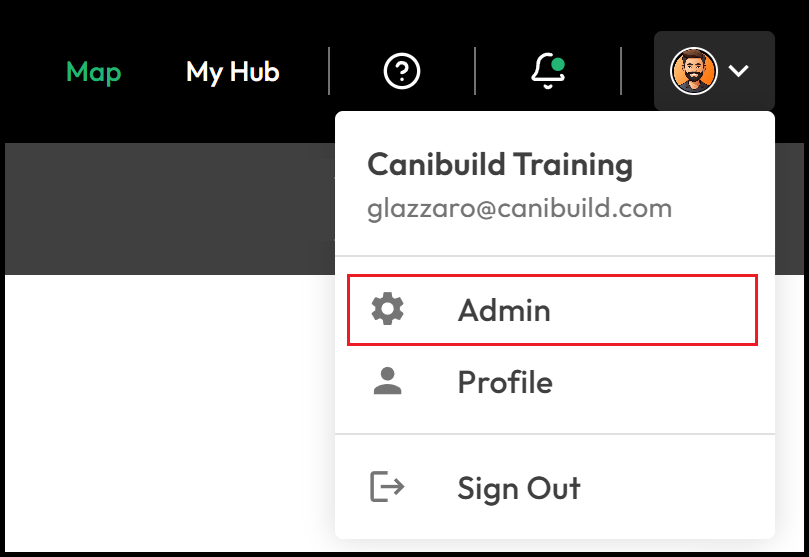
- To access the Admin section Click on your initials on the top right corner of the screen.
- Select Admin from the dropdown menu.
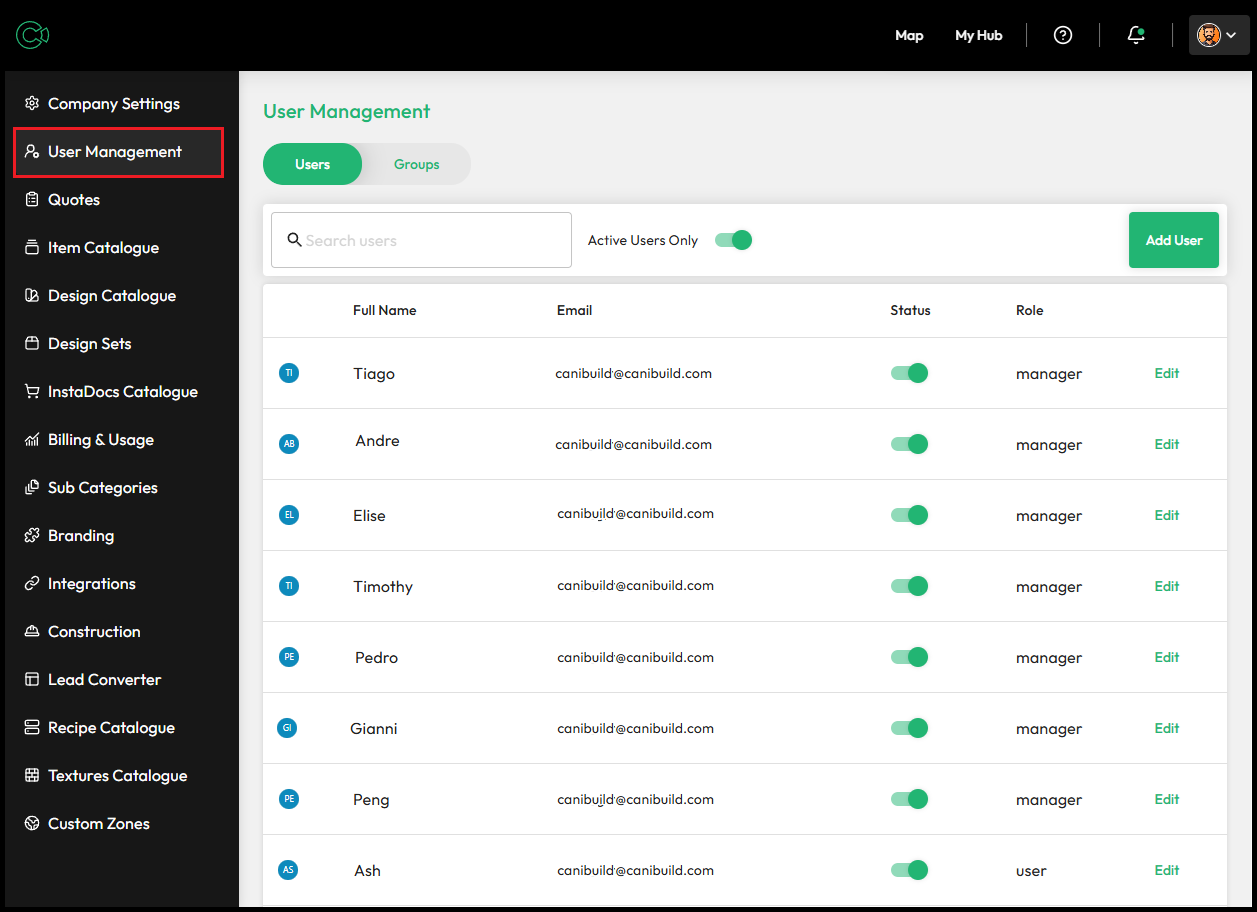
- Select User Management.
- Click Edit to access a users profile.
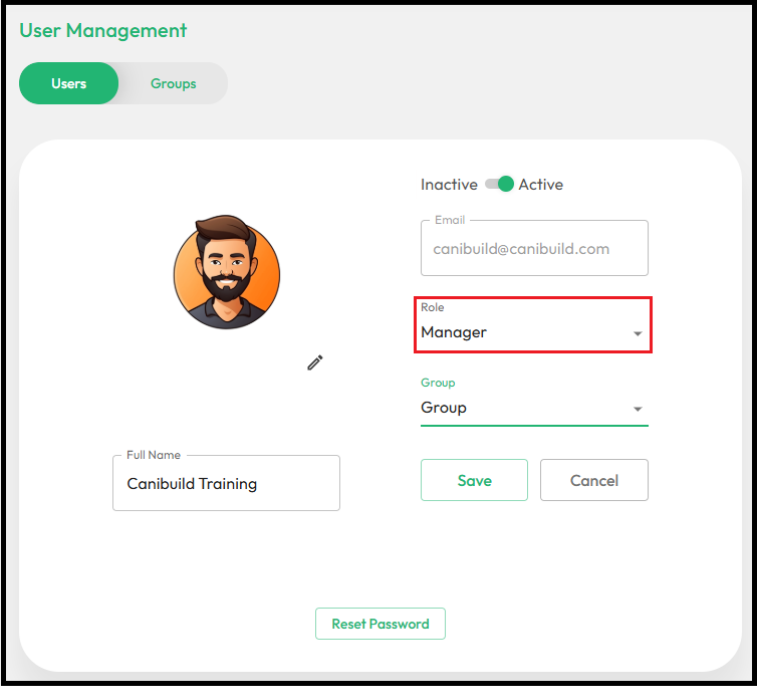
- Select Role.
- Change to Manager.