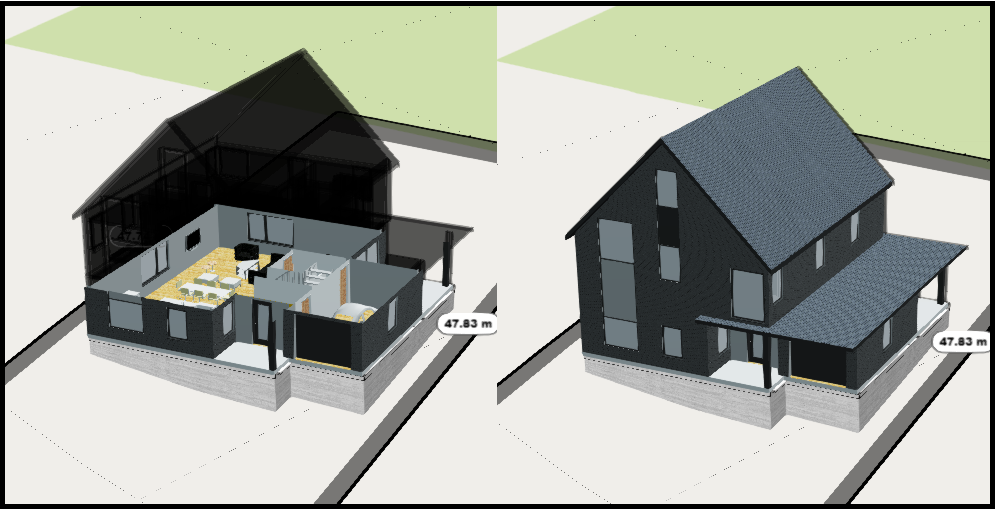
This article will cover how to upload 3D design models, including allowable build-types, upload requirements, and how to access & view them after uploading.
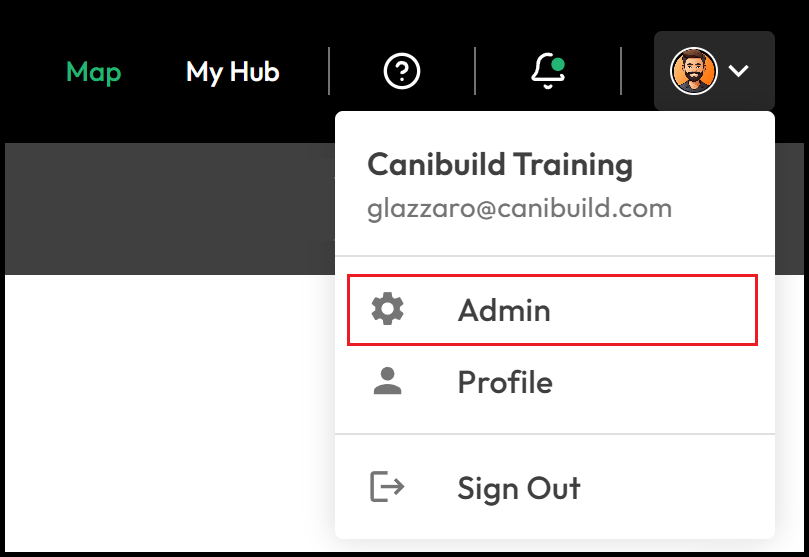
- To access the Admin section Click on your initials on the top right corner of the screen.
- Select Admin from the dropdown menu.
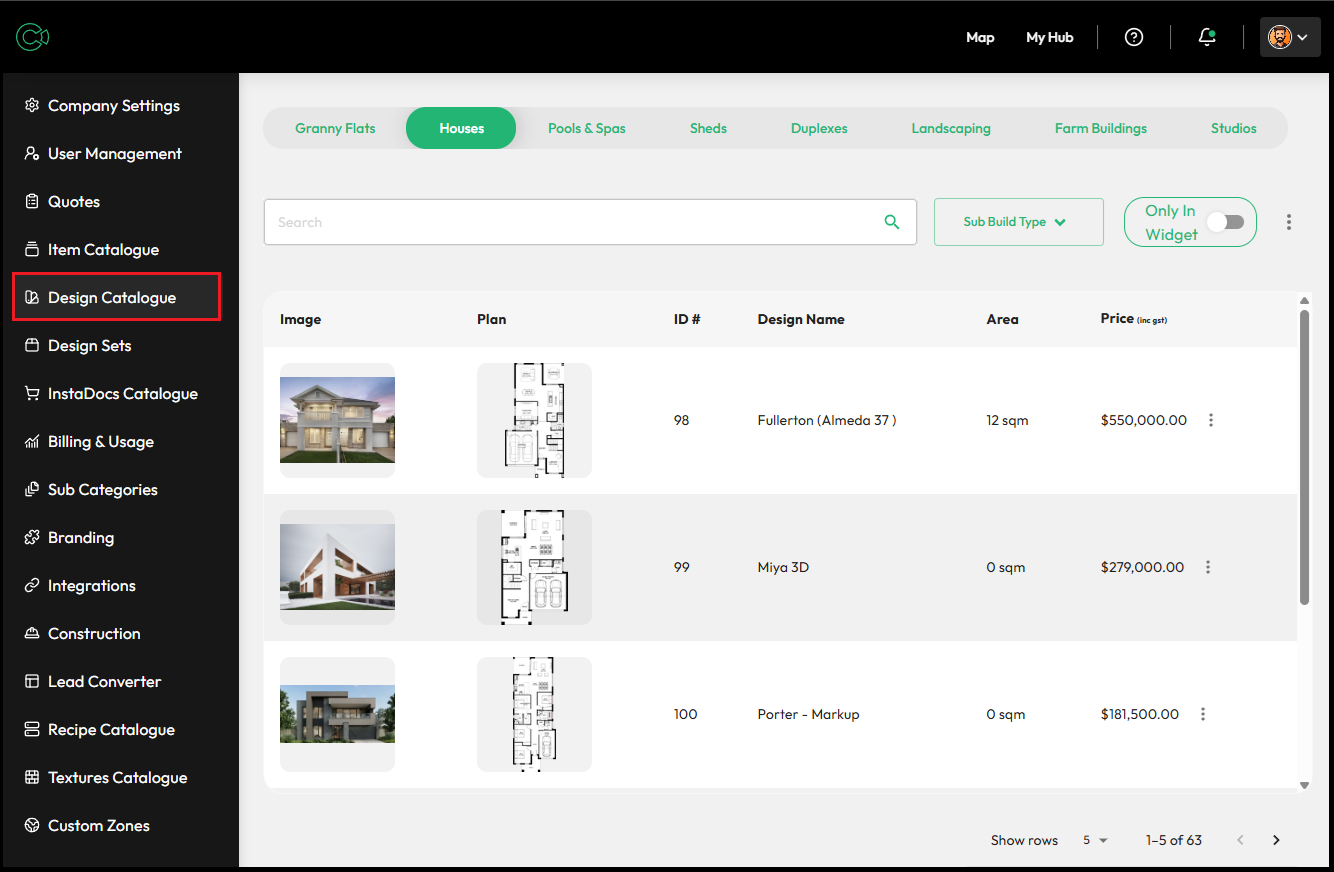
- Click Design Catalogue****s.
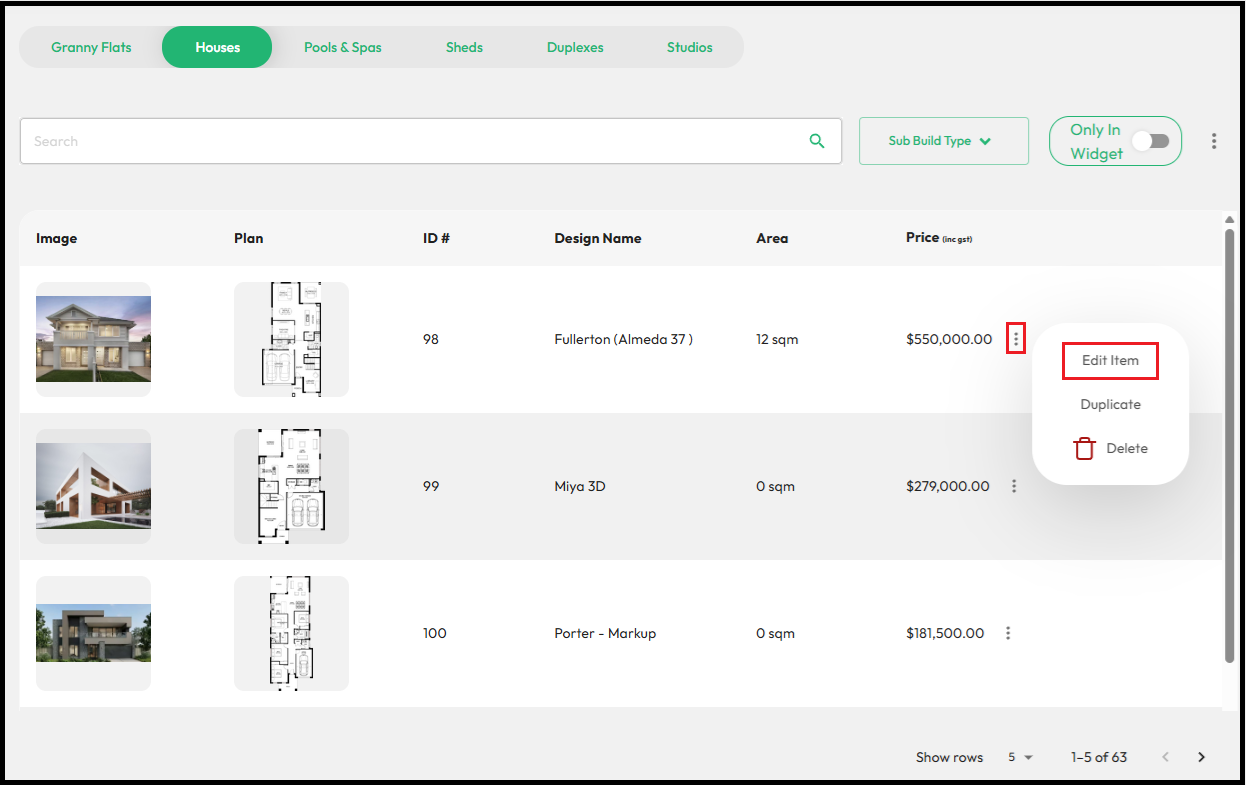
- Click the Three Dots to the right of the design price.
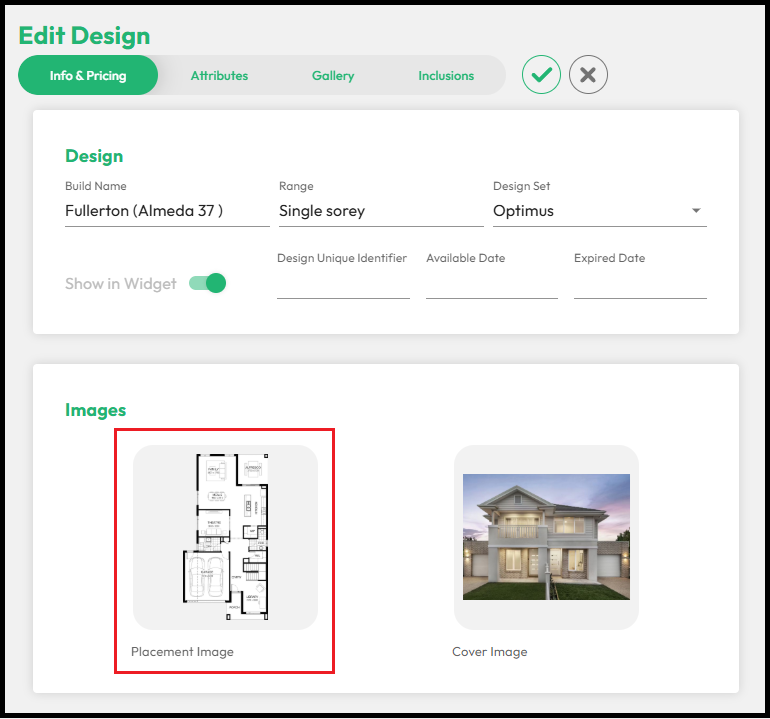
- Click the Placement Image.
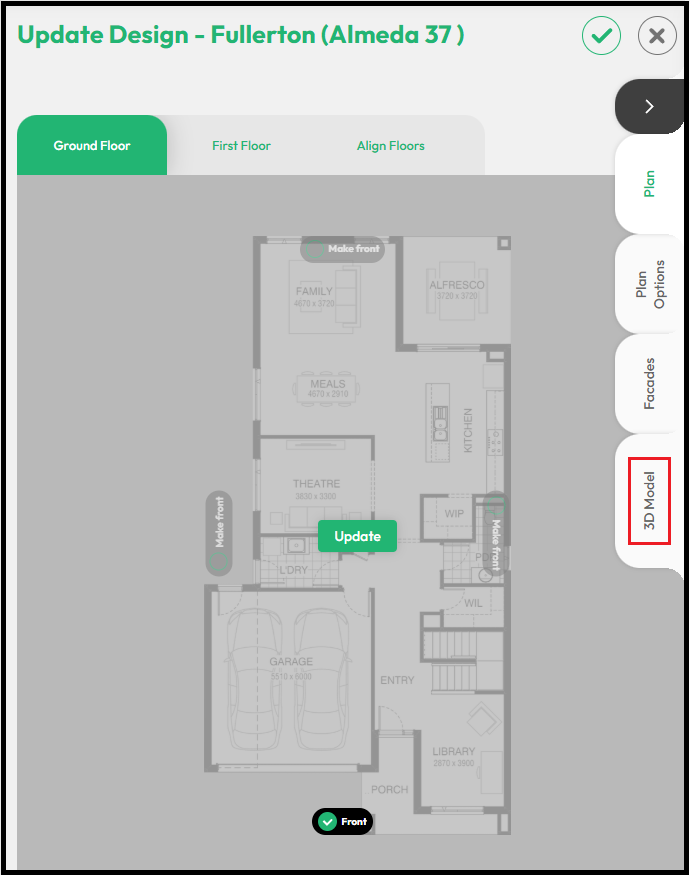
- Click on the 3D Model tab.
-
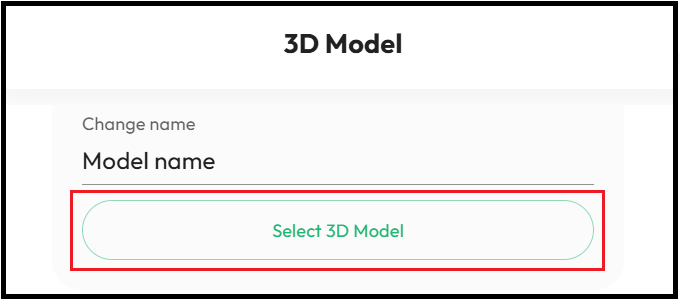
Click Select 3D Model from the panel on the right.
-
Select the .glb file from your computer.
.
- Drag the black screen to reposition or re-center the view.
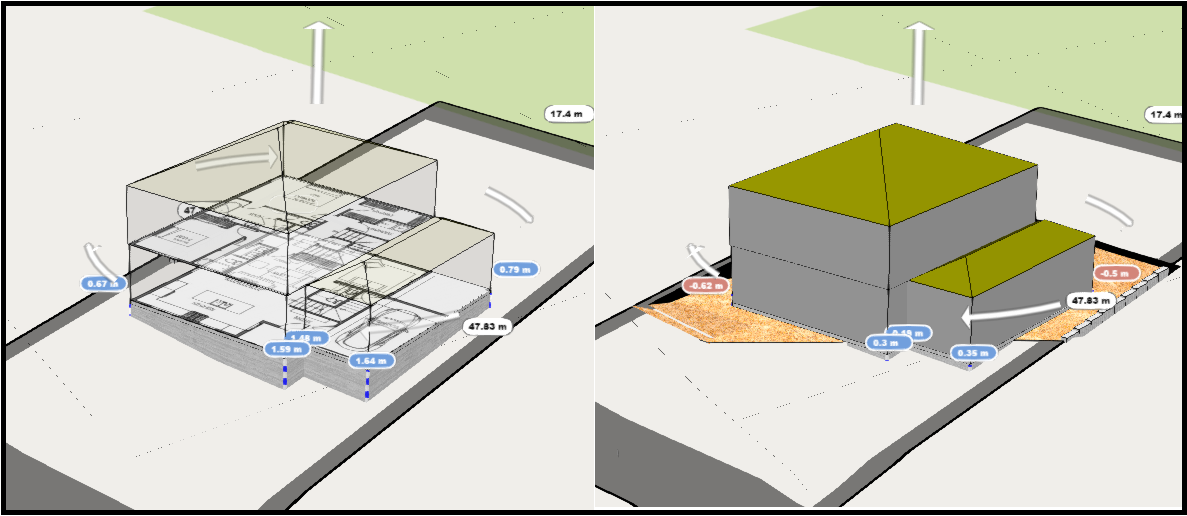
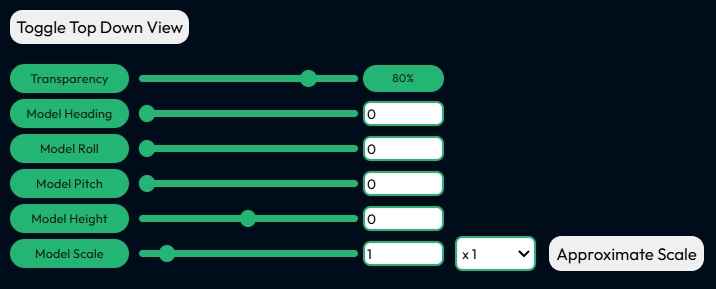
- Drag the model to place it over the yellow rectangle.
- Use the green slide bars / edit the numbers to align the model.
- Click the green Tick to Save.
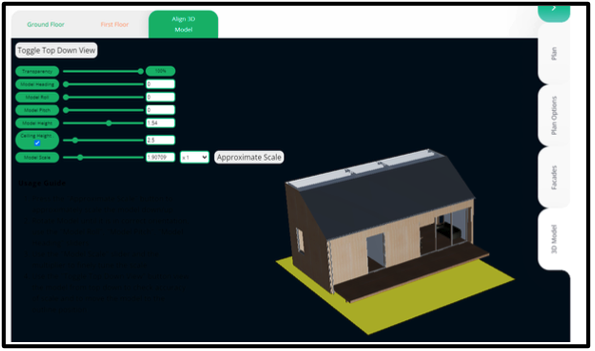
Guide for ADUs, Sheds & Houses
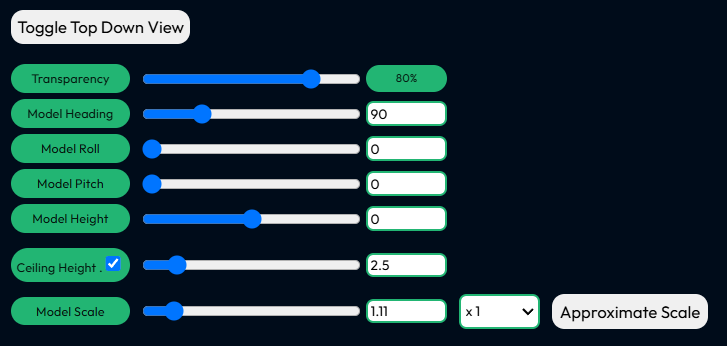
Guide for Pools & Spas
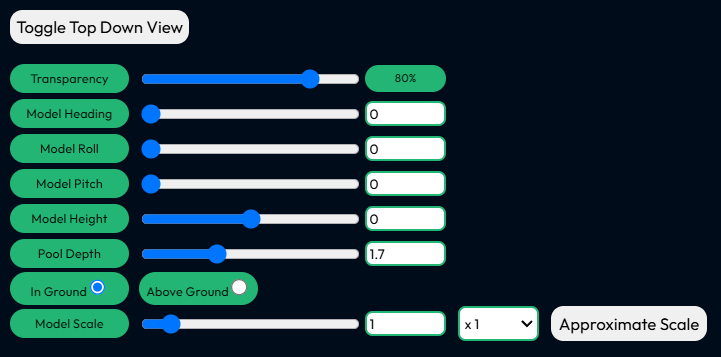
Guide for 2 Story Houses & Duplexes
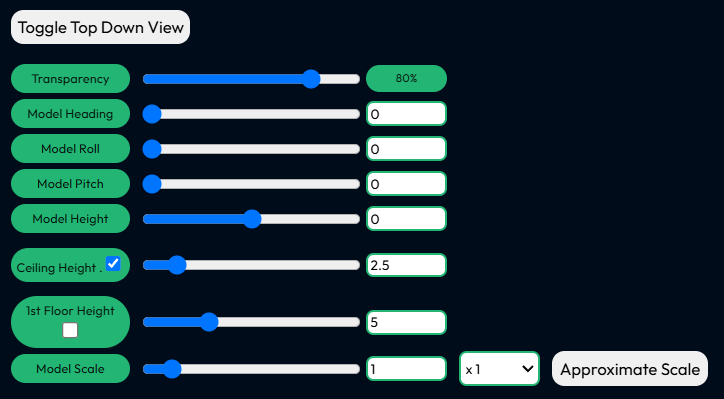
Guide for Farm Buildings
View the 3D model live
- Search for an address.
- Place the floor plan of the 3D model on to the site.
- Click the 3D icon.