
- Click the Help Icon to submit a ticket.

- Select Submit a Support Ticket.
OR
- Click Contact Support.
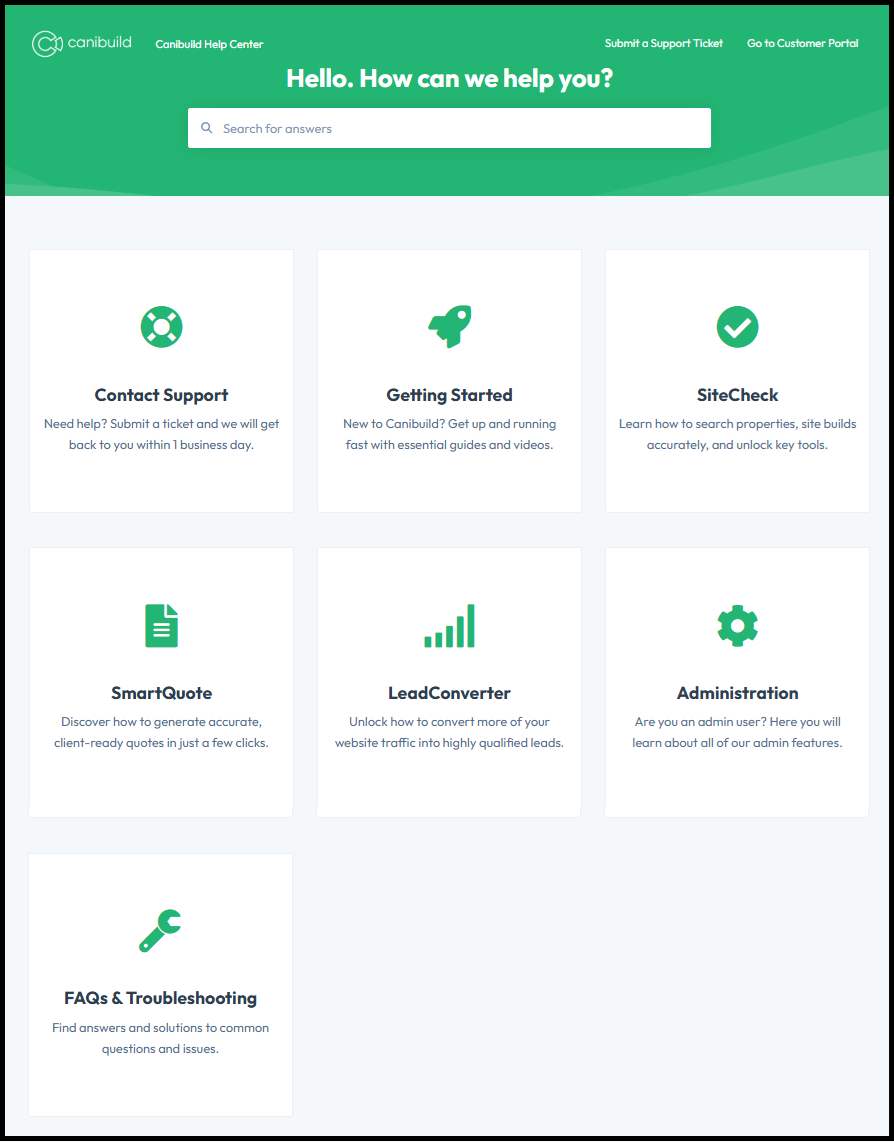
Help Center Categories Explained
-
Contact Support – Get in touch with our team for direct assistance.
-
Getting Started – Access introductory videos and learn the basic tools to get started.
-
SiteCheck – Learn feature-by-feature tips to help you work faster and more effectively.
-
SmartQuote – Build high-quality sales estimates and review your sales data.
-
ShowLot – Capture new leads 24/7 by embedding Canibuild onto your website.
-
Administration – Customize your company account and branding.
-
FAQs & Troubleshooting – Find quick answers to common questions and technical issues.