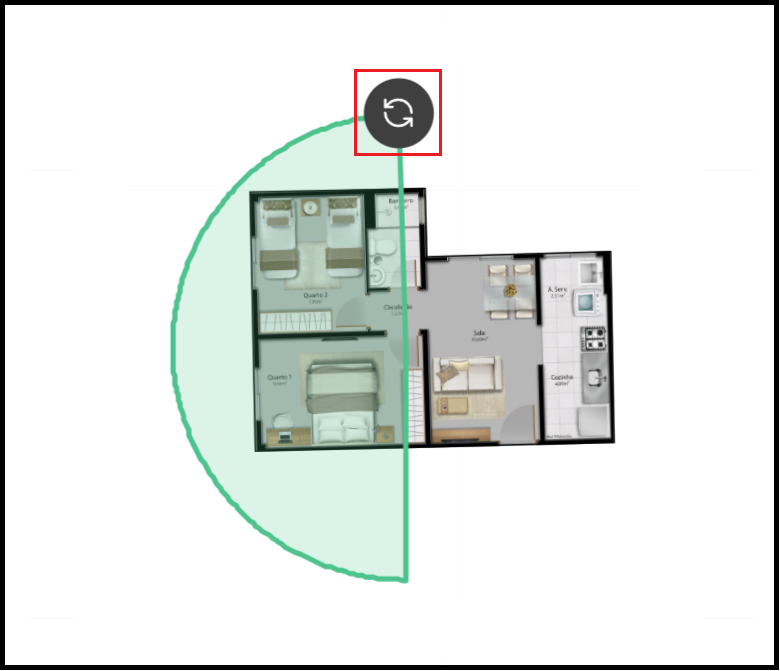
This article provides a step-by-step guide on how to access & use the rotate function to adjust your design on the site.
- Left click on a design to access the Rotate icon.
- Click Snap to square the design to the boundary.
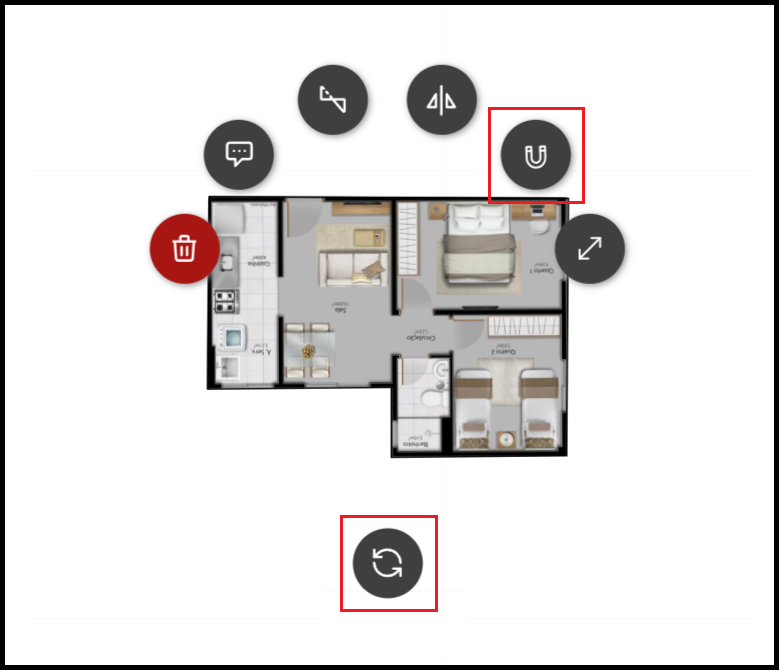
- Left click & hold on the Rotate button.
- Move your mouse to adjust the rotation.