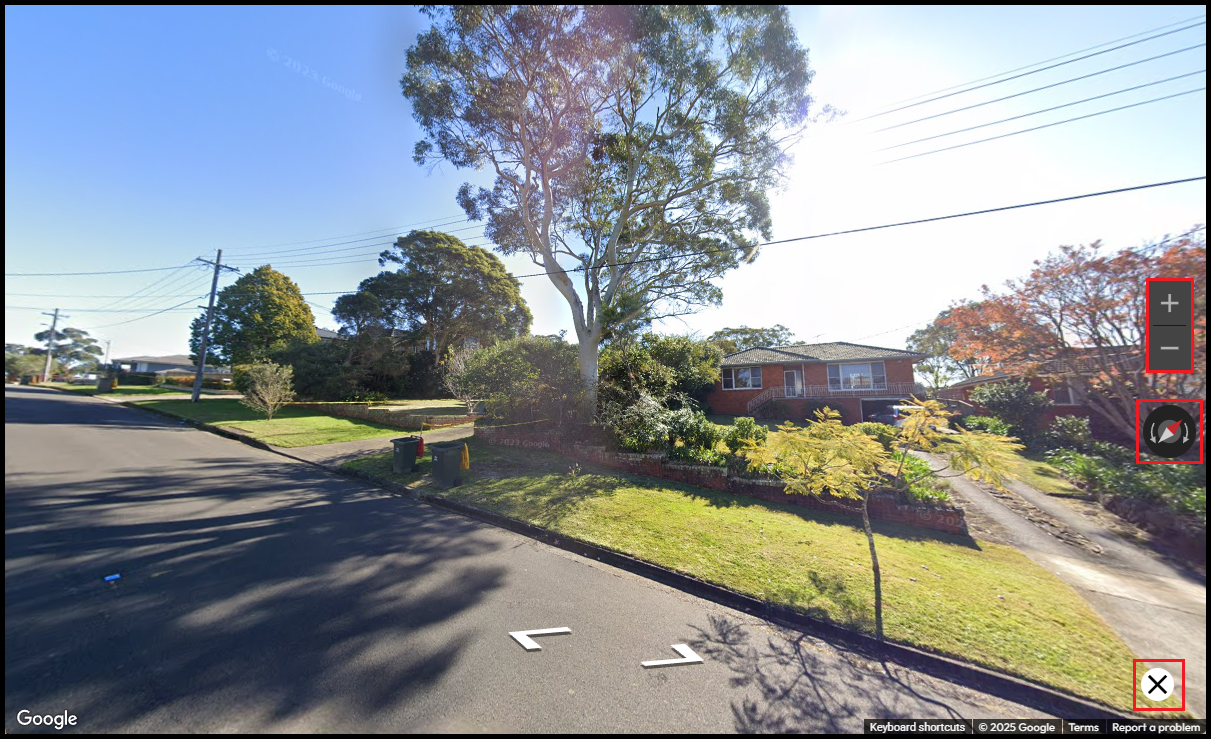
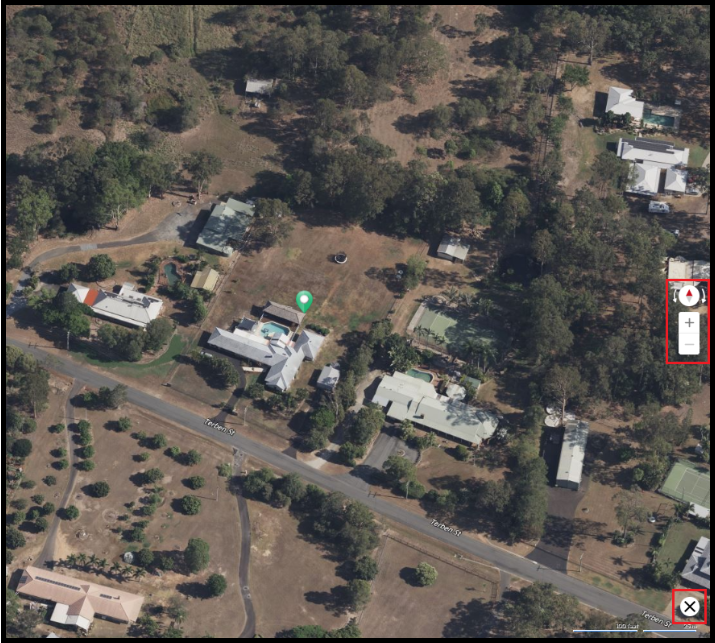
This article provides a comprehensive guide on how to access & use alternate imagery of the property you are currently working on.
 | Street View - Allows access to Google Street View imagery of the area. |
 | Bird Eye View - Allows access to Google Earth imagery of the area. |
 | Rotate view - Click the arrows to rotate the view. |
 | Exit view - Click to exit back to the main view. |
Bird Eye View
- Click the Bird Eye icon.
- Click the + / - or scroll with the mouse to zoom in/out.
- Click the arrows on the compass to rotate the map.
- Click the X to exit.
Street View
- Click the Street View icon.
- Click the + / - or scroll with the mouse to zoom in/out.
- Click the arrows on the compass to rotate the map.
- Click the X to exit.