What Works on a Touch Screen
-
All on-screen buttons and menus are fully touch-responsive.
-
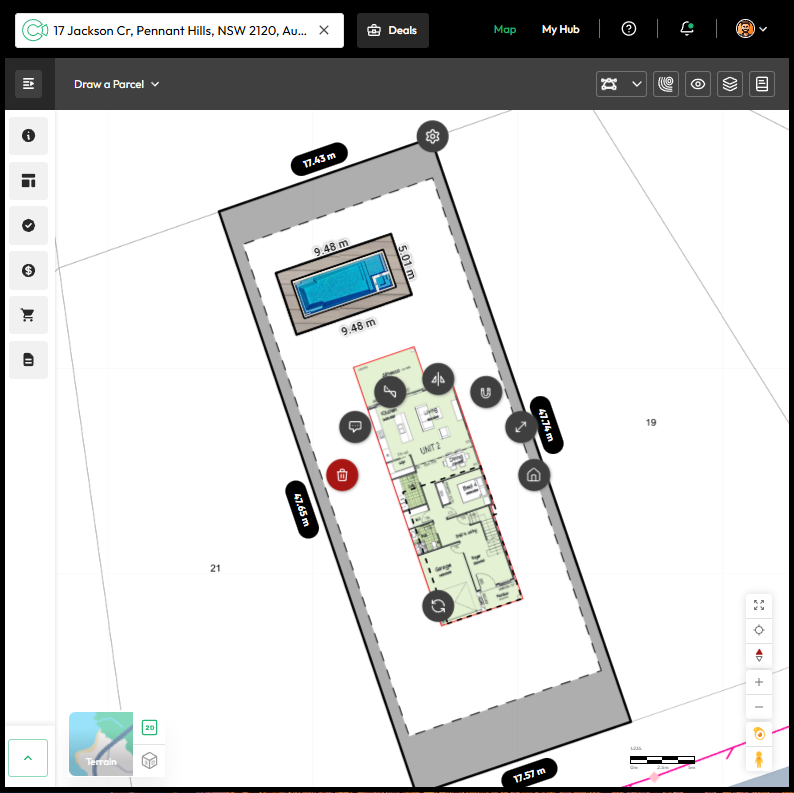
Easily search for addresses using the search bar.
-
Use pinch and swipe gestures to zoom and navigate around the map.
-
Move and rotate designs using touch-based drag actions.
-
Generate documents such as site plans and flyers using the usual on-screen workflow.
-
Drawing tools can be used via the Action Box for added assistance.