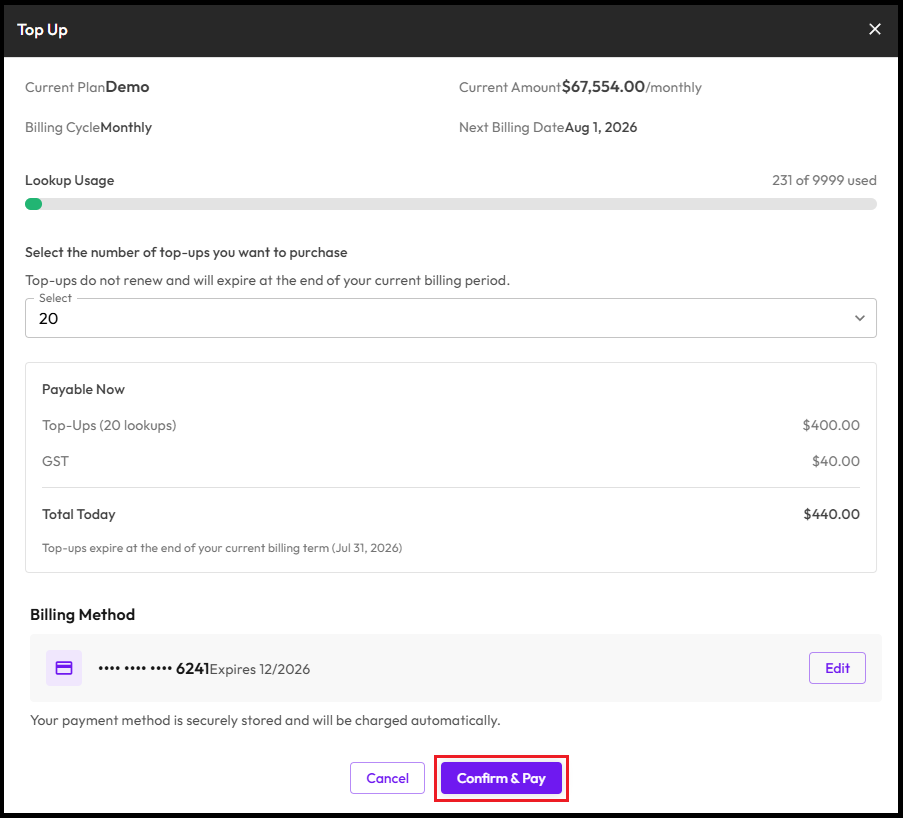
This article will show you how to easily add additional lookups to your account if you run out before the end of the billing cycle.
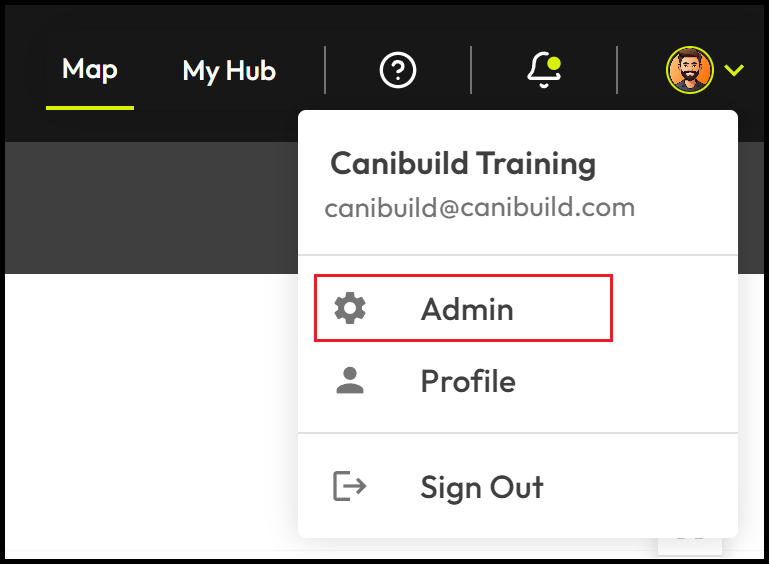
- To access the Admin section Click on your initials on the top right corner of the screen.
- Select Admin from the dropdown menu.
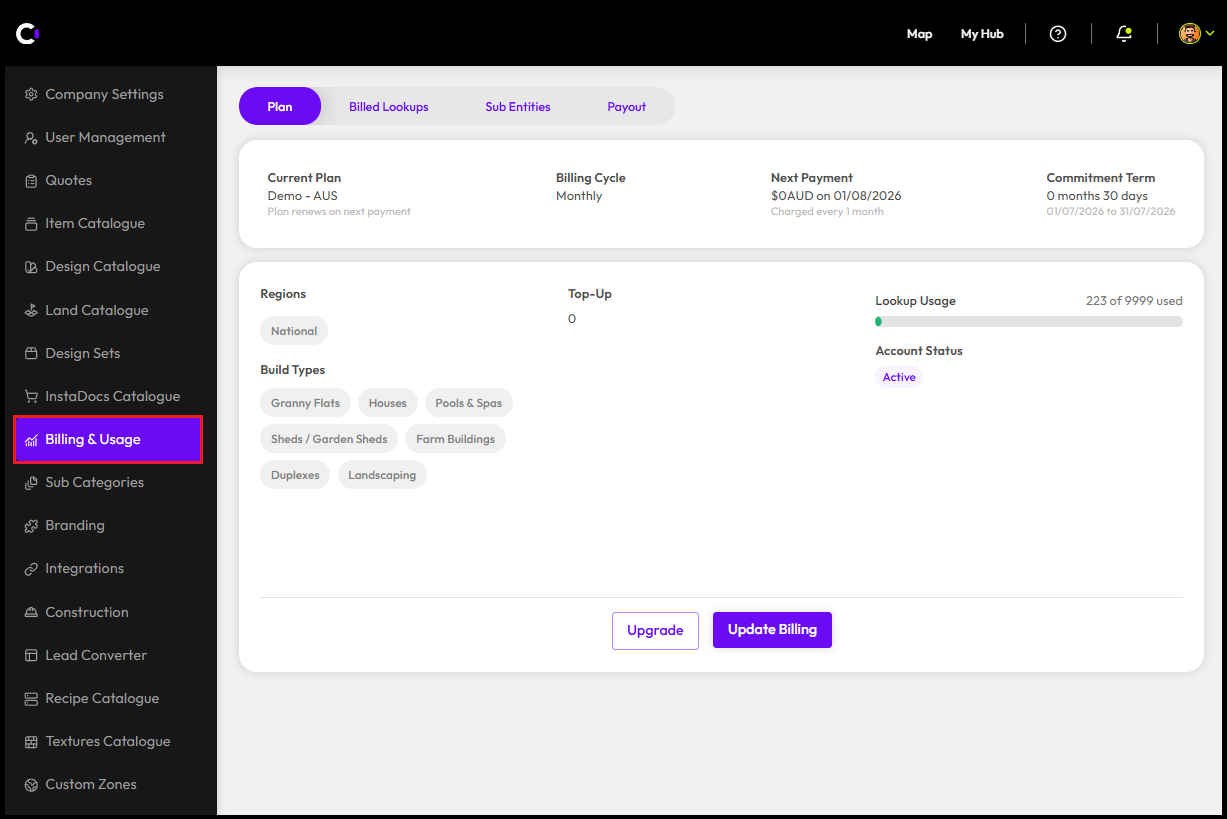
- Click Billing and Usage.
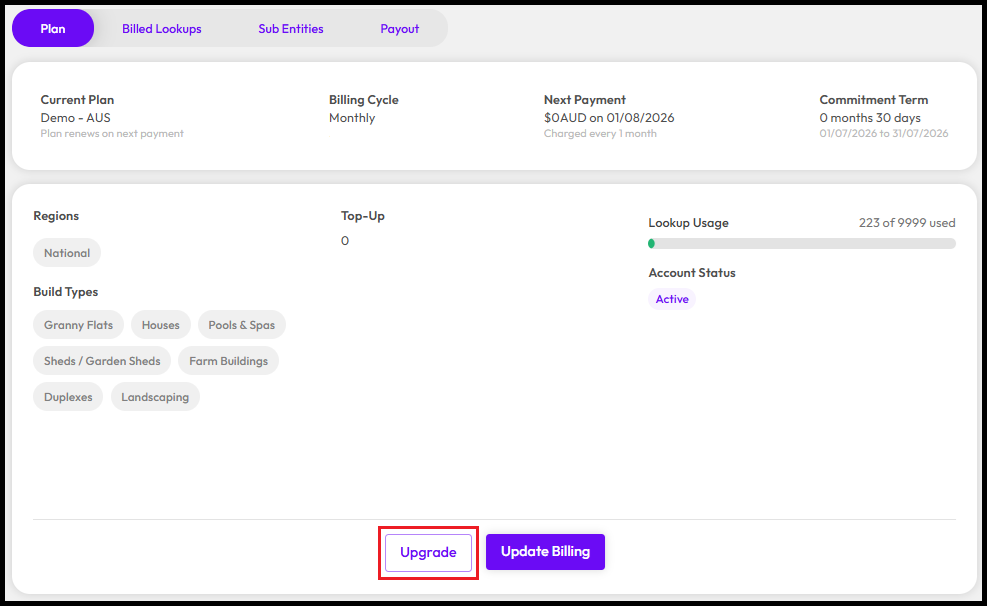
- Click Upgrade.
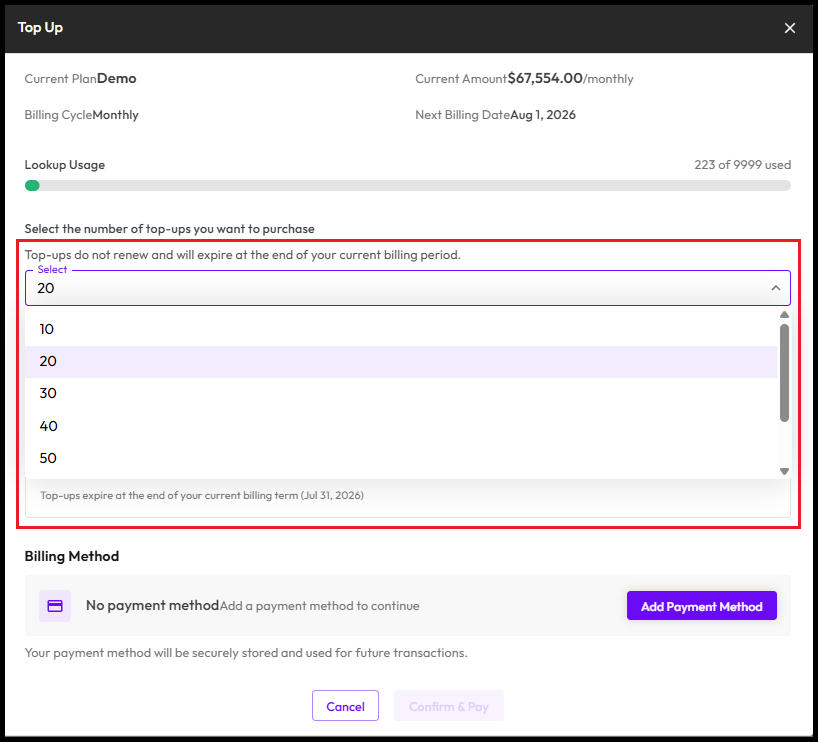
- Select the number of additional lookups you require.
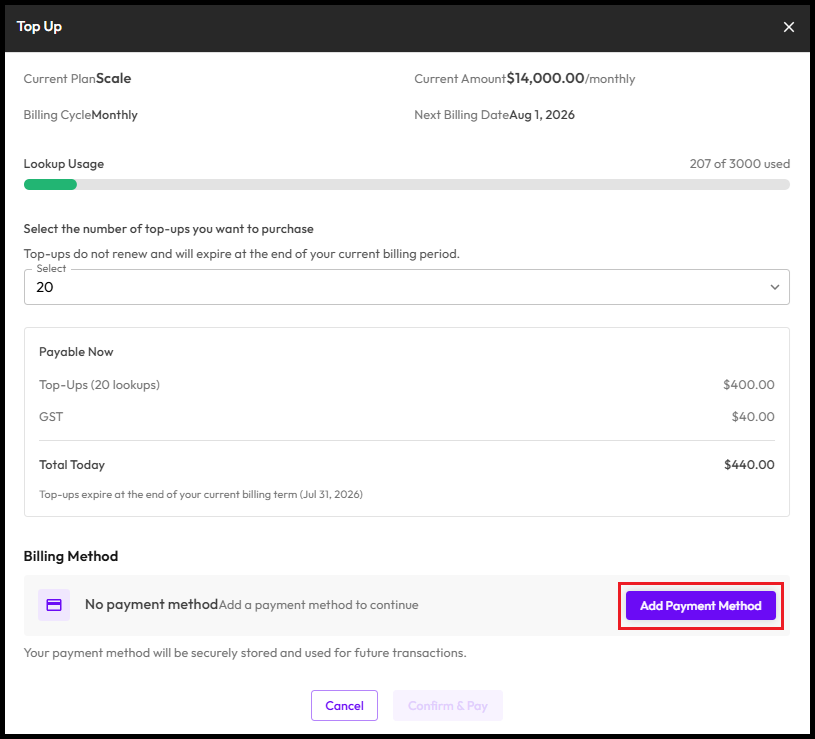
- Click Add Payment Method.
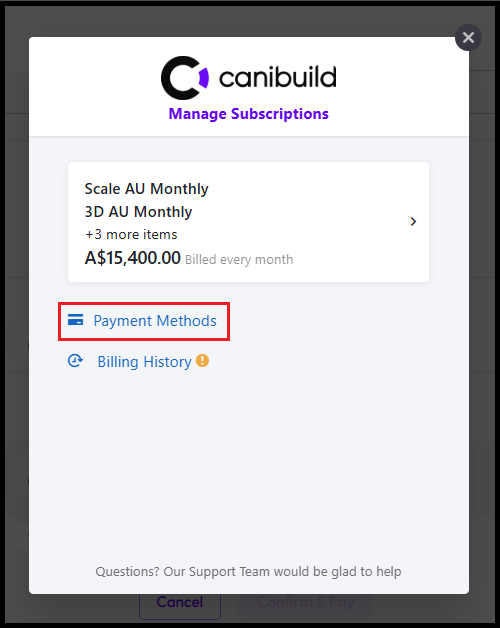
- Select Payment Methods.
-
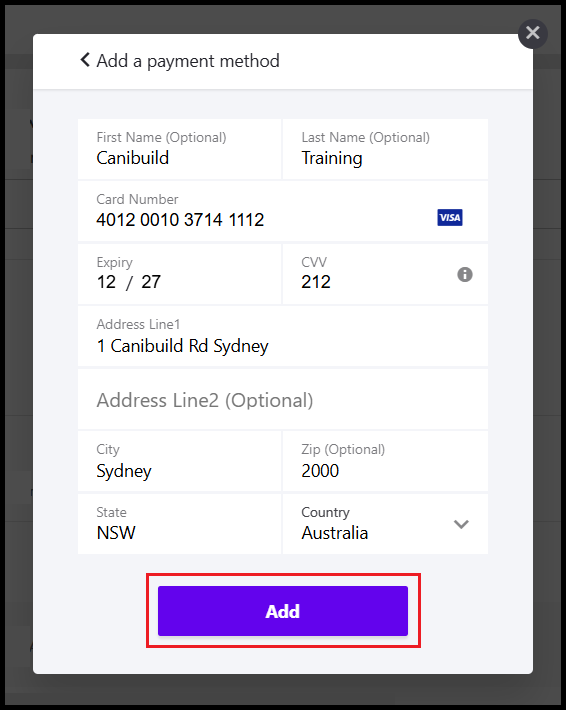
Enter Payment Details.
-
Click Add.
- Click Confirm & Pay.