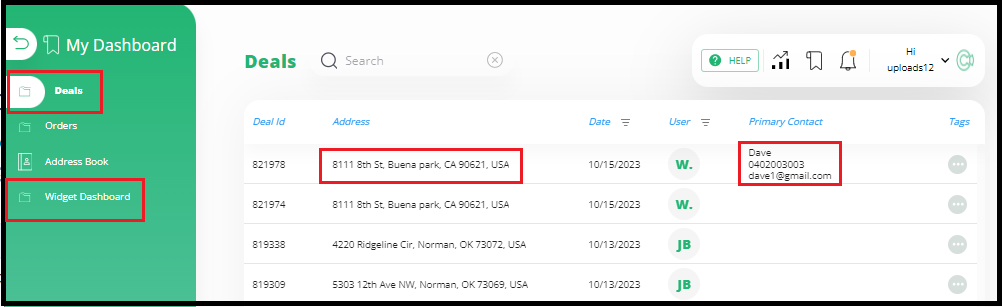
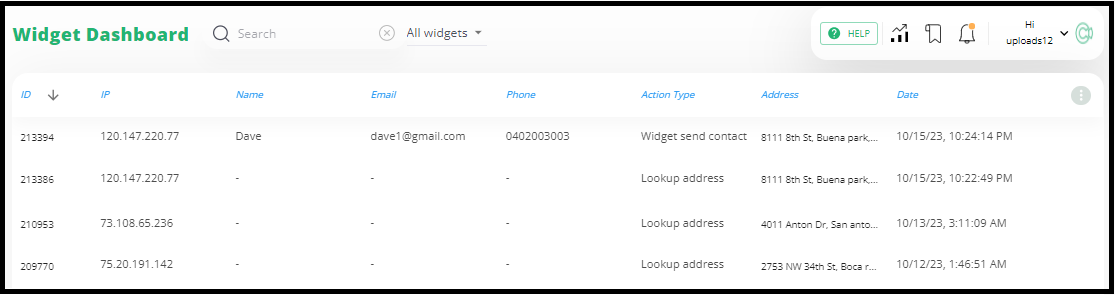
This article will cover Canibuild’s ShowLot. It is a lite version of the Canibuild application that is embedded onto your website, allowing you to capture customer information as they interact with your designs & their property.
Process for customers
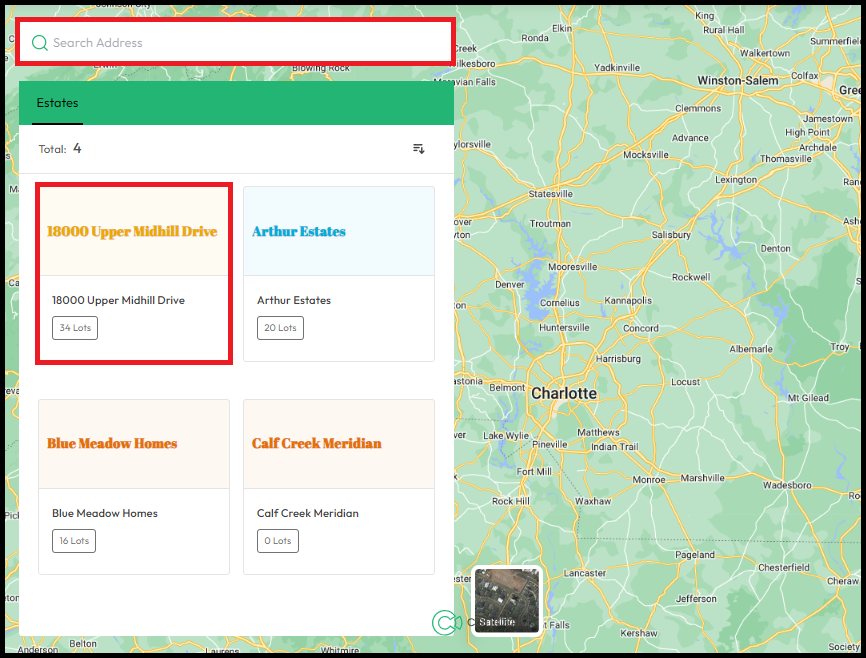
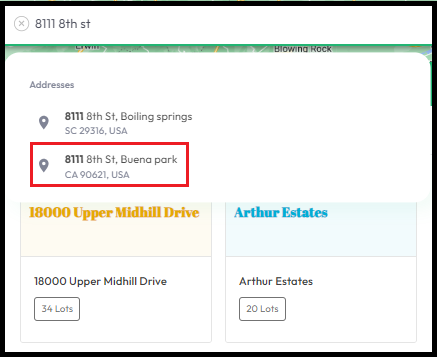
- Customers can type in an address.
- Select an estate.
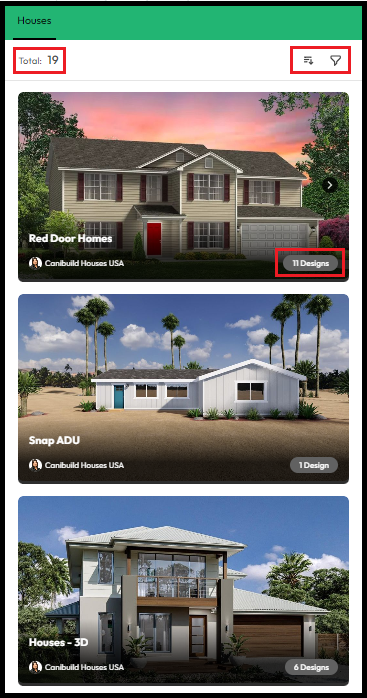
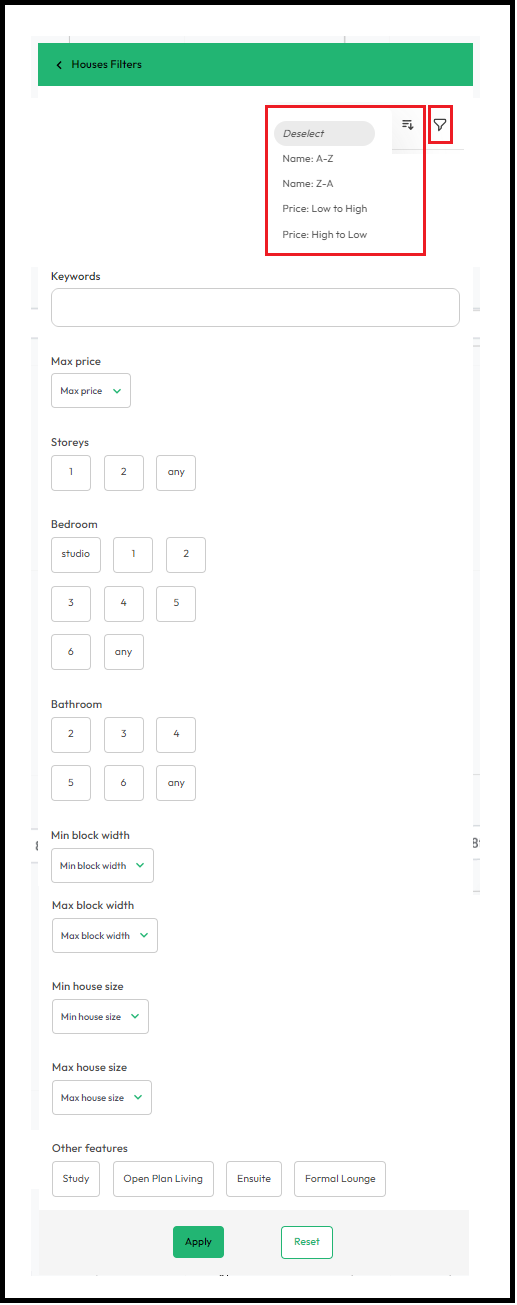
- Select from the options to filter the designs.
- Select the design group.
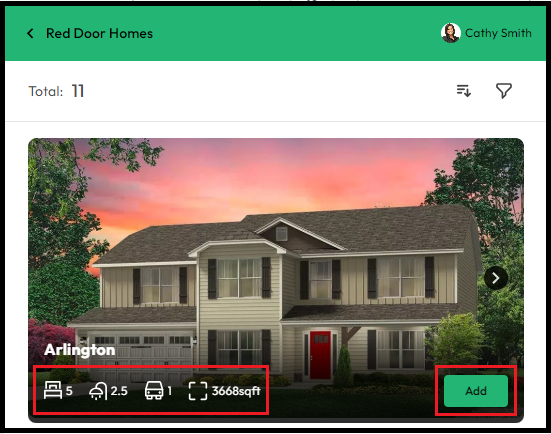
- Click Add for it to load onto the site.
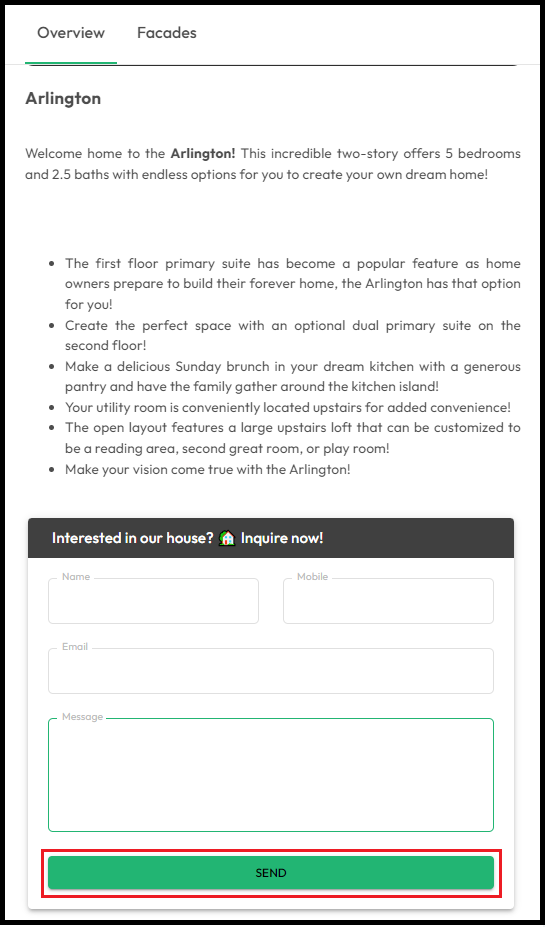
- Fill in the basic contact details.
- Click Send.
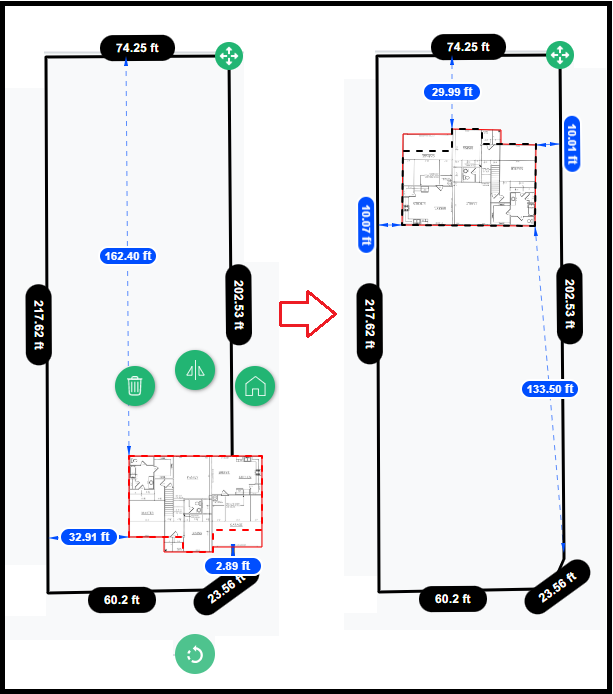
 | Delete - Removes the design from the site |
 | Flip Structure - Mirrors the designs |
 | Change levels - Swap between first floor and second floor |
 | Rotate - Turns the design 360 degrees in either direction |
- Click and hold the design to drag it around the site.
- Single left click on the design to open the menu.
- Click and hold to rotate the design.
- Click the blue dimension bubbles to type in a distance.
Process for the sales team