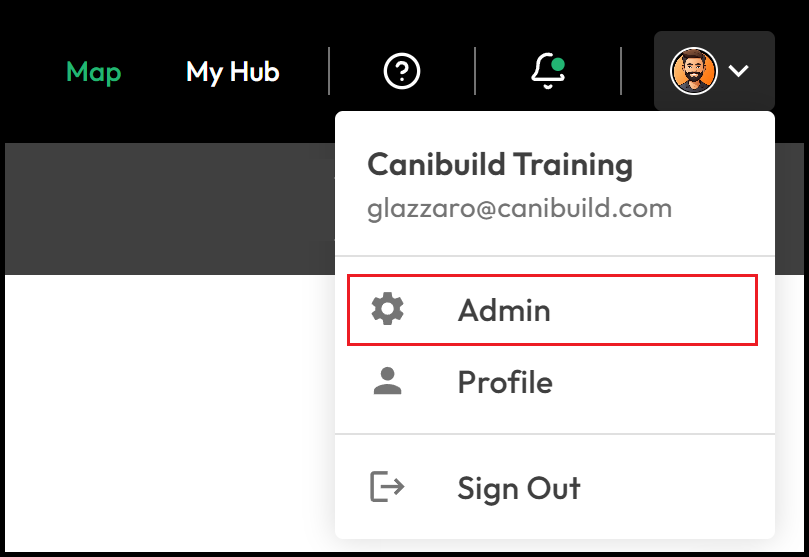
- To access the Admin section Click on your initials on the top right corner of the screen.
- Select Admin from the dropdown menu.
- Click Company Settings.
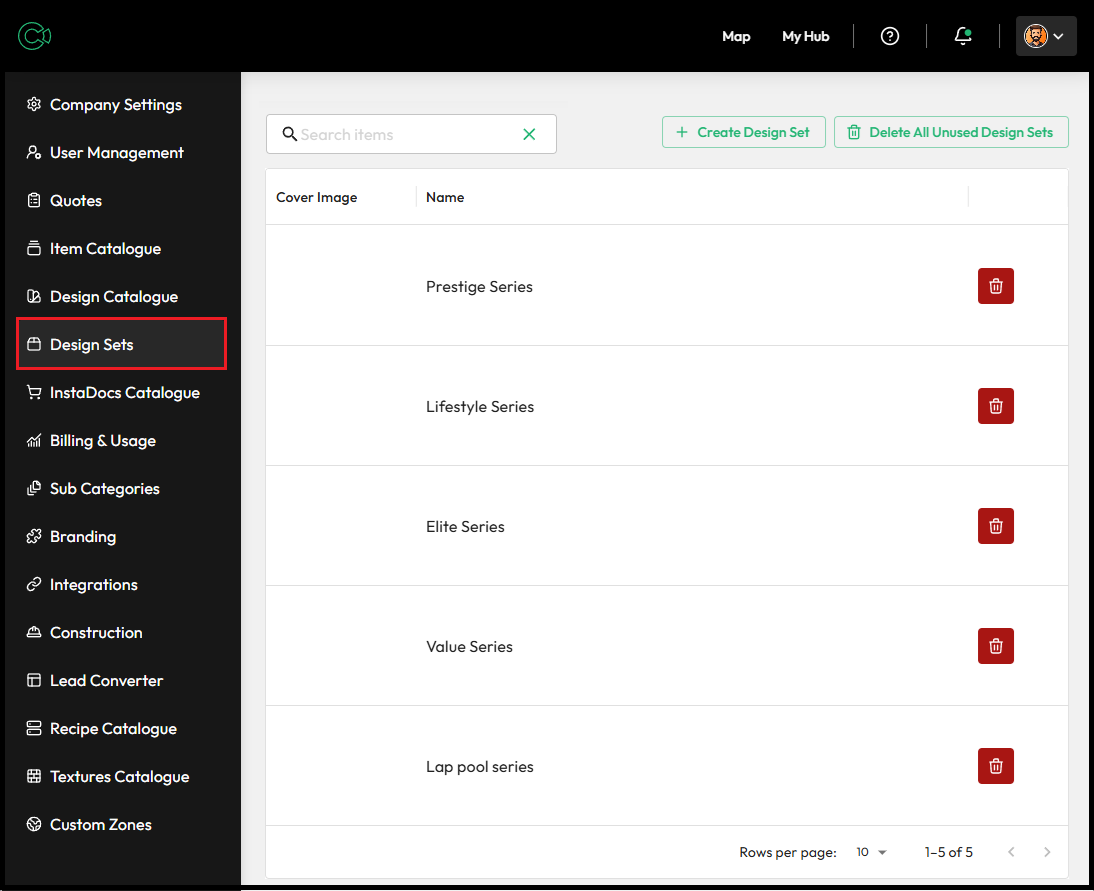
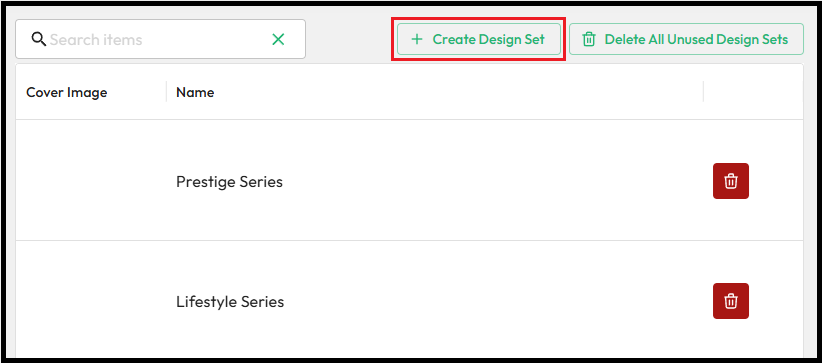
- Click on Create Design Set.
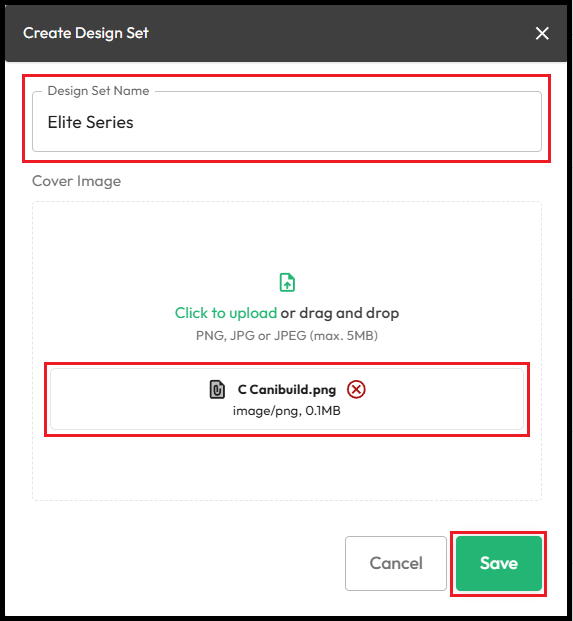
- Enter a Design Set Name in the text field.
- Click to upload or drag and drop an Image for the Design Set.
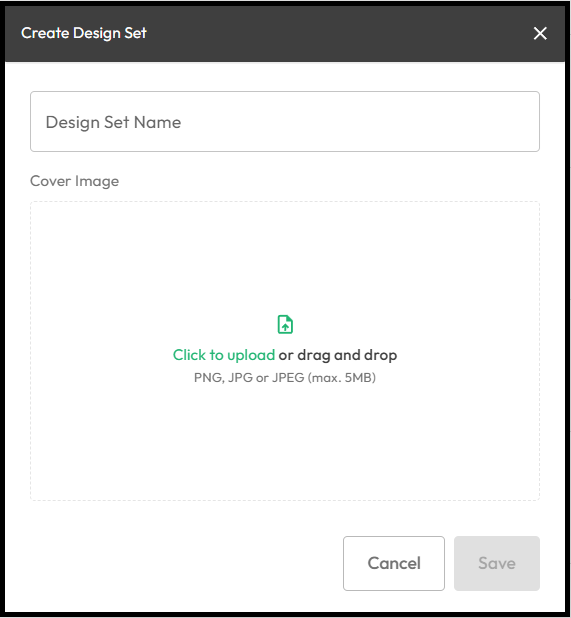
- Repeat the steps above to add all of your unique design sets.
- Click Save.
- Click the Circular Arrow icon to refresh the browser.

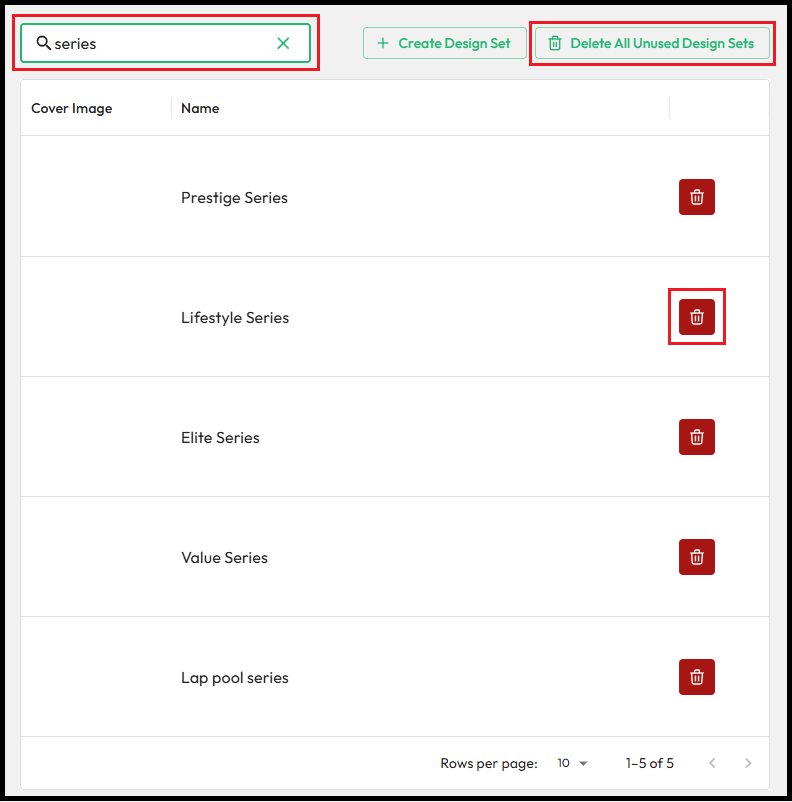
- Use the Search items field to locate a Design Set quickly.
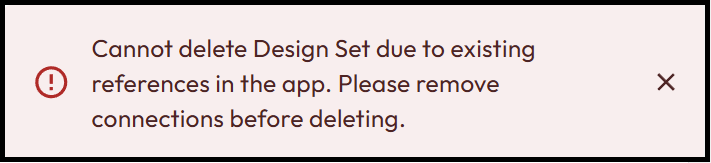
- Click the Red Trash Can icon to delete an individual Design Set.
- Click Delete All Unused Design Sets to bulk delete unused ones.
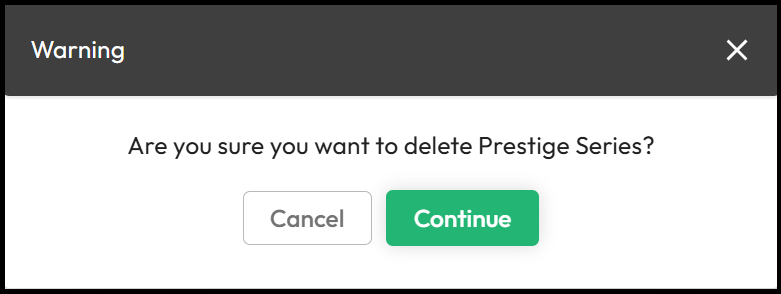
- Click Continue to confirm deletion.
- Click Cancel to exit without deleting.