This article will cover how to access InstaDocs. Canibuild’s one-stop shop for all building, engineering & architectural certificates, reports, plans & approvals. Order exactly what you need on the spot. Just add to cart & pay as you go.
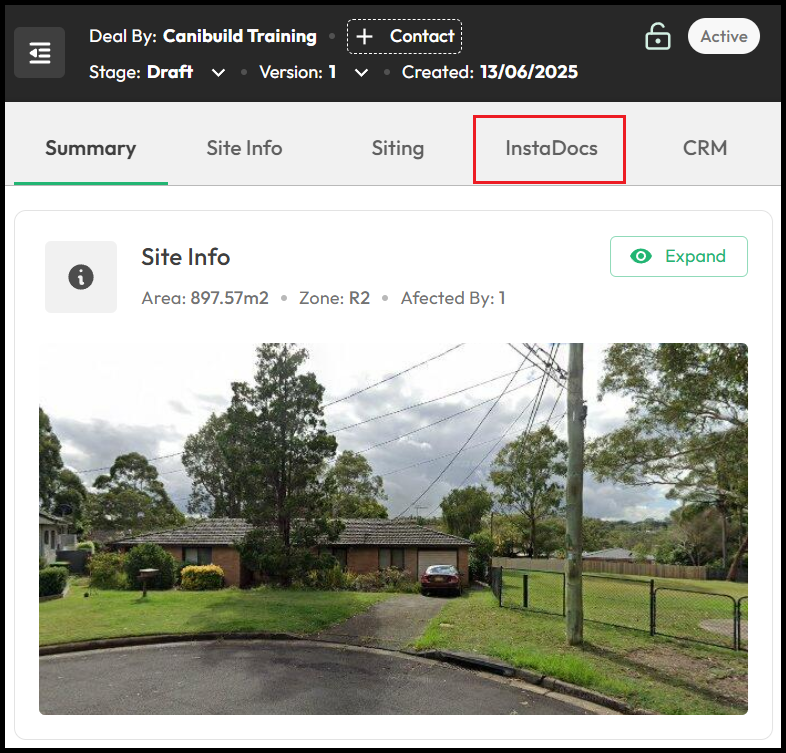
- Click InstaDocs on the left panel.
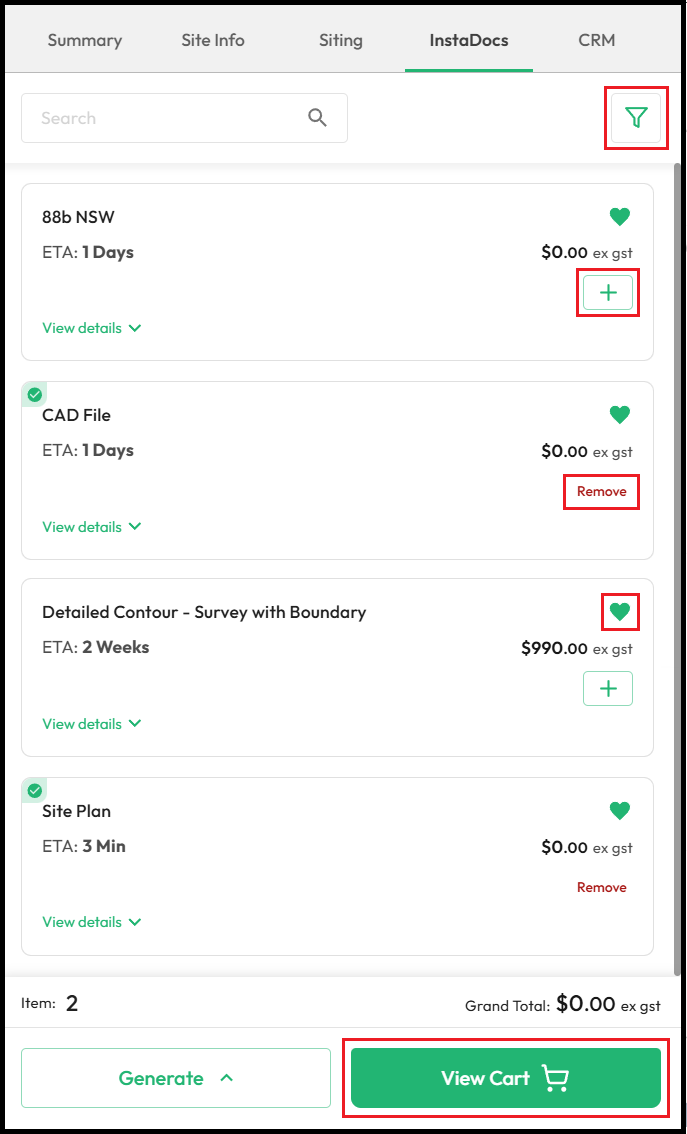
- Enter a document name into the Search Bar.
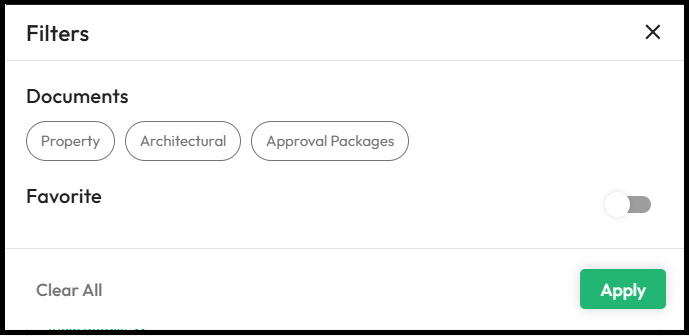
- Click the Filter icon to sort the list.
- Click the Plus (+) to add an item to cart.
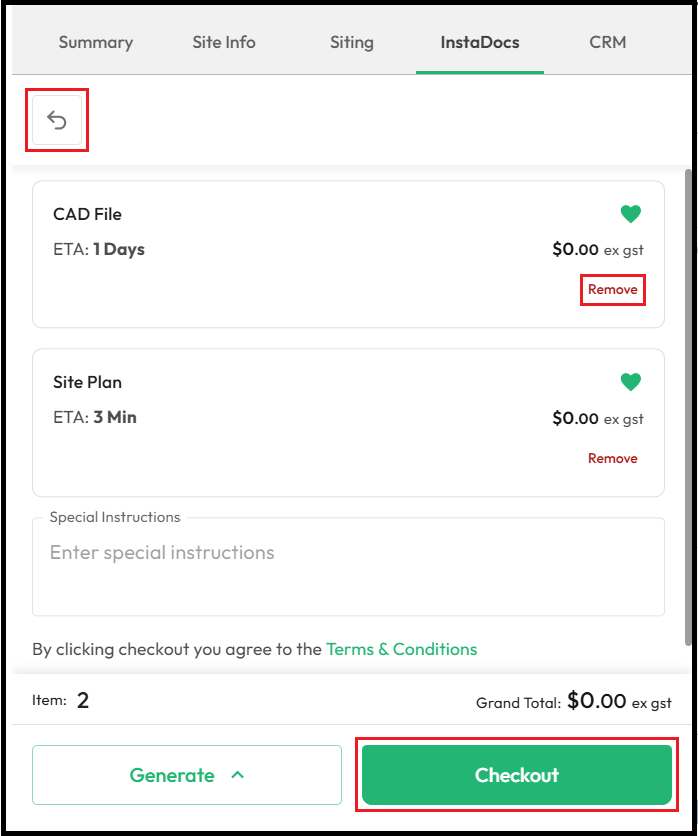
- Click Remove to delete an item from cart.
- Click the Heart to add to Favourites.
- Click View Cart to checkout.
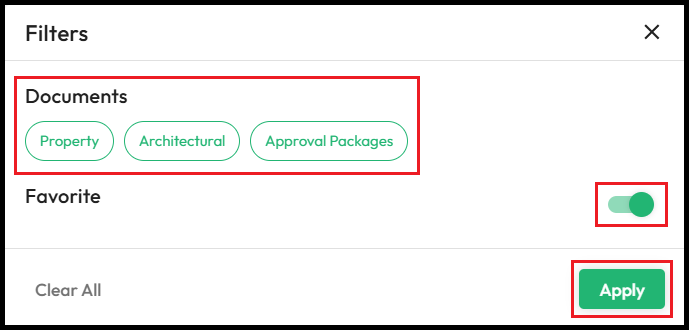
- Select Document Types.
- Toggle to show Favorite.
- Click Remove to delete an item from the cart.
- Click the Back Arrow to add more items.
- Click Checkout to complete order.
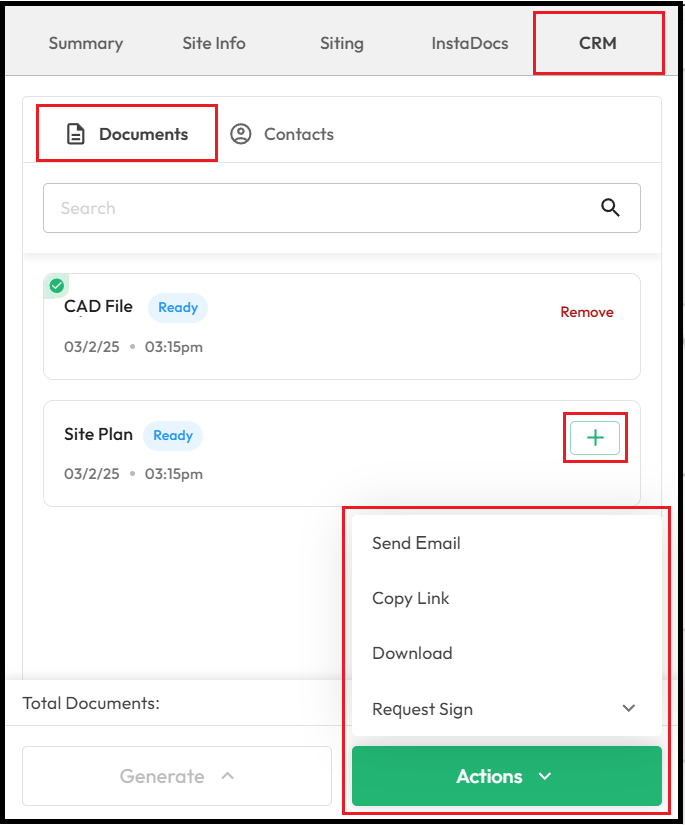
- Click CRM.
- Select Documents.
- Click the Plus (+) to select a document.
- Click Actions to export documents:
- Select Send Email.
- Select Copy Link.
- Select Download.
- Click MyHub at the top right of the screen.

-
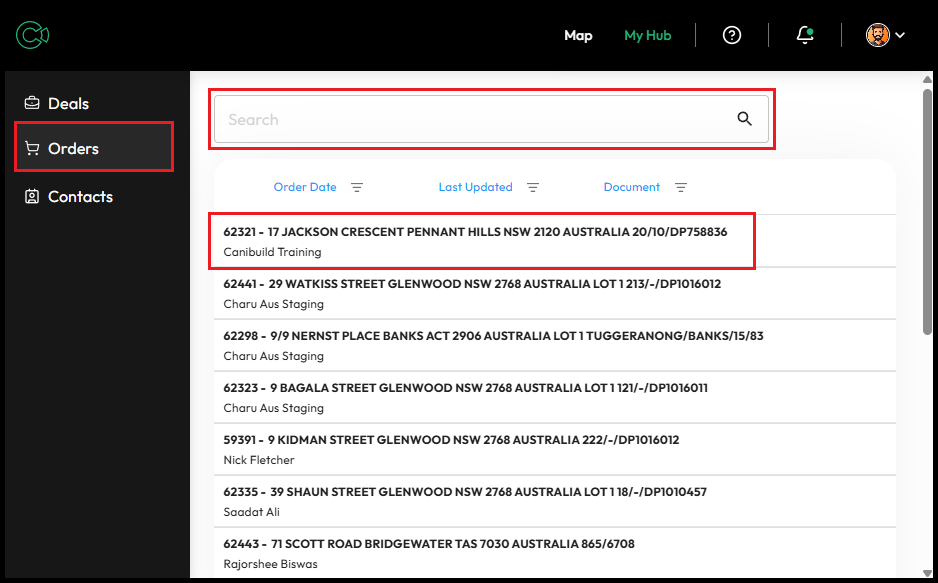
Click the Orders tab on the left.
-
Search for an address.
-
Click the address to view its associated documents.
-
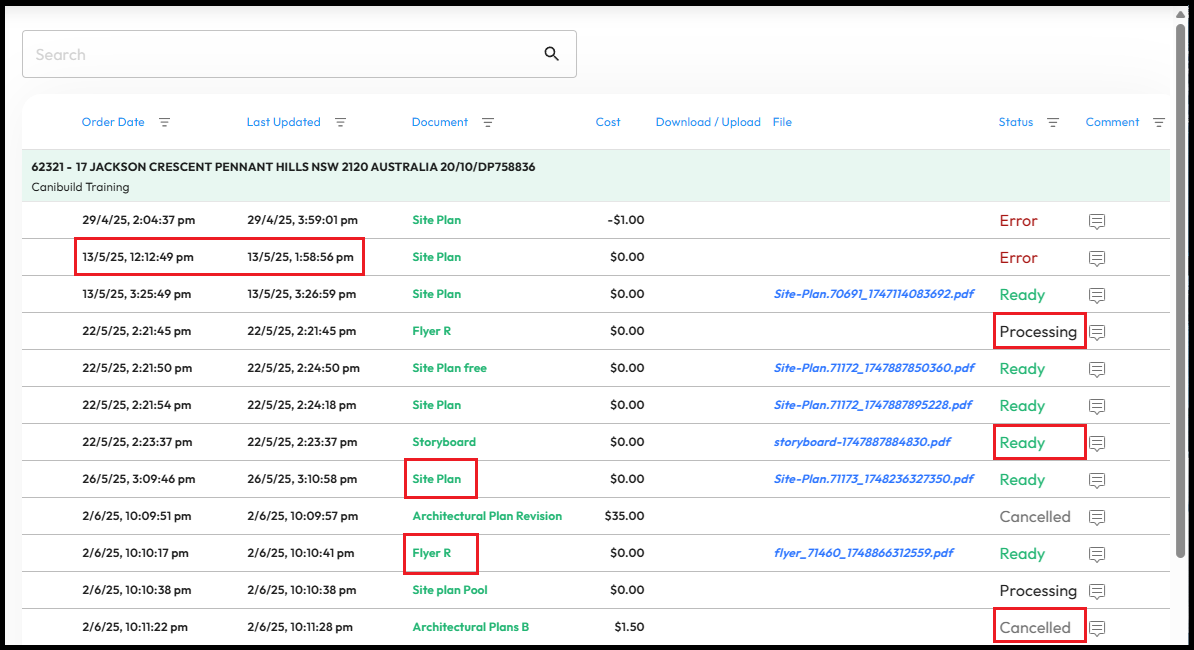
Click the blue link next to a document to download it.
-
All documents remain stored under their respective address.
-
Check the status, price, and date of each document.