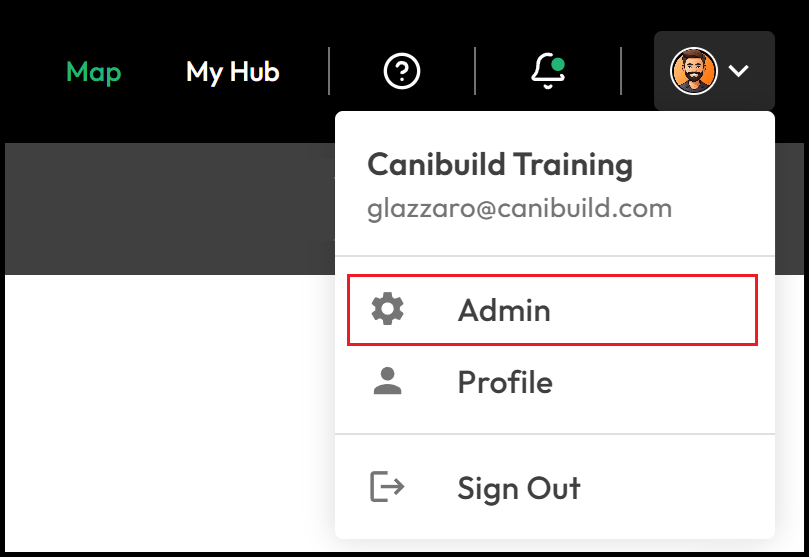
- To access the Admin section Click on your initials on the top right corner of the screen.
- Select Admin from the dropdown menu.
- Click Construction.
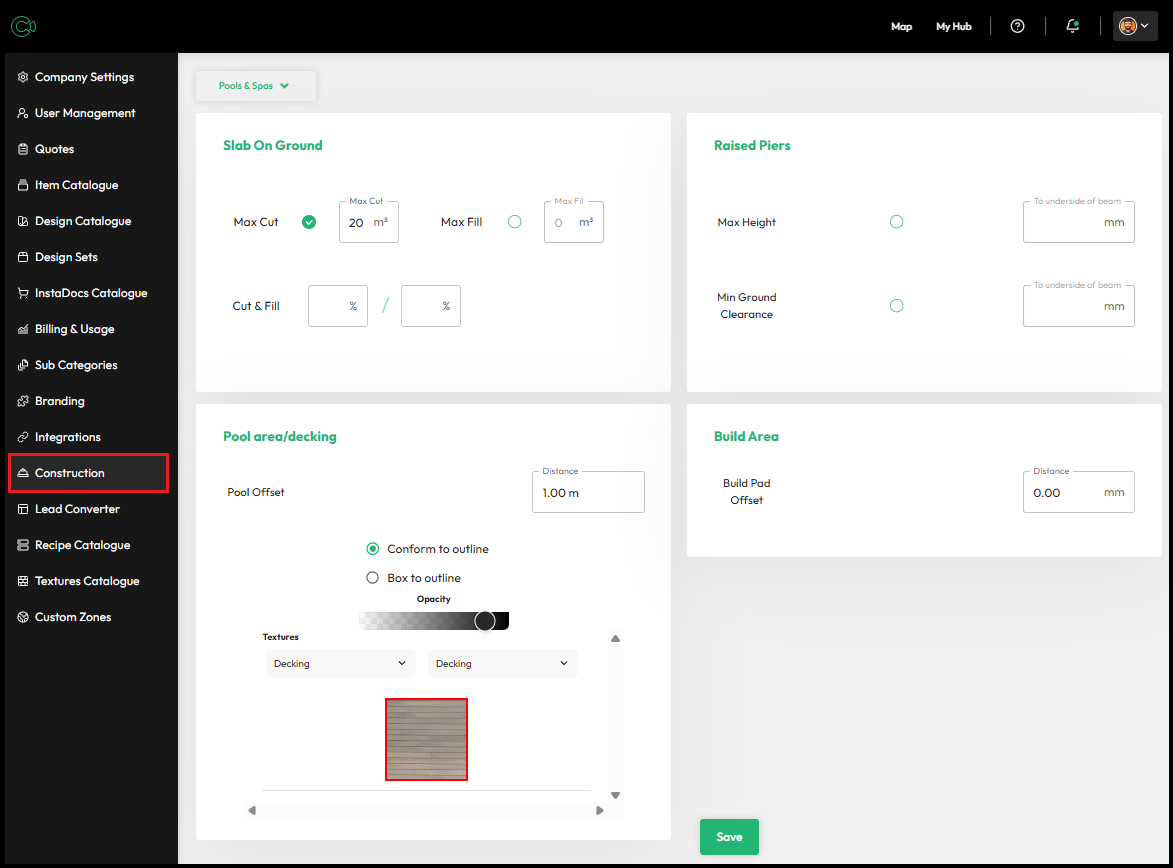
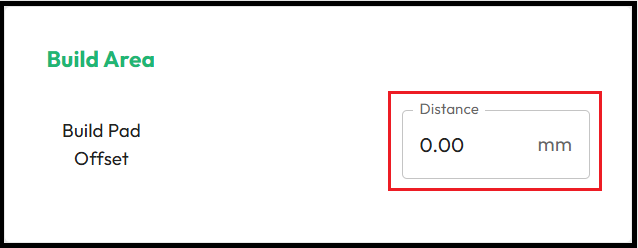
Build Area
- Type a distance in (feet for US or metres for ANZ).
- Click Save.
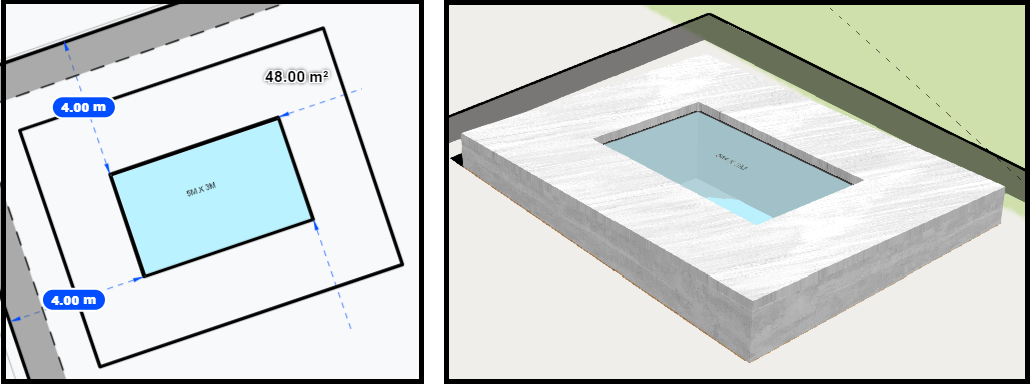
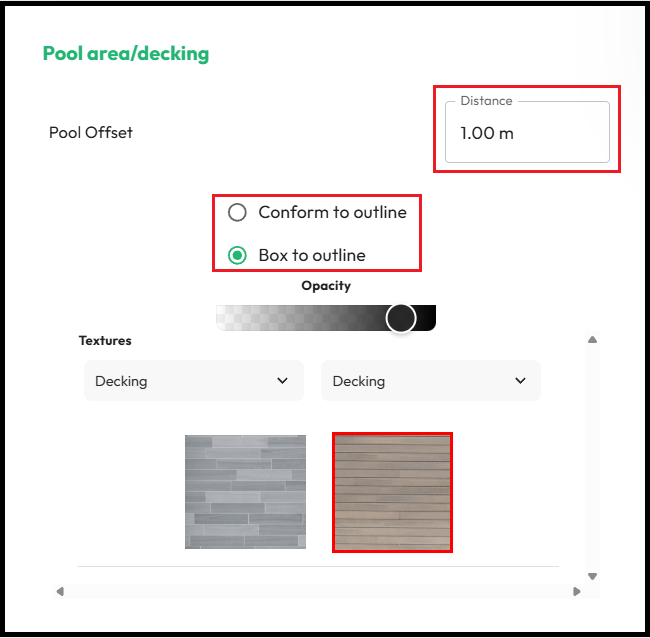
Pool area/decking
- Type a distance in (feet for US or metres for ANZ).
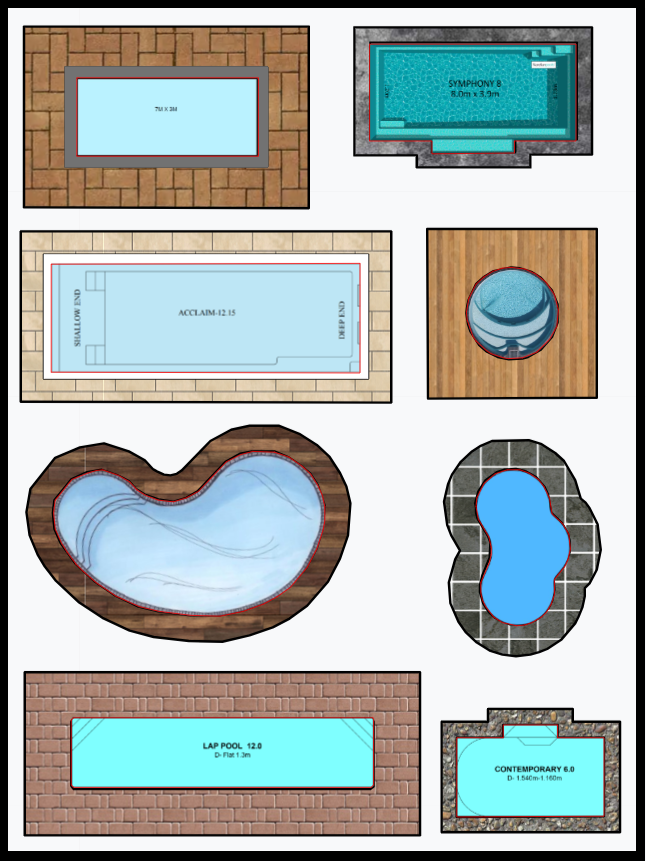
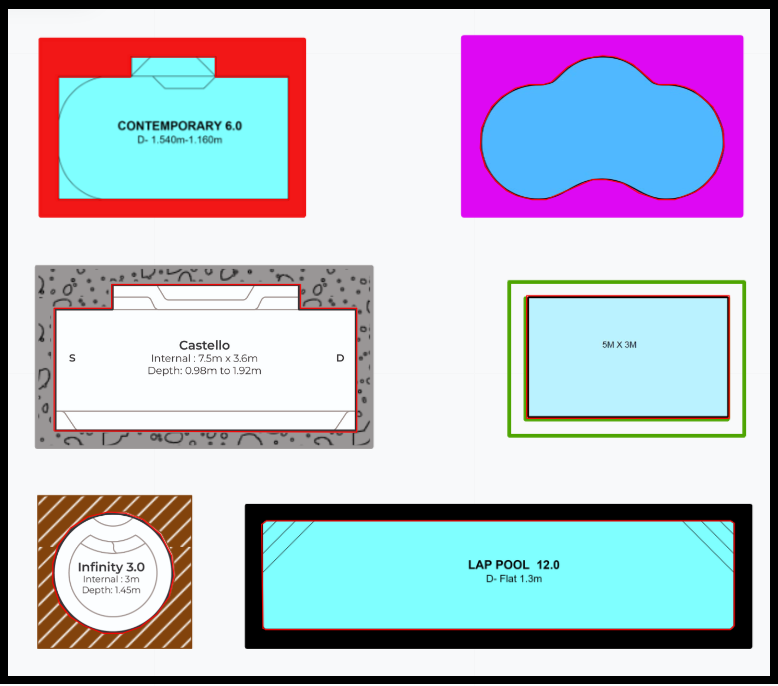
- Select Conform to Outline or Box to Outline.
- Adjust Opacity using the slider — left for transparent, right for solid.
- Pick a Texture — select Group, then Sub Group.
- Click Save.