
- Click the Help Icon to submit a ticket.

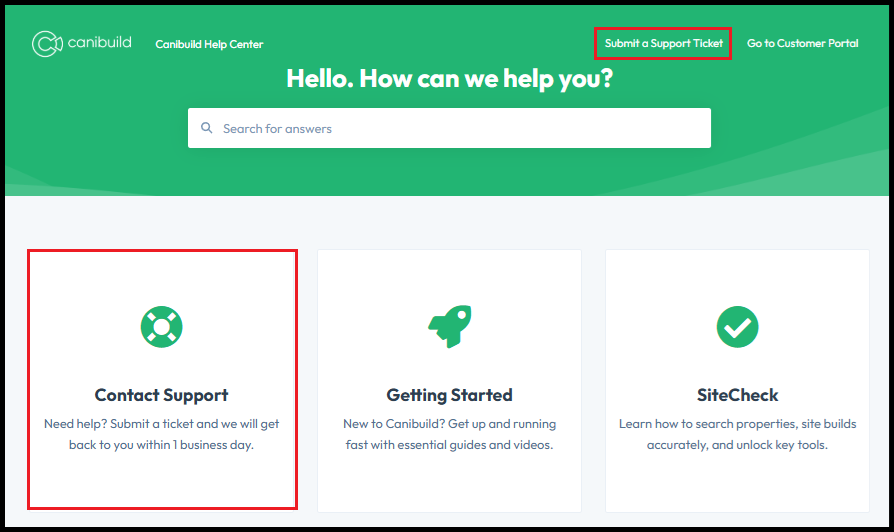
- Click Submit a Support Ticket
OR
- Click Contact Support.
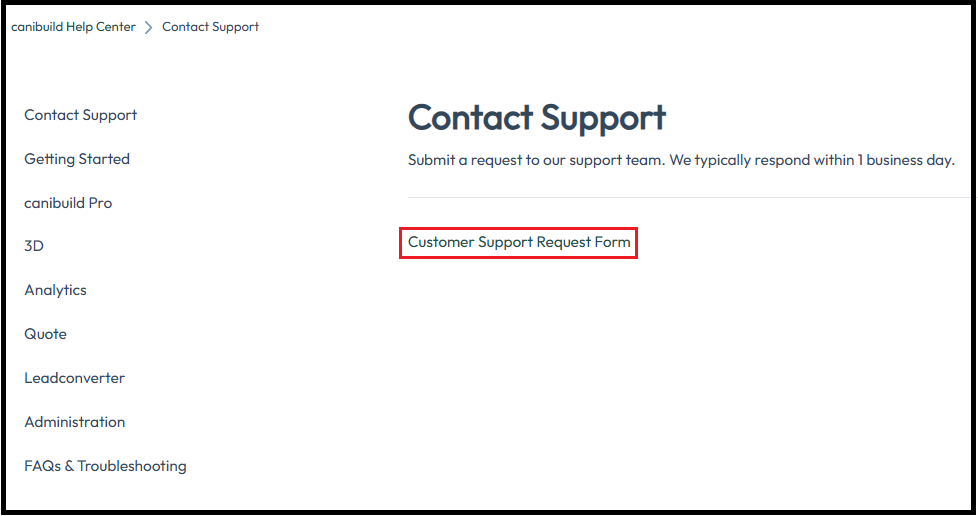
- Click Customer Support Request Form.
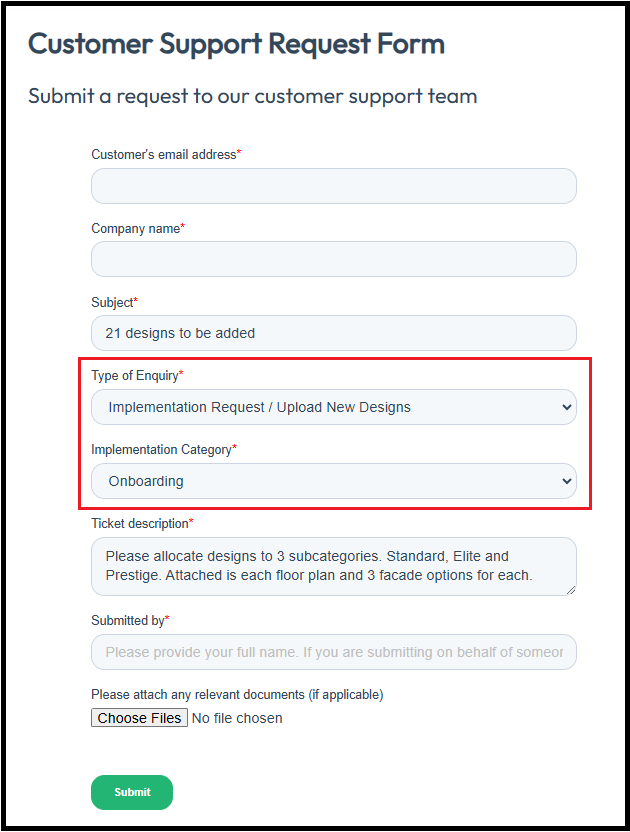
- Enter your contact details.
- Select Type of Enquiry.
- Select Implementation Category.
- Add a Subject and Description of the upload request.
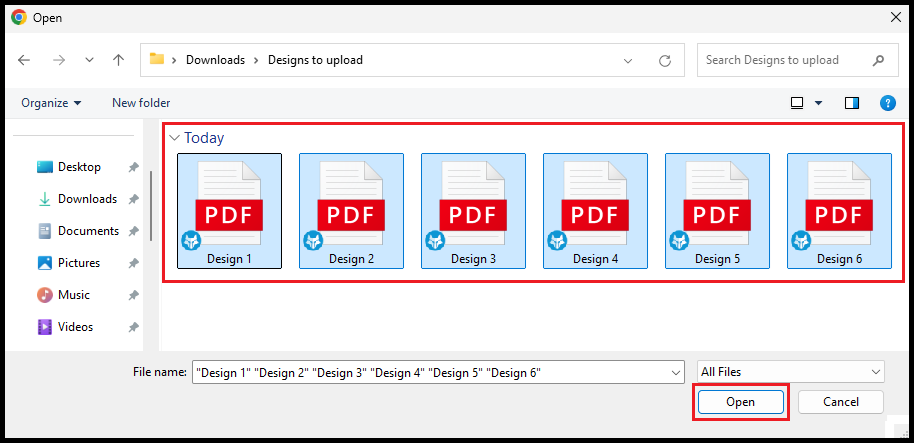
- Click Choose Files to add attachments.
- Select and upload as many files as necessary.
- For bulk uploads, provide a link to a shared folder (e.g. Google Drive).
OR
- Attach a zip file.
- Click Submit.