Edit Password from Your Profile
-
Click your Initials in the top right corner of the screen.
-
Select Profile from the dropdown.

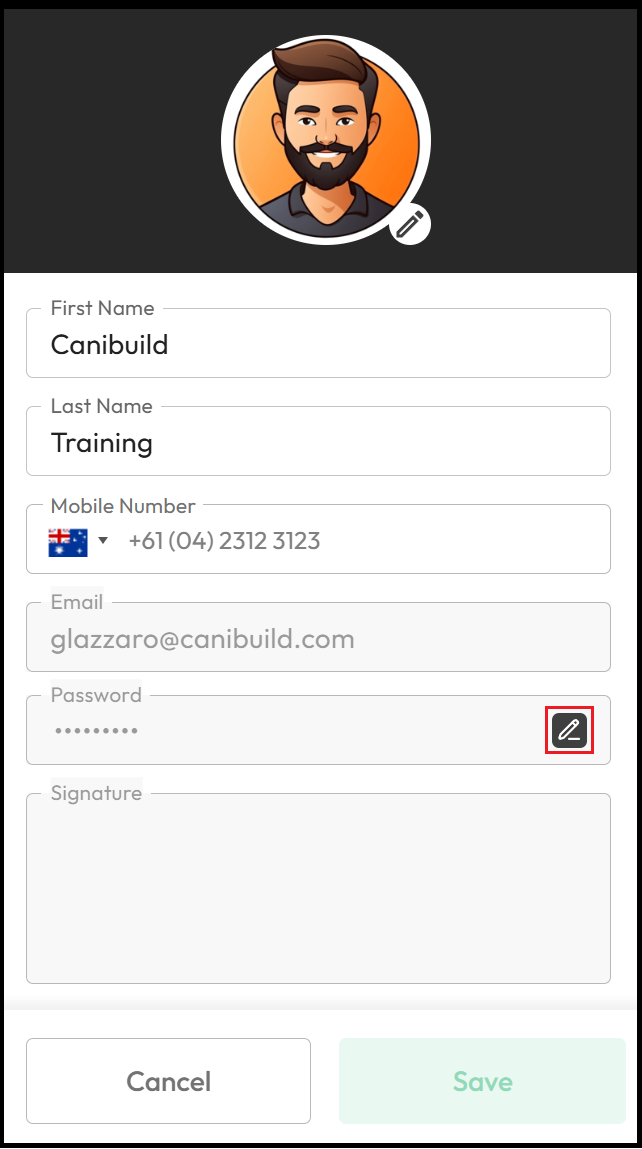
- Click the Grey Pencil icon next to your password.
-
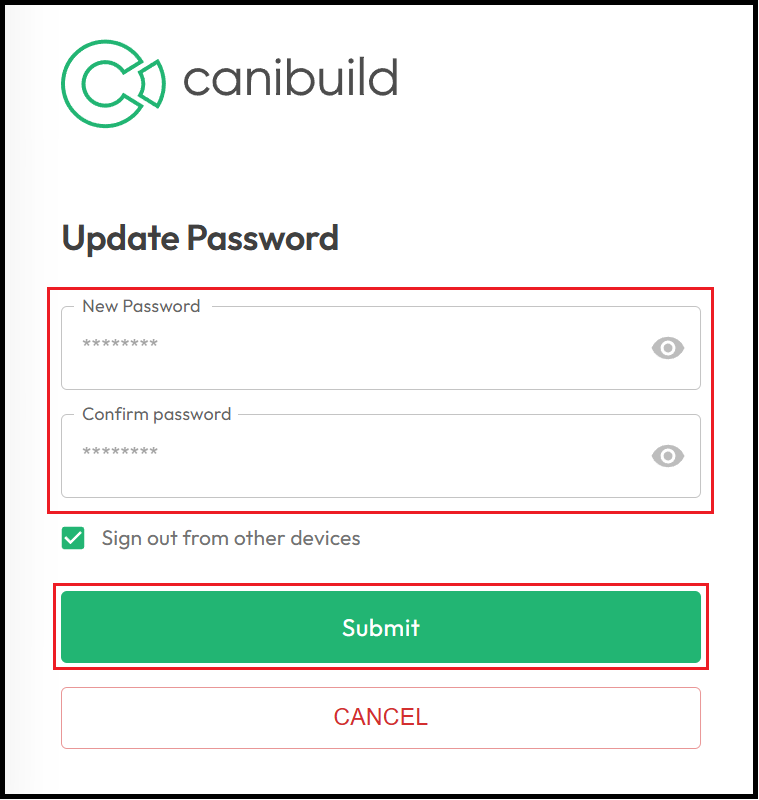
Enter your New Password twice.
-
Click the Submit to save.
Reset Forgotten Password
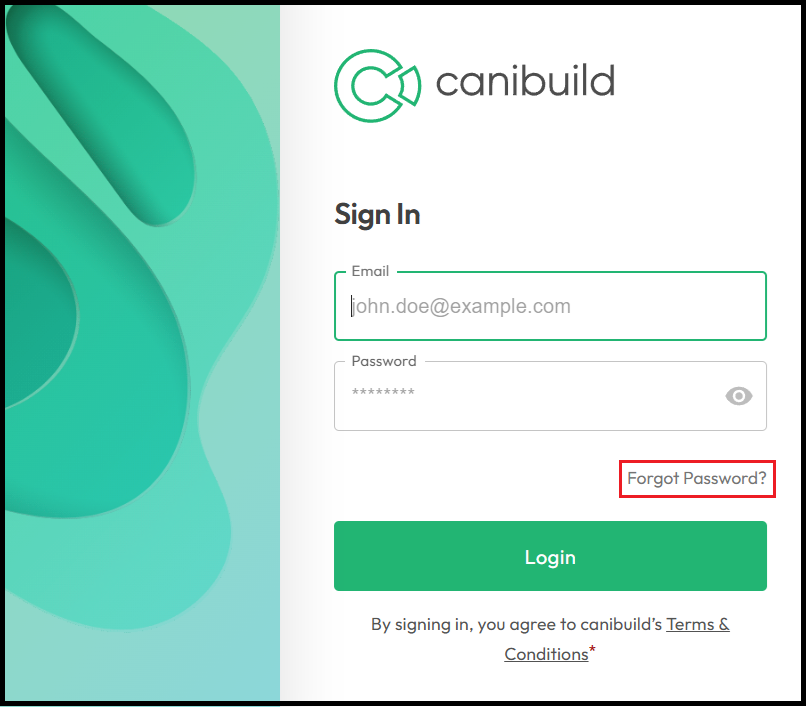
- Go to app.canibuild.com
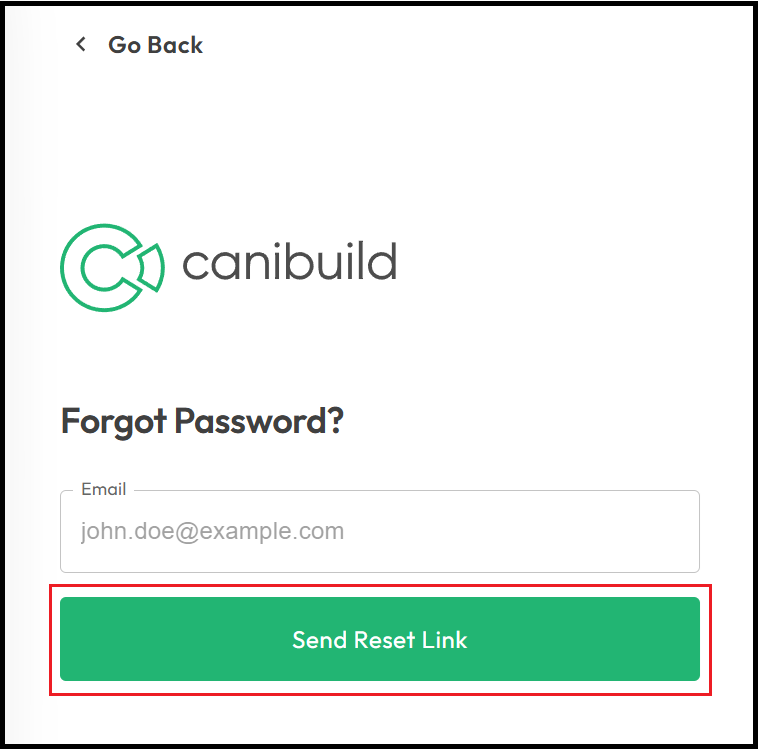
- Click Forgot Password?
- Enter your Email Address.
- Click Send Reset Link.
- Follow the instructions emailed to you to reset your password.
Manager Reset via Admin Panel
-
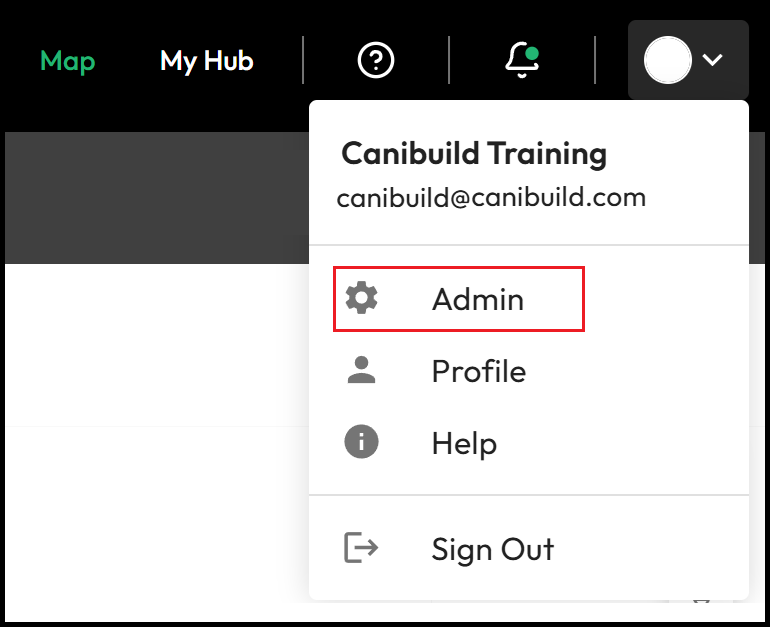
Click your Initials in the top right corner of the screen.
-
Select Admin from the dropdown.
-
Select User Management.
-
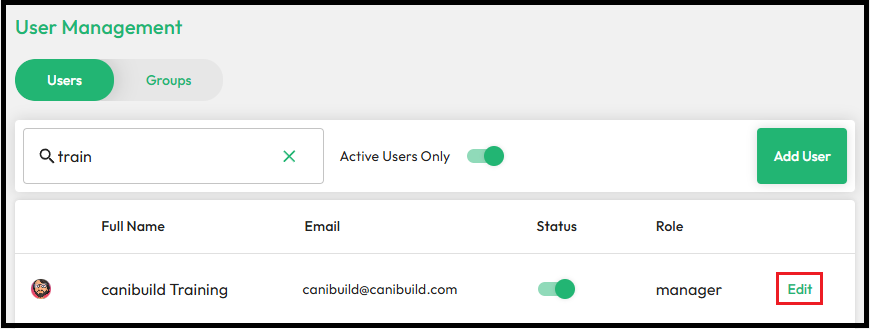
Use the Search Bar to find the user.
-
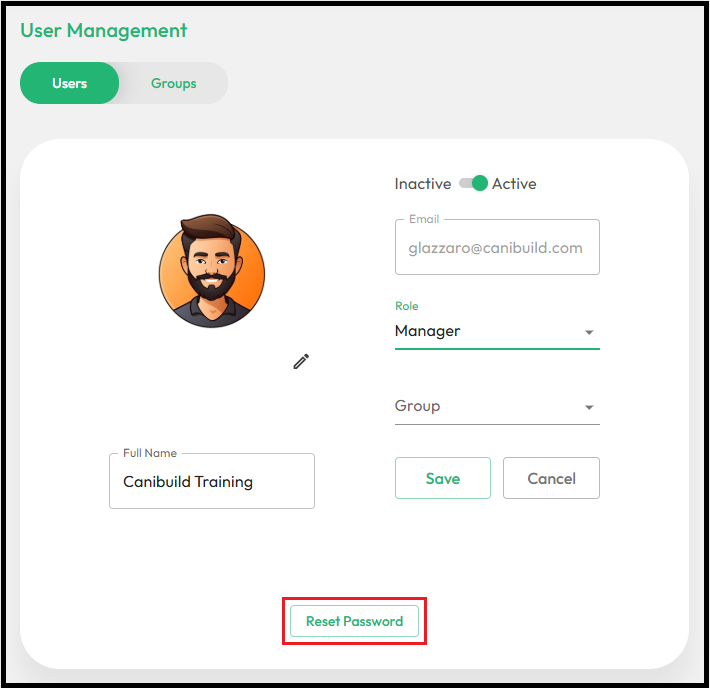
Click Edit.
- Click Reset Password.